Rev 0.1
Dr.coffee Service Manual 52
a) The Brewer is blocked is stuck;
b) The motor doesn’t work;
c) The Brewer damages;
d) Control Board damages;
➢ Switch off the machine and restart;
➢ Disassemble the brewer to check and clean
➢ Replace a new motor;
➢ Replace a new Brewer;
➢ Replace a new Control Board;
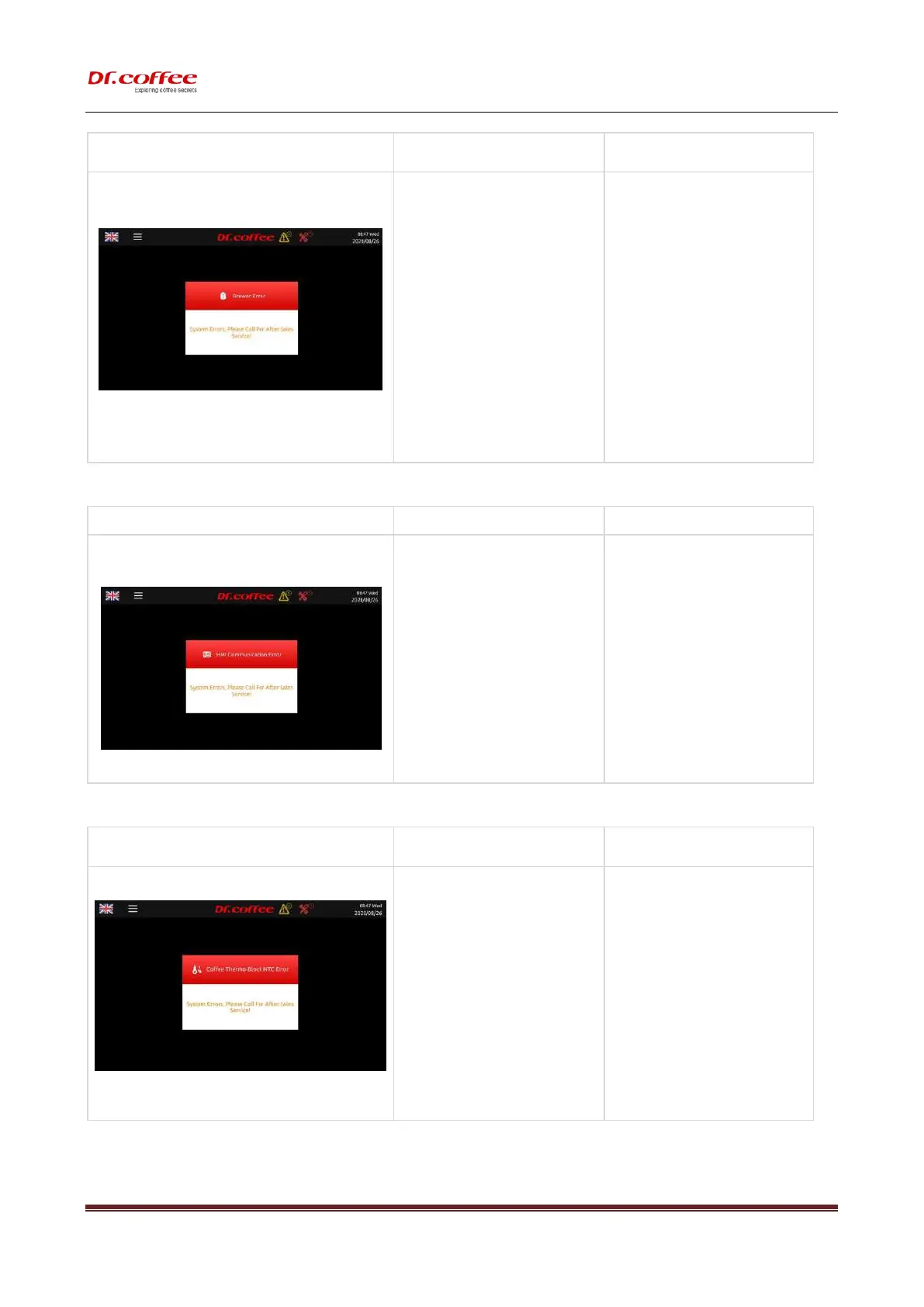
9.1.5 HMI Communication Error
a) Main Board and display board connection
loose or damaged;
b) Control software doesn’t match with the
HMI software;
c) HMI PCB damages;
d) Main Board damages
➢ Check the plugs on HMI PCB and reconnect;
➢ Update Control software and HMI Software;
➢ Replace a new HMI PCB;
➢ Replace a new Main Board.
9.1.6 Coffee Thermo Block NTC Error
a) Connection between Sensor and
mainboard damages or disconnects;
b) NTC damages;
c) The temperature is over 180℃;
➢ Check the connection, reconnect or replace
the wire;
➢ Replace a new NTC;
➢ Switch off the machine and restart after 30
minutes for cooling down;
➢ Replace a new Coffee Thermo Block;
9.1.7 Steam Thermo Block NTC Error



 To Next Page