Rev 0.1
Dr.coffee Service Manual 26
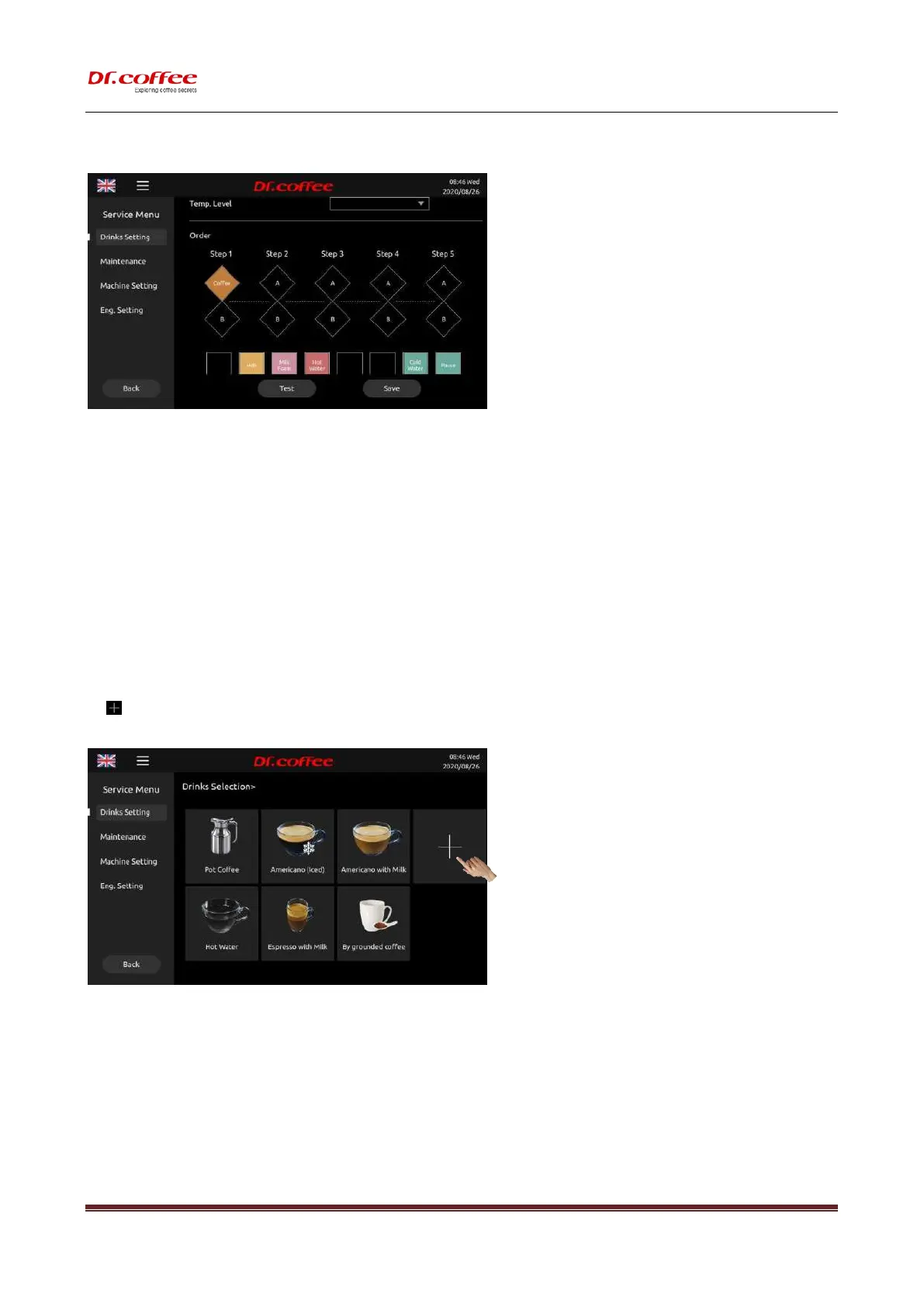
7.1.3.22 Order
The order of material output during coffee making.
Different icons represent different materials.
Step 1~ Step5 means the coming out order. According to demands slide the icons to blanks of different steps.
(If two blanks in the same step are filled the materials will come out at the same time.)
Test
Beverage test making with the parameters set.
Save
Save the parameters.
Back
Back to the previous menu.
7.1.4 Create new beverage
Tap” ” to create a new beverage;
First step:
Follow the instructions on the screen, set the parameters in the required options, define the order of beverages, and then save;



 To Next Page