Rev 0.1
Dr.coffee Service Manual 40
7.4.5.8 Exit screen saver setting (min)
Unit:Minute Range:1~10min;
For Example: If Set "5" minutes, means that the machine will automatically exit the screensaver mode after 5 minutes of unattended use in the screen saver state
7.4.5.9 Screensaver interval time(s)
Interval time for playing each screensaver picture Unit:Minute Range:1~60S;
For Example: If set”15s” means the picture will change every 15s.
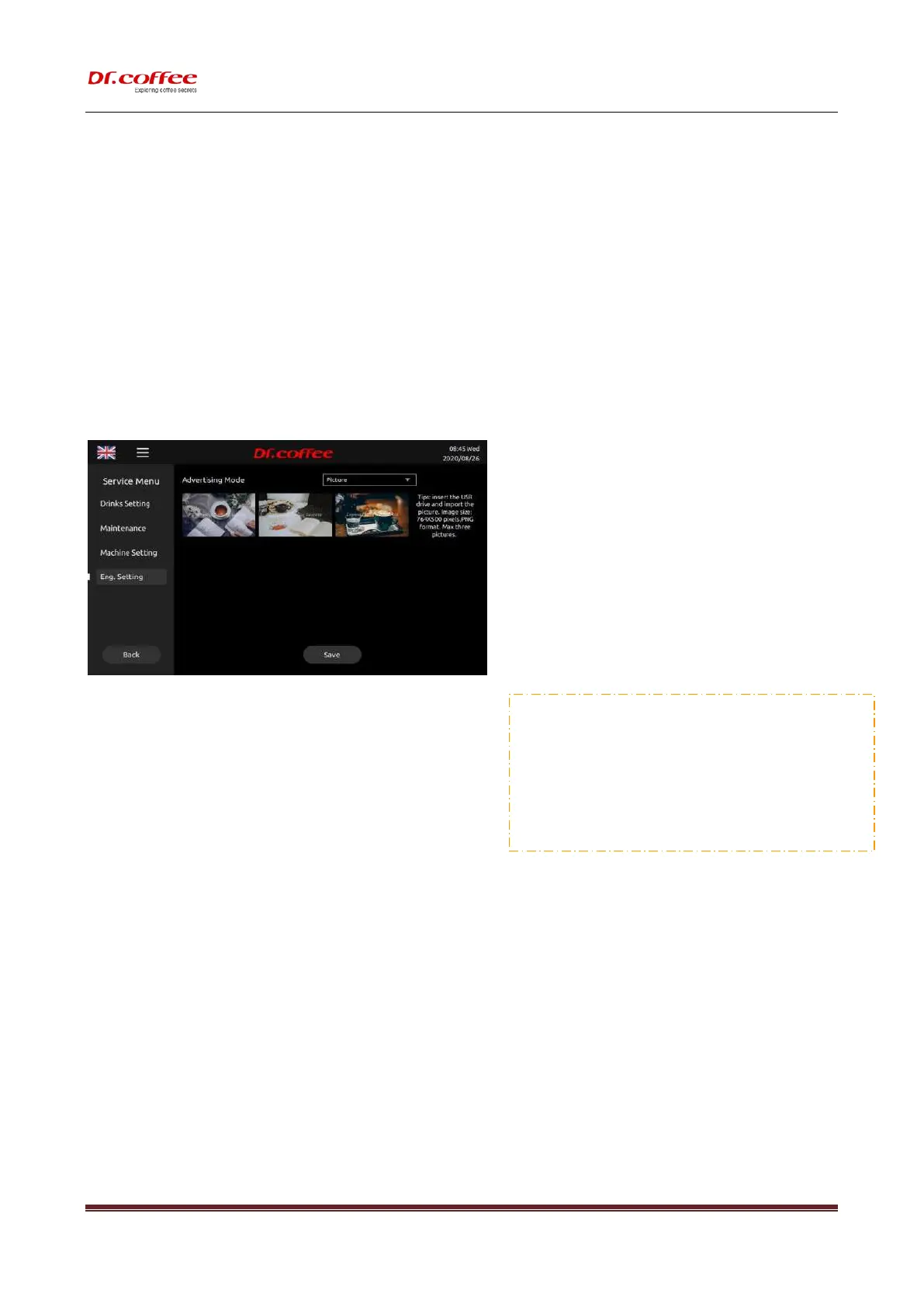
7.4.5.10 Advertising Mode
Pictures: Pictures loop while beverage making.
Advertising mode;change range:pic.; vedio 。
❖ Requirements for U-Disk:
➢ Memory Capacity: No more than 32GB
➢ Port: USB 1.0 or USB 2.0;(USB 3.0 is not available temporarily )
➢ Format : FAT or FAT32;
❖ Advertising Pitcture Requirements:
(
File name of picture: Only English wrods or number
)
Image Size: 764x500 pixels
;
Format: png
;
File Size: Less than 2MB;



 To Next Page