Rev 0.1
Dr.coffee Service Manual 44
8 Warning
8.1 Warning with Tips in the Screen
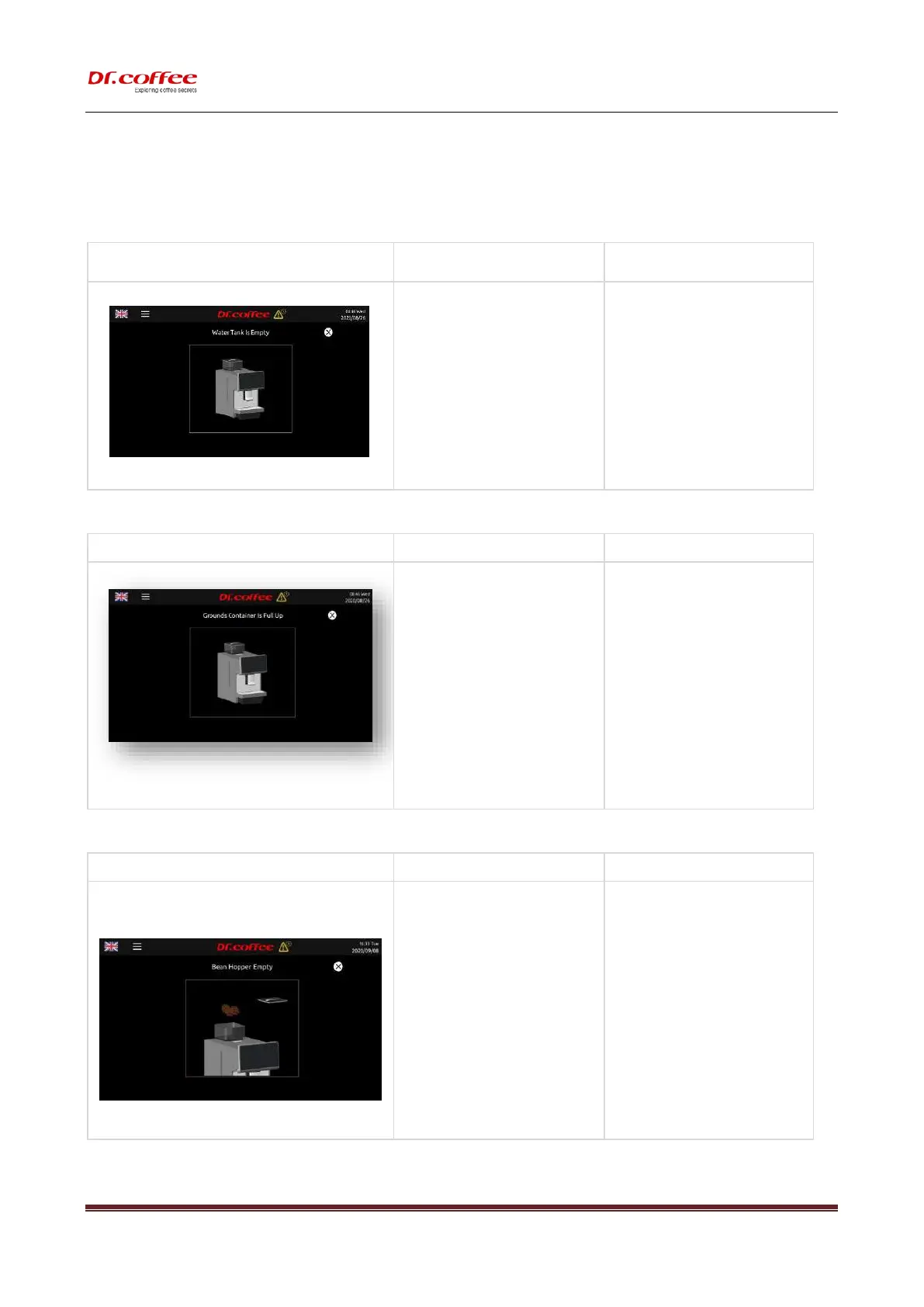
8.1.1 Water Tank Is Empty
a) The water in the tank is already below the
detection level;
b) The water tank is not installed correctly
and too far from the sensor;
c) Water level sensor is broken;
➢ Take out the tank and add water, make
sure the water is not higher than the
“Max” line marked on the tank.
➢ Check and reinstall the water tank;
➢ Replace a new sensor;
8.1.2 Grounds Container Is Full Up
a) The grounds count in the grounds
container reaches 50 pieces or is already
full
➢ Pull out the drip tray, take out the grounds
container, and empty the container
a) The coffee beans in the bean box have
been used up;
b) Beans stick together ;
➢ Add the appropriate amount of coffee
beans;
➢ Mix the beans to avoid sticking together;



 To Next Page