Rev 0.1
Dr.coffee Service Manual 24
7.1.3.4 Payment
Tap” ” to switch on or off payment function. The price of beverage will be shown under the beverage name.
(This function is only available for IOT models.)
7.1.3.5 Lock
Tap” ” to turn on or turn off this function. Locked beverage will be at the last page in drinks setting interface and there will be a lock on it.
If locked beverage will not be shown in the Drinks Menu.
7.1.3.6 Small Cup
Tap” ” to turn on or turn off this function.
7.1.3.7 Medium Cup
Tap” ” to turn on or turn off this function.
7.1.3.8 Large Cup
Tap “ ” to turn on or turn off this function.
7.1.3.9 Cup Type Selection
Set parameters for the three cup types.
7.1.3.10 Grounds
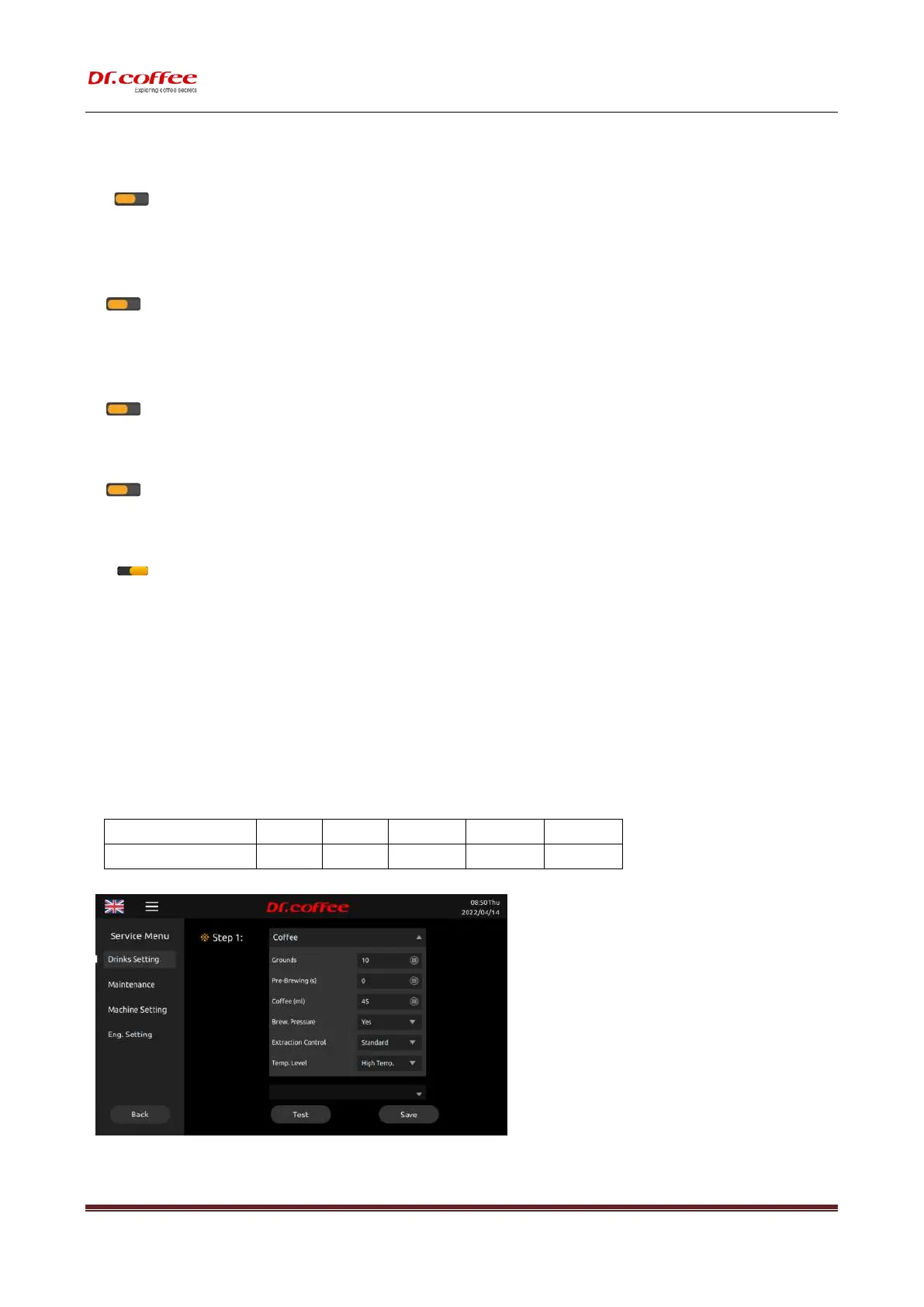
Grinding gram level, setting level:1~5,details as below::
❖ The weight of this data is calculated according to the “factory default setting”. The data is the experimental value for reference only. If the difference is subject to actual
conditions.(Tolerance: ±1g):
Comparison Table



 To Next Page