Rev 0.1
Dr.coffee Service Manual 30
For Example
:
if water hardness is: 0-75ppm
:
Indicates that after the water consumption reaches 400L, the machine will prompt to replace the filter element;
7.3 Machine Setting
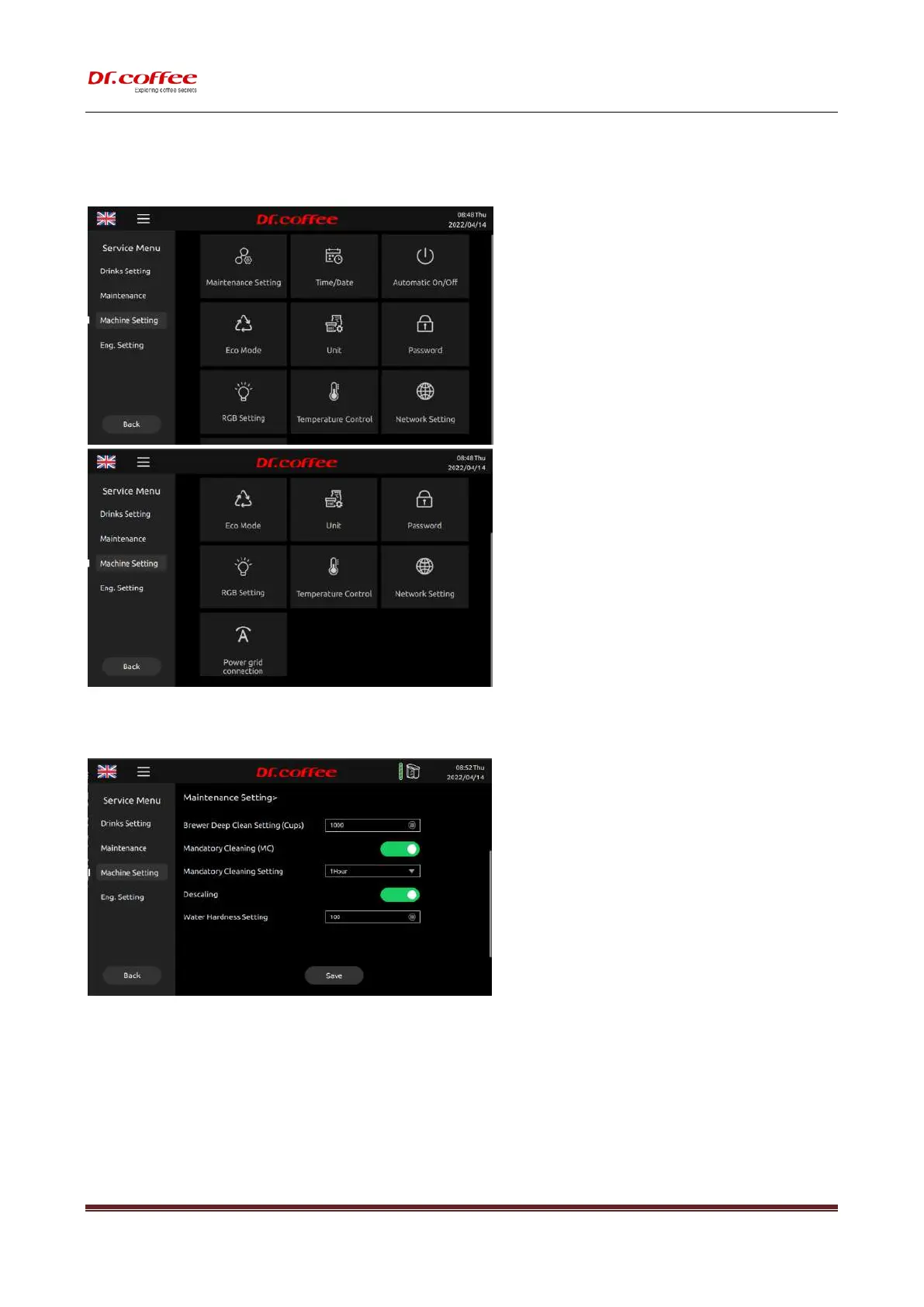
7.3.1 Maintenance Setting
Maintenance Setting: Set the condition values for various maintenance intervals of the machine. Tap “Save” to effect.
Brewer Warming Up
This indicates brewer warming up function actives by hot water flowing through the whole brewing system.
❖ For example: Setting”20 minutes later” which means that if the coffee machine is not operated after 20 minutes, the machine will turn on the warm-up function.
❖ Specific explanation of this function: make any coffee drink after 20 minutes, will pop up the prompt "Brewer warming up?" , click "yes", the coffee machine will automatically
flush the brewing system with hot water to achieve the effect of preheating.
Brewer Deep Clean Setting (Cups)
This indicates how many cups of coffee to make; the machine will automatically prompt you to use the tablets for deep cleaning of the brewing system.



 To Next Page