24 | 11.1 Status Indicators
DuraLabel.com | 800.788.5572
LABEL CANVAS DISPLAY
E. Layout indicator: This icon shows you the layout of the current label, with the
current cell highlighted in yellow.
F. Supply remaining indicator: This icon shows approximately how much supply is still
left in the printer cartridge.
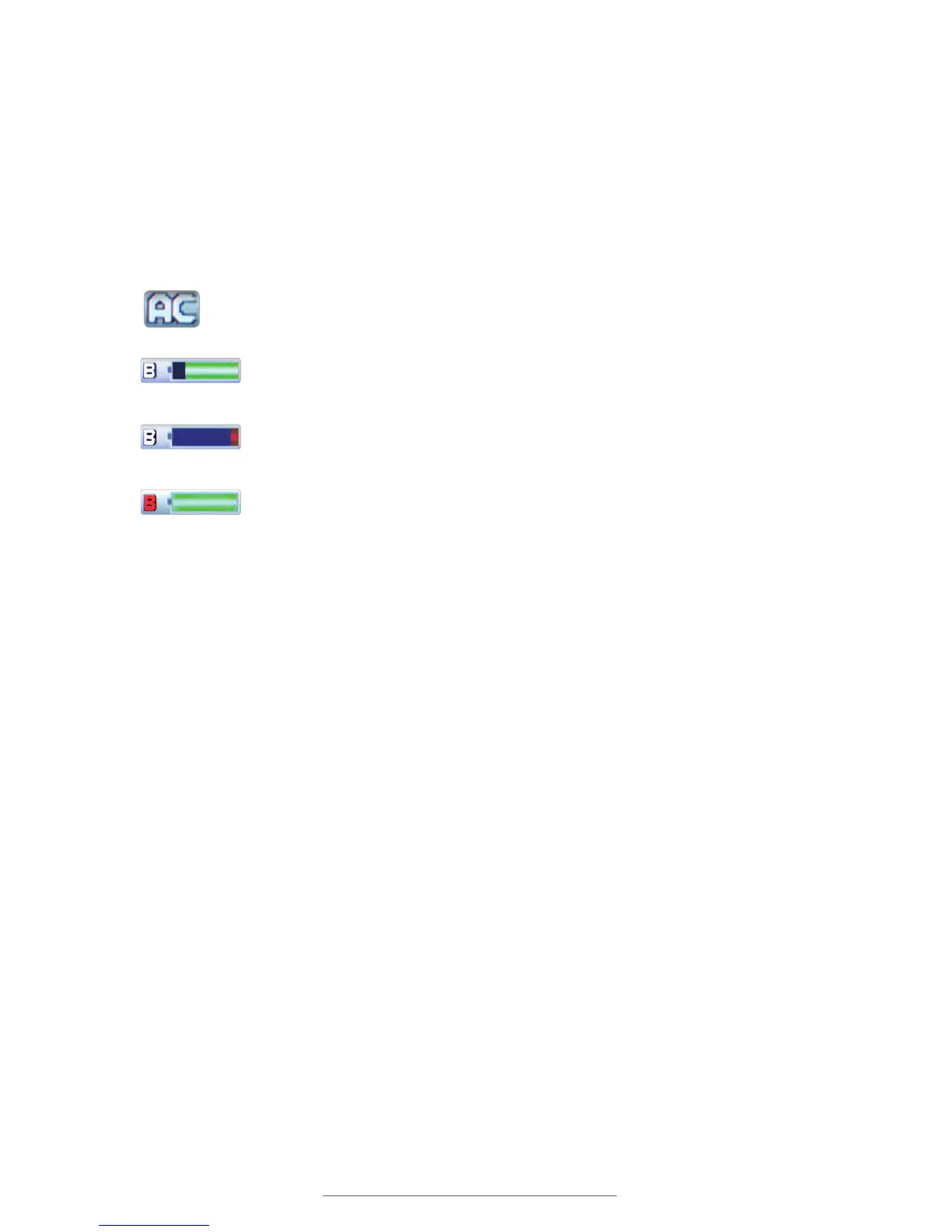
G. Power status indicator: The power status icon changes to indicate the Lobo’s
current power source.
This means that the Lobo is plugged into the power adaptor and currently using
AC power.
This means that the Lobo is using battery power. The green area of the
battery icon indicates the remaining battery charge.
When the battery icon turns red, it means that the battery is low on
energy and should be recharged.
When the battery is charging, the letter B is red and the battery icon
is filled.



 To Next Page