Contextual help of the web interface – 124
3.7.6.7 Troubleshooting
Modbus communication doesn't work
Symptoms
Communication doesn't work
Possible cause
Incorrect communication parameters.
Verify that the communication parameters are set to the desired settings.
3.7.6.7.1 For other issues
3.7.7 Certificate
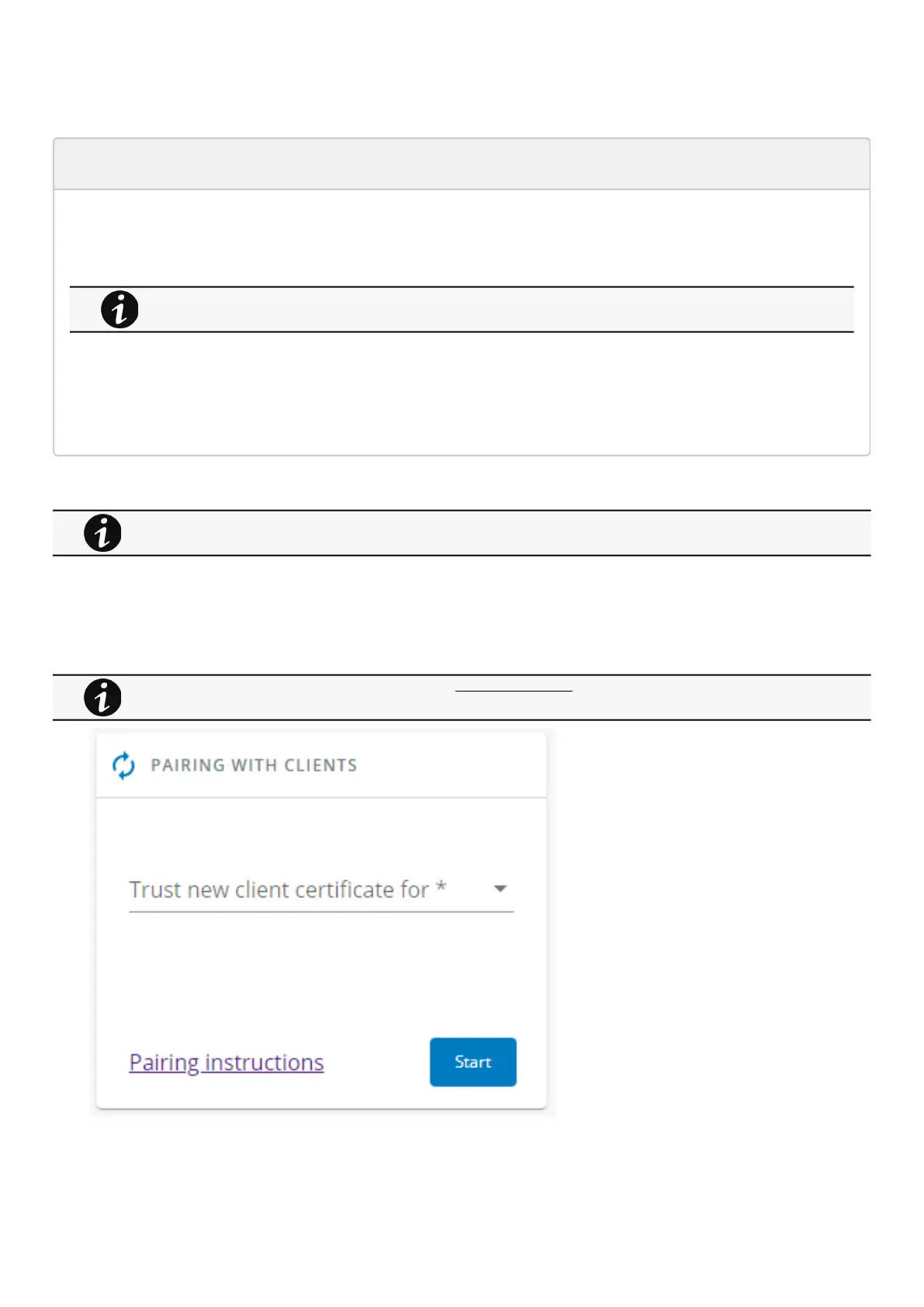
3.7.7.1 Pairing with clients
During the selected timeframe, new connections to the Network Module are automatically trusted and accepted.
Refer to the section Servicing the Network Management Module>>>Configuring Modbus to get configuration
and testings information.
For details on other issues, see the Troubleshooting section.
For details on pairing instructions, follow the linkpairing instructionsin the tile or see theServicing the Network
Management Module
>>>Pairing agent to the Network Module
section.



 To Next Page