Contextual help of the web interface – 151
•
•
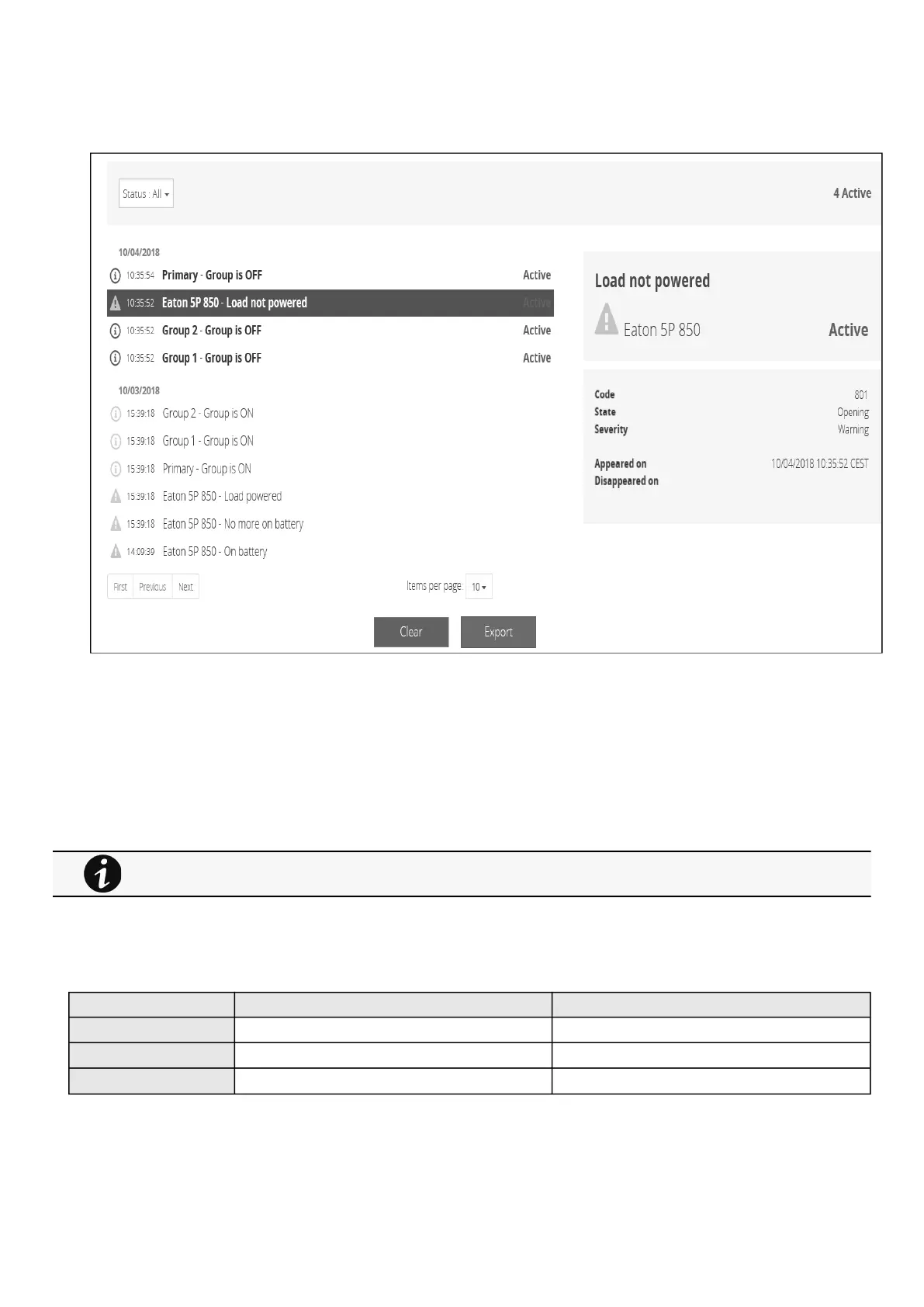
3.10 Alarms
3.10.1 Alarm sorting
Alarms can be sorted by selecting:
All
Active only
3.10.2 Active alarm counter
3.10.3 Alarm details
Allalarms are displayed andsorted by date, with alert level, time, description, and status.
Info/Warning/Critical logo Alarm description text
Active In color In bold with "Active" label
Opened In color
Closed Greyed
3.10.4 Alarm paging
The number of alarms per page can be changed (10-15-25-50-100).
Alarms with a severity set as Good are not taken into account into the counter of active alarms.



 To Next Page