Contextual help of the web interface – 76
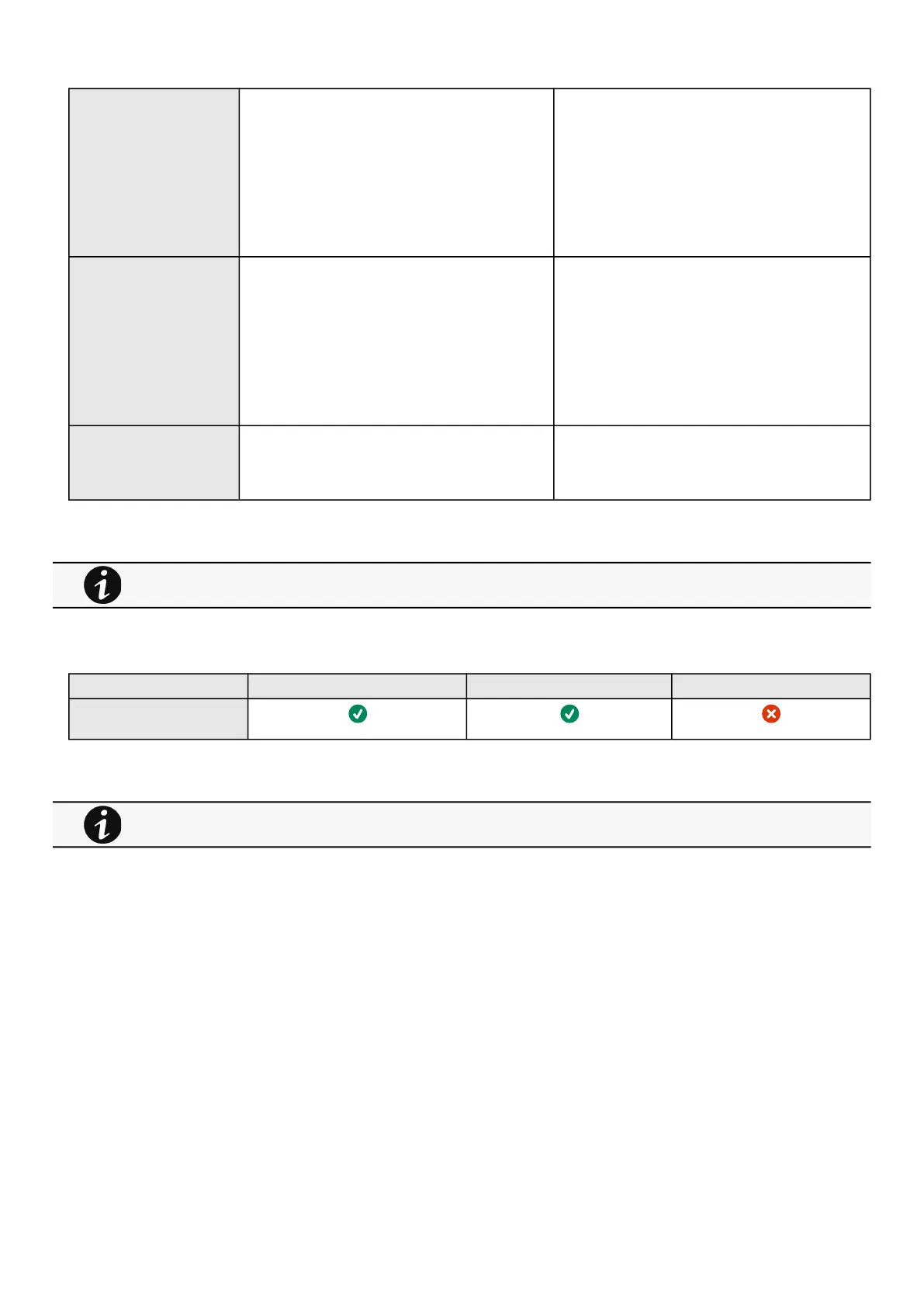
Temperature Enabled—No
Low critical – 0°C/32°F
Low warning – 10°C/50°F
High warning – 70°C/158°F
High critical – 80°C/176°F
Enabled—No/Yes
low critical<low warning<high warning<high critical
Humidity Enabled—No
Low critical – 10%
Low warning – 20%
High warning – 80%
High critical – 90%
Enabled—No/Yes
0%<low critical<low warning<high warning<high
critical<100%
Dry contacts Enabled—No
Alarm severity – Warning
Enabled—No/Yes
Alarm severity – Info/Warning/Critical
3.6.2.4.1 For other settings
3.6.2.5 Access rights per profiles
Administrator Operator Viewer
Environment/Alarm
configuration
3.6.2.5.1 For other access rights
3.6.3 Information
Sensor information is an overviewof all the sensors information connected to the Network Module.
For other settings, see the Information>>>Default settings parameters section.
For other access rights, see the Information>>>Access rights per profiles section.



 To Next Page