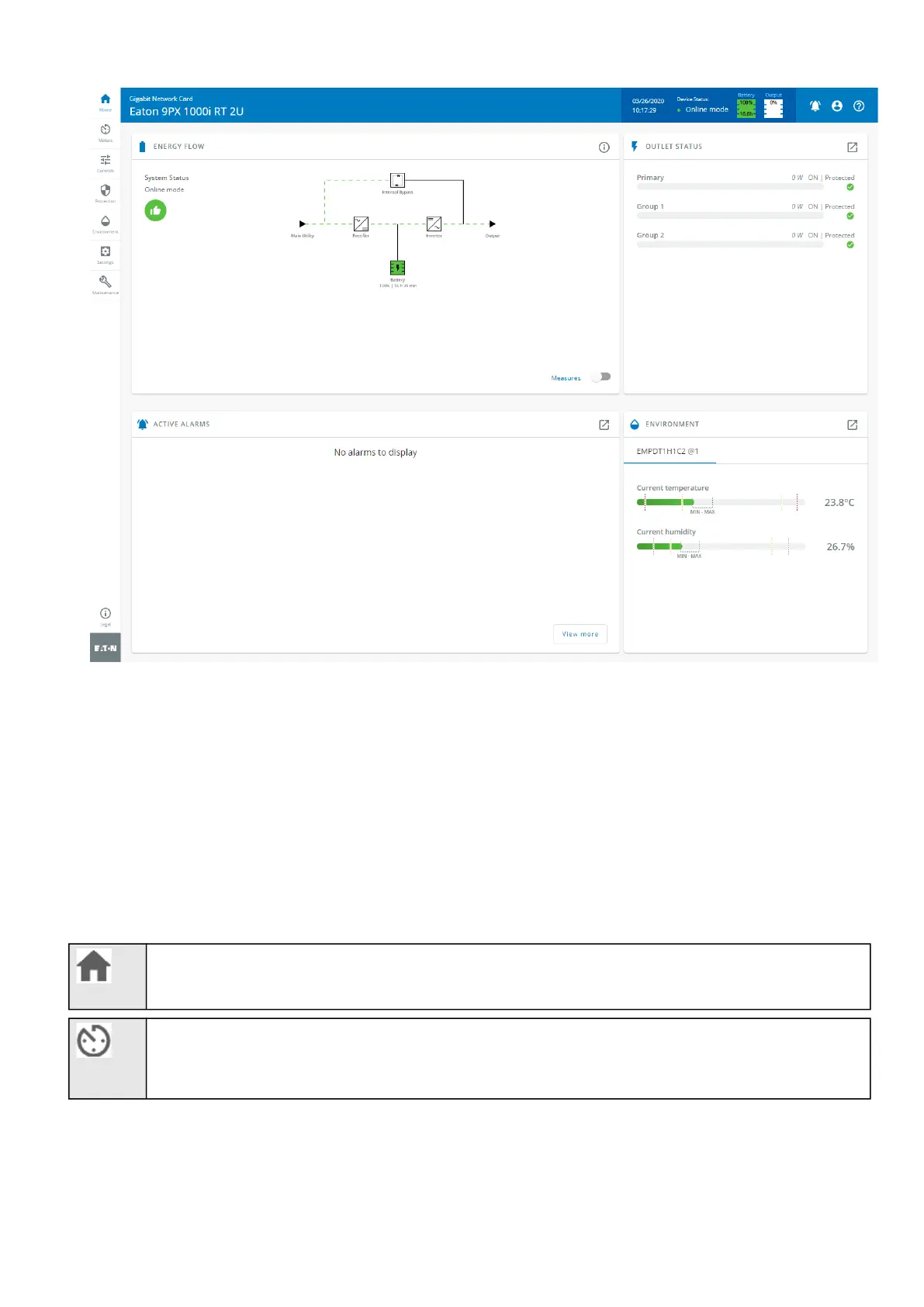
Contextual help of the web interface – 31
•
•
•
•
•
•
3.2.1 Information/Status on the top bar
Card name:Displays the card name.
Device name: Displays by default the device model or the system name if filled in the sectionContextual
help>>>Maintenance>>>System information.
Date and time:Displays local time but not the UTC time.
Device status:Displays if the device status.
Output power:Provides output power status information.
Battery status:Provides battery status information.
3.2.2 Menu structure
Home:Overview and status oftheDevice(Active alarms, Outlet status, ...).
Meters:Power quality meters and logs.



 To Next Page