Contextual help of the web interface – 153
3.11 User profile
3.11.1 Access to the user profile
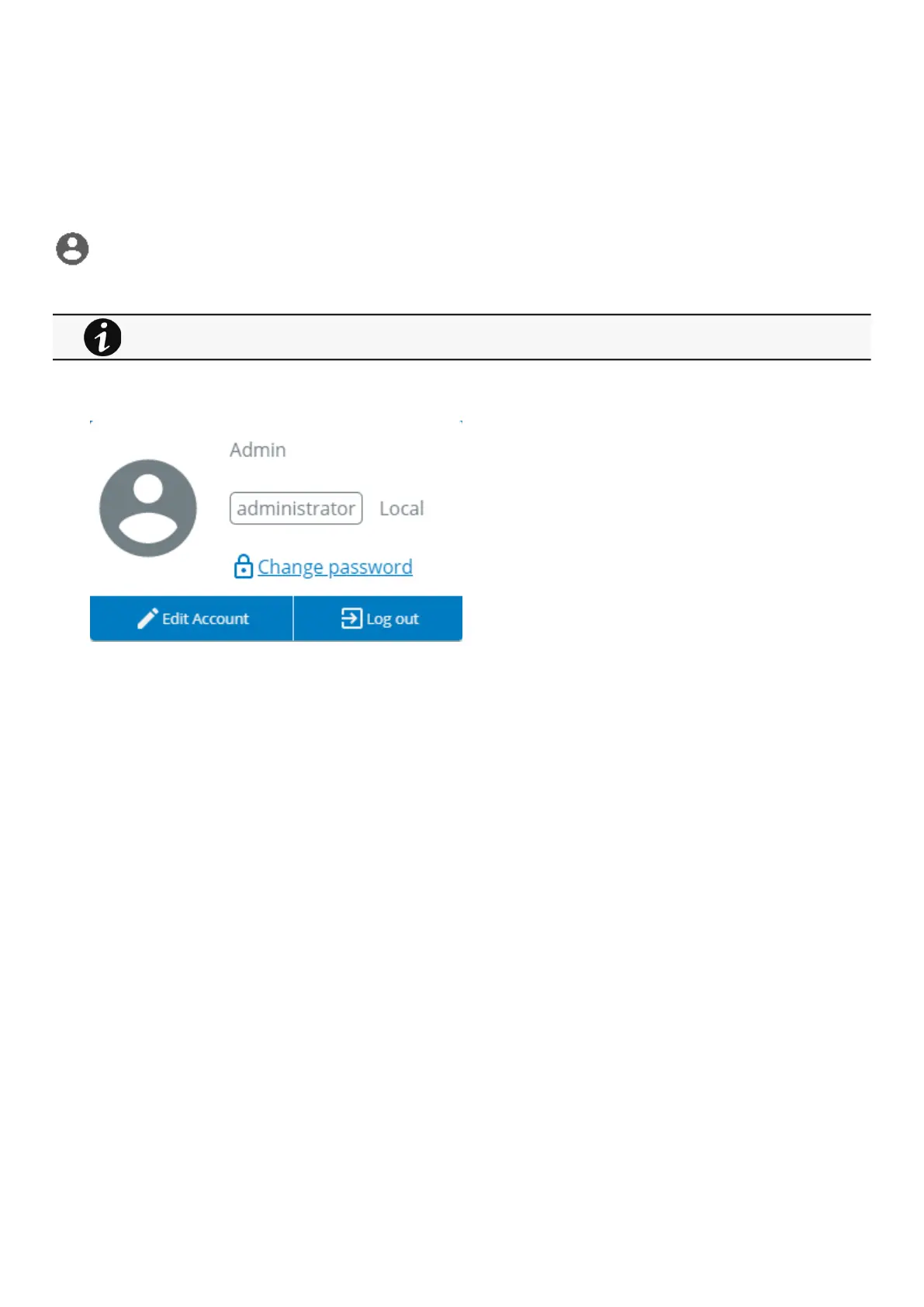
Press theicon on the top right side of the page to access the user profile window:
3.11.2 User profile
This page displays the current username with its realm (local, remote) and allows to Change passwords, Edit account and Log out.
This page is in read-only mode when connected through LDAP and it displays the preferences applied to all LDAP
users as configured in the Contextual help>>>Settings>>>Remote users>>>LDAP section.



 To Next Page