Contextual help of the web interface – 152
•
•
•
•
•
•
When the number of alarms is above the number of alarms per page,the buttons First, Previous andNextappears to allow
navigation in the Alarm list.
3.10.5 Export
Press theExportbutton to download the file.
3.10.6 Clear
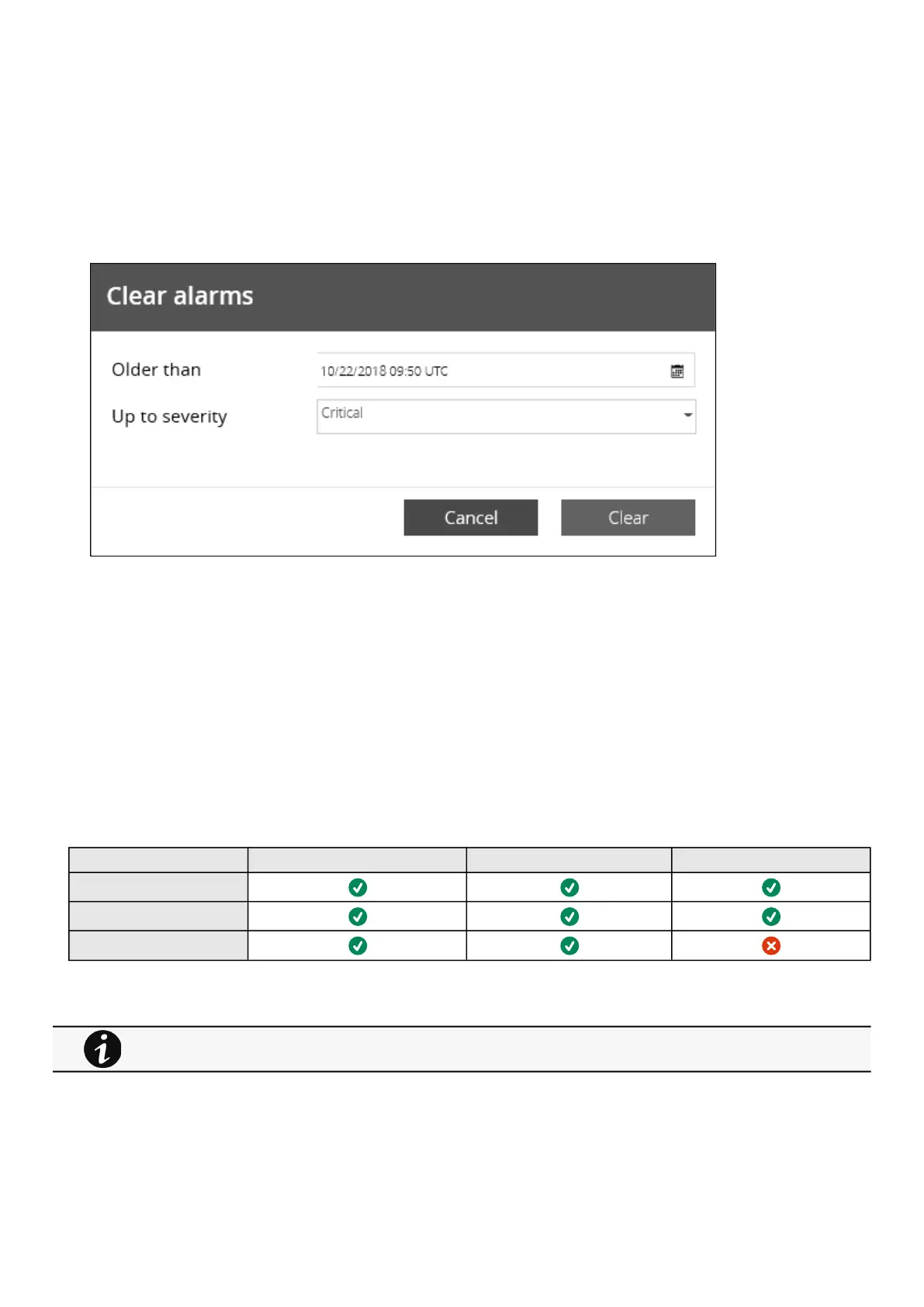
Press theClearbutton to clear alarms that are older than a specified date and up to a defined severity.
3.10.7 Alarms list with codes
To get access to the Alarm log codes or the System log codes for email subscription, seesections below:
System log codes
UPS(HID) alarm log codes
9130 UPS(XCP) alarm log codes
ATS alarm log codes
EMP alarm log codes
Network module alarm log codes
3.10.8 Access rights per profiles
Administrator Operator Viewer
Alarm list
Export
Clear
3.10.8.1 For other access rights
For other access rights, see the Information>>>Access rights per profiles section.



 To Next Page