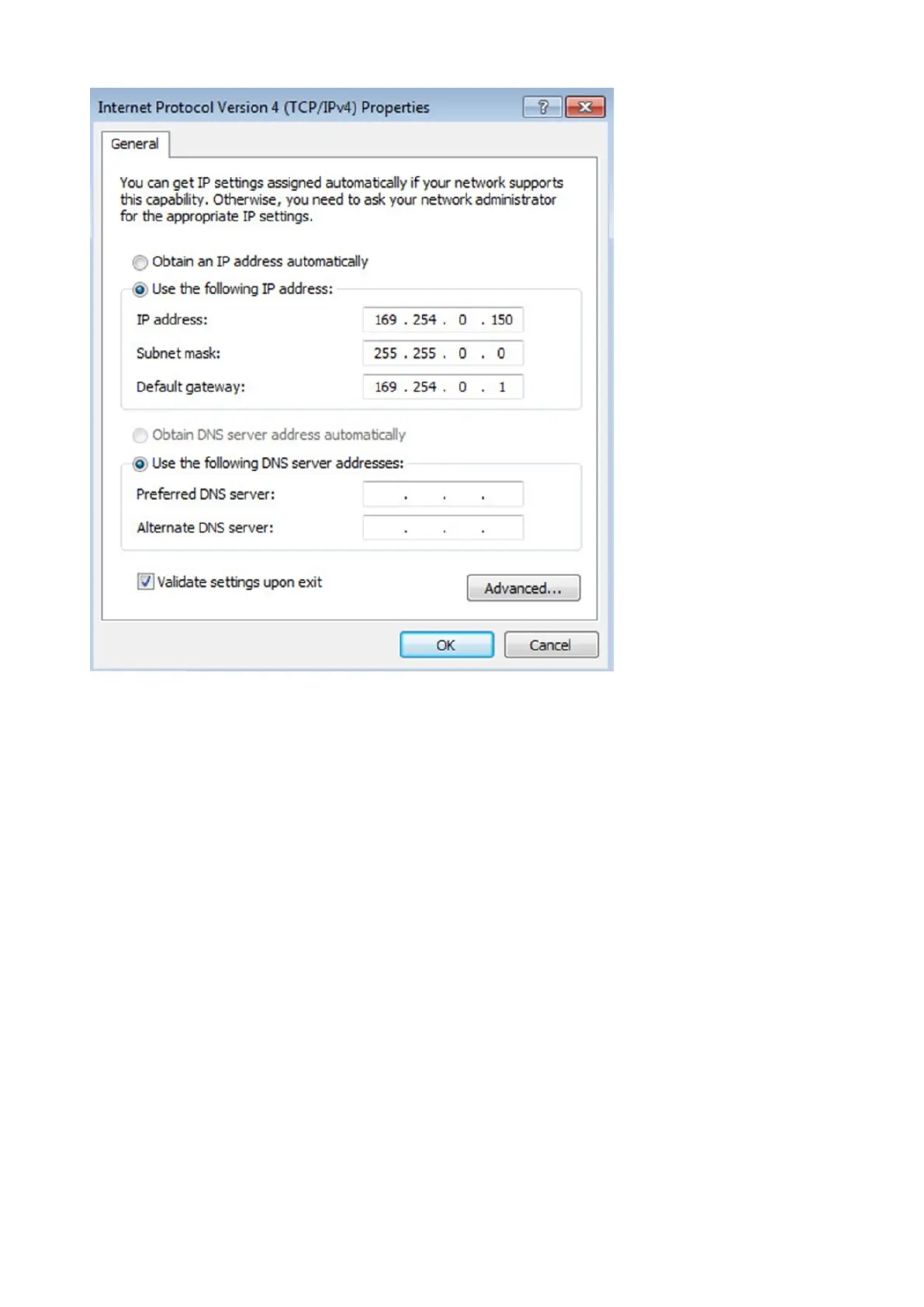
Accessing the Network Module
Installing the Network Management Module – 18
2.4.3.2.2 Accessing the web interface
STEP 1 –Be sure that the Deviceis powered on.
STEP 2 – On the host computer, download the rndis.7z file from the website www.eaton.com/downloads and extract it. For more
information, navigate toServicing the Network Management Module>>>Accessing to the latest Network Module firmware/
driversection.
STEP 3 – Launch setProxy.bat to add 169.254.* in proxy’s exceptions list, if needed. For manual configuration, navigate to Installing
the Network Management Module>>>Accessing the Network Module>>>Modifying the Proxy exception list section in the full
documentation.
STEP 4 –Launch a supported browser, the browser window appears.
STEP 5 –In the Address/Location field, enter: https://169.254.0.1, the static IP address of the Network Module for RNDIS. The log
in screen appears.
STEP 6 –Enter the user name in the User Name field. The default user name isadmin.
STEP 7 –Enter the password in the Password field. The default password isadmin.
STEP 8 –ClickLogin. The Network Module local web interface appears.
2.4.4 Accessing the card through serial terminal emulation
This connection is used to access and configure the Network Module network settings locally through Serial (Serial over USB
interface).



 To Next Page