Installing the Network Management Module – 22
•
•
•
•
•
•
•
•
•
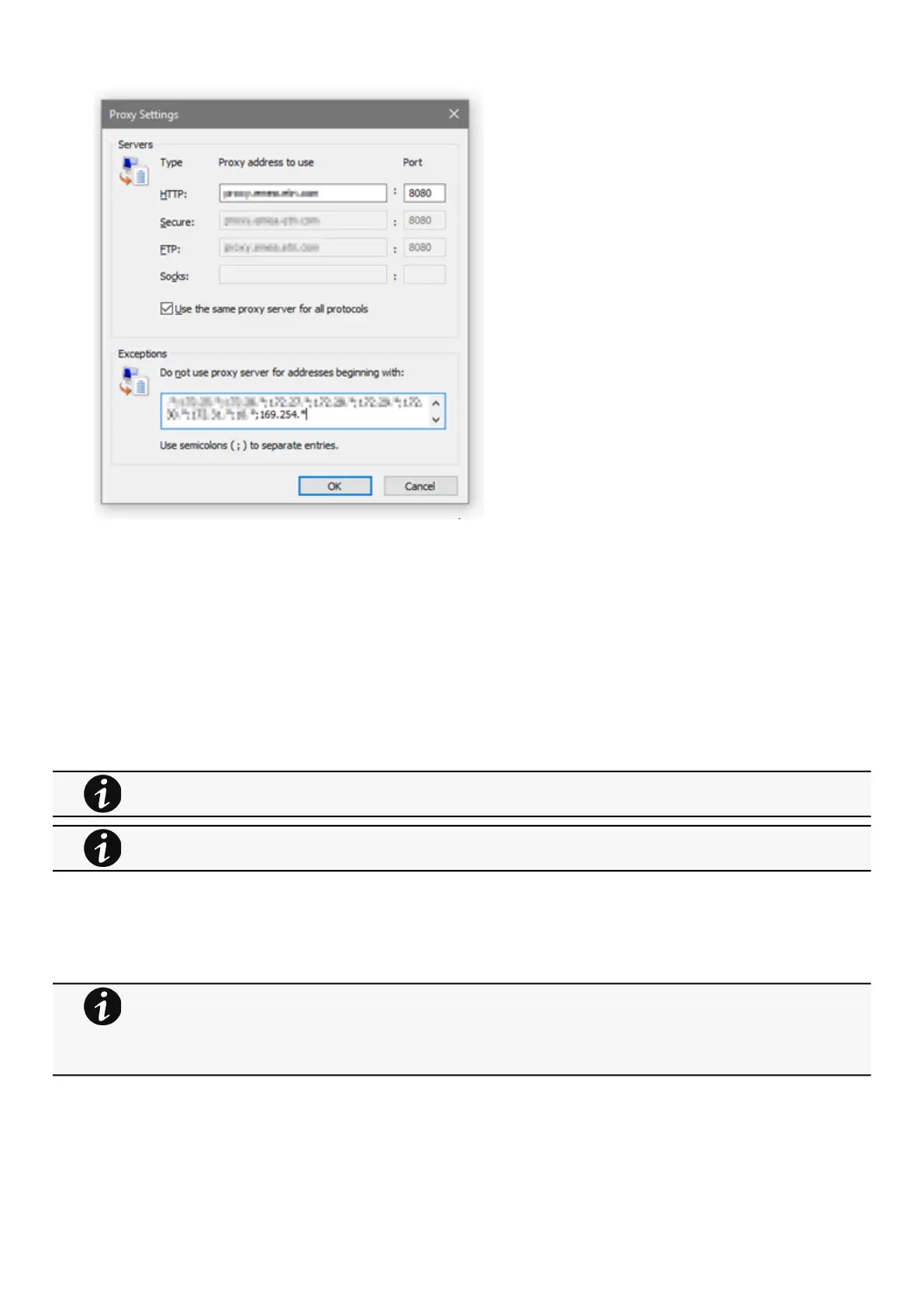
Press OK.
Close Internet Explorer and re-open it.
Now you can access the address 169.254.0.1 with Internet Explorer and any other browser.
2.5 Configuring Modbus
2.5.1 Configuring the communication parameters
Access the web interface through Network or RNDIS
Navigate to Contextual help>>>Settings>>>Modbusand set the communication parameters to the desired settings.
2.5.2 Available maps
Access the web interface through Network or RNDIS
Navigate to Contextual help>>>Settings>>>Modbus and press theSupported MAPsbutton to download the MAPs.
2.5.2.1 Mapping table content
address (hex): register address in hexadecimal
address (1-base): register address in 1-base format
For Modbus RTU configuration refer to the sectionContextual help>>>Settings>>>Modbus>>>Modbus
RTU.
For Modbus TCP configuration refer to the sectionContextual help>>>Settings>>>Modbus>>>Modbus TCP.
File is generated in real time and will take into account the device capabilities and values at the time of the
generation.
Table in the downloaded file will show all possible registers, only the one showing Available equal to True will be
supported by your system.The units used on Modbus map belong to the International System of Units,
temperatures are expressed in Kelvin for example.



 To Next Page