Contextual help of the web interface – 60
•
•
•
•
•
3.5.2.4 Access rights per profiles
Administrator Operator Viewer
Protection/Agent settings
3.5.2.4.1 For other access rights
3.5.3 Scheduled shutdown
Use Scheduled shutdowns to turn off either the UPS or individual load segments at a specific day and time.
This feature is used for saving energy by turning off equipment outside of office hours or to enhance cybersecurity by powering
down network equipment.
If server shutdown scenarios are defined for any of the connected servers or appliances, they will be triggered before the
corresponding outlets are turned off as configured in shutdown settings.
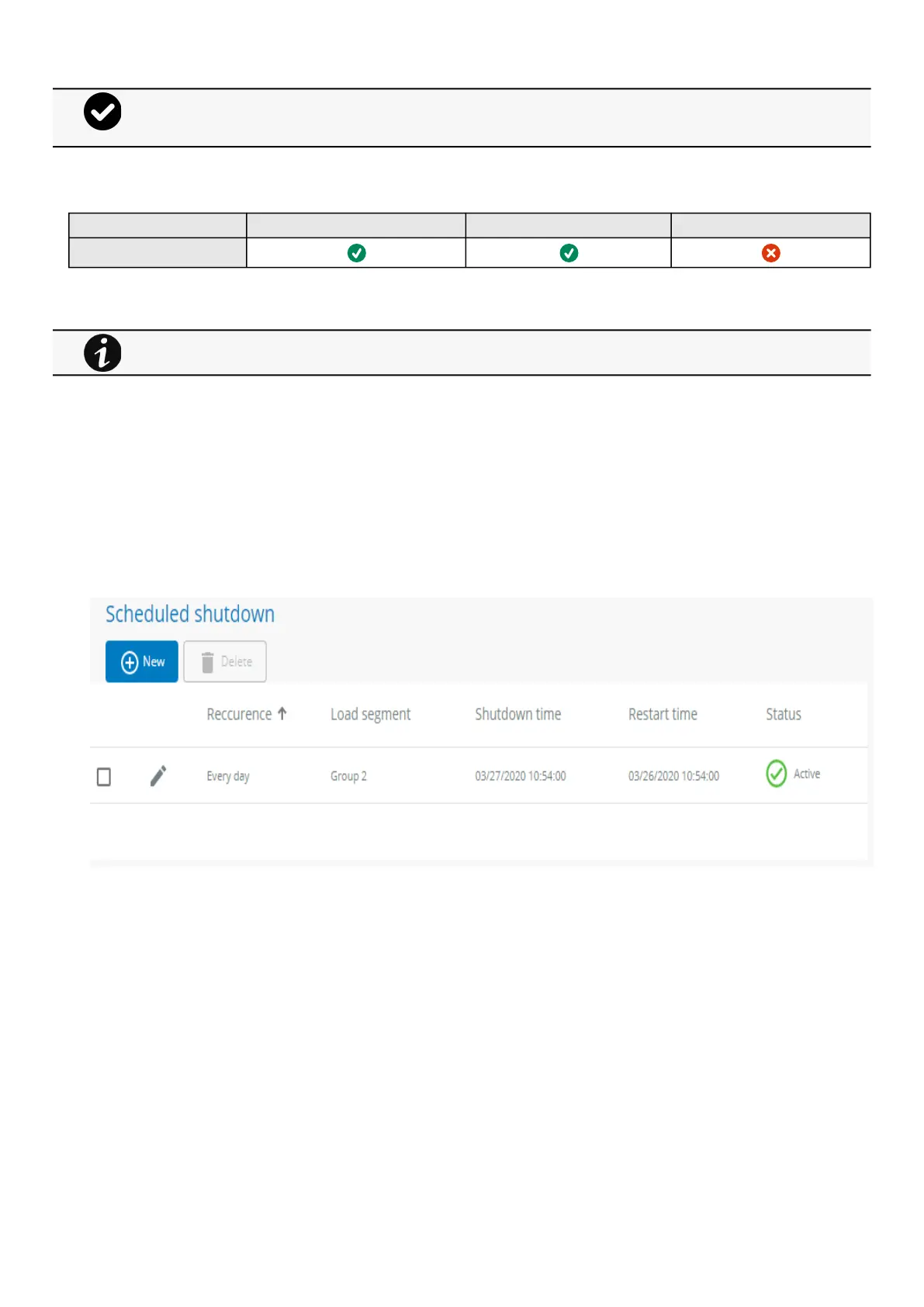
3.5.3.1 Scheduled shutdown table
The table displays the scheduled shutdowns and includes the following details:
Recurrence–Once/Every day/Every week
Load segment –Primary/Group 1/Group 2
Shutdown time –Date/Time
Restart time –Date/Time
Active –Yes/No
3.5.3.2 Actions
3.5.3.2.1 New
Press the New button to create a scheduled shutdown.
The trigger in the diagram isthe moment whenthe shutdown sequence starts, and it is defined in theContextual
help>>>Protection>>>Scheduled shutdownor theContextual help>>>Protection>>>Shutdown on power
outagesections for each power source.
For other access rights, see the Information>>>Access rights per profiles section.



 To Next Page