Contextual help of the web interface – 138
3.8.2.3 Access rights per profiles
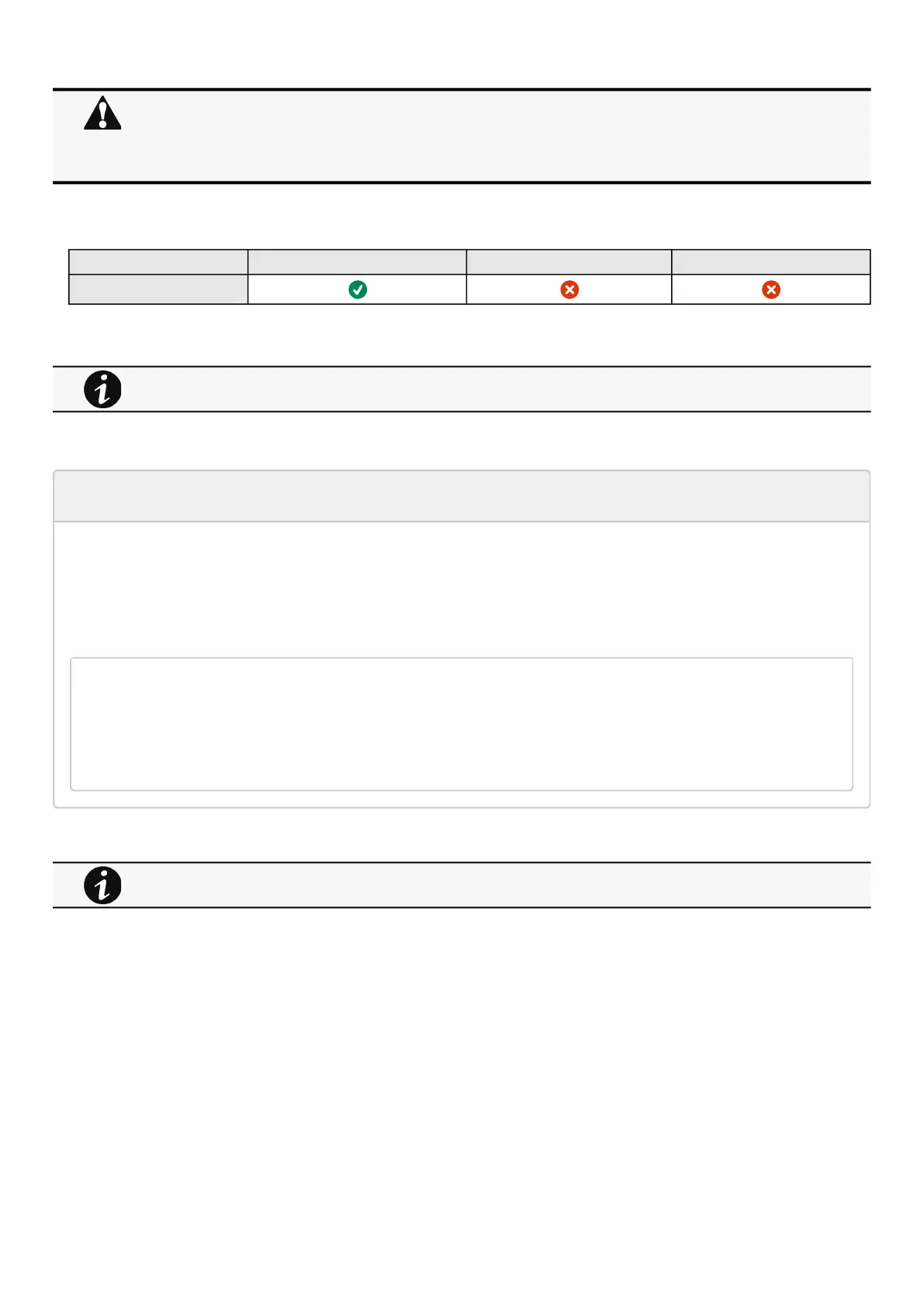
Administrator Operator Viewer
Firmware
3.8.2.3.1 For other access rights
3.8.2.4 CLI commands
get release info
Description
Displayscertain basic information related to the firmware release.
Help
get_release_info
-d Get current release date
-s Get current release sha1
-t Get current release time
-v Get current release version number
3.8.2.4.1 For other CLI commands
Do not close the web browser or interrupt the operation.
Depending on your network configuration, the Network Module may restart with a different IP address.
Refresh the browser after the Network module reboot time to get access to the login page.
Press F5 or CTRL+F5 to empty the browser to get all the new features displayed on the Web user interface.
Communication Lost and Communication recovered may appear in the Contextual help>>>Alarms section.
For other access rights, see the Information>>>Access rights per profiles section.
See the CLI commands in the Information>>>CLI section.



 To Next Page