Contextual help of the web interface – 140
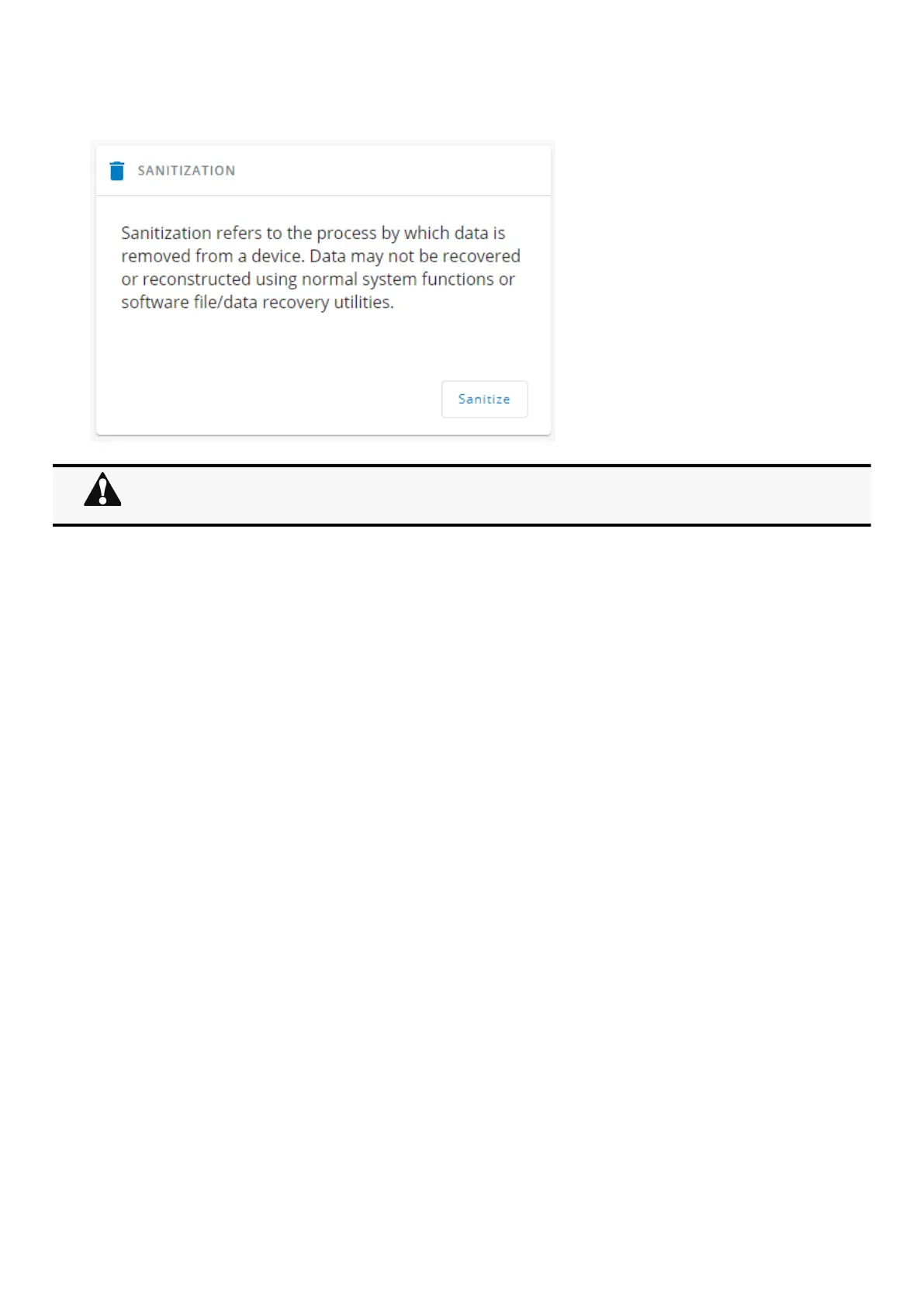
1.ClickSanitize.
A confirmation message displays, click Sanitize to confirm.
3.8.3.1.2 Reboot
Reboot means restarting the network module operating system.
To reboot the Network Module:
ClickReboot.
A confirmation message displays, clickRebootto confirm, the reboot time will take approximately less than 2min.
Depending on your network configuration, the Network Module may restart with a different IP address.
Only main administrator user will remain with default login and password.
Refresh the browser after the Network module reboot time to get access to the login page.



 To Next Page