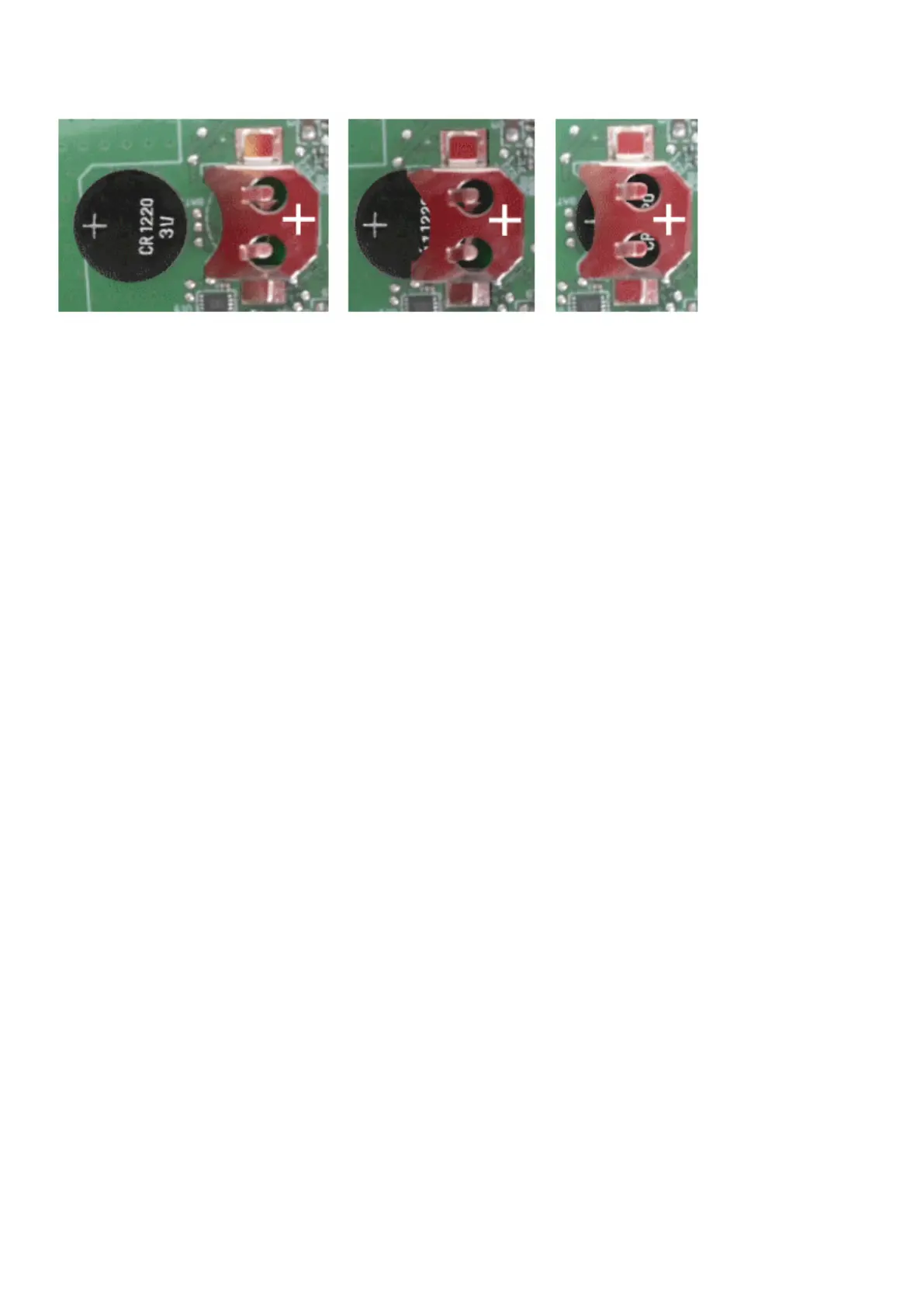
Changing the RTC battery cell
Servicing the Network Management Module – 172
5. Replace the battery cell, the positive mark (+) should be visible when inserting it.
6. Replace the Network Module and secure the screw, reconnect the Network cableif it was unplugged during the operation.
7. Connect the Network Module and set the date and time. For more information, see the Date & Timesection.



 To Next Page