Contextual help of the web interface – 92
•
•
•
•
•
•
•
•
•
•
•
•
Security
SSL – None/Start TLS/SSL
Verify server certificate
Primary server–Name/Hostname/Port
Secondary server–Name/Hostname/Port
Credentials– Anonymous search bind/Search user DN/Password
Search base– Search base DN
Request parameters
User base DN
User name attribute
UID attribute
Group base DN
Group name attribute
GID attribute
2. ClickSave.
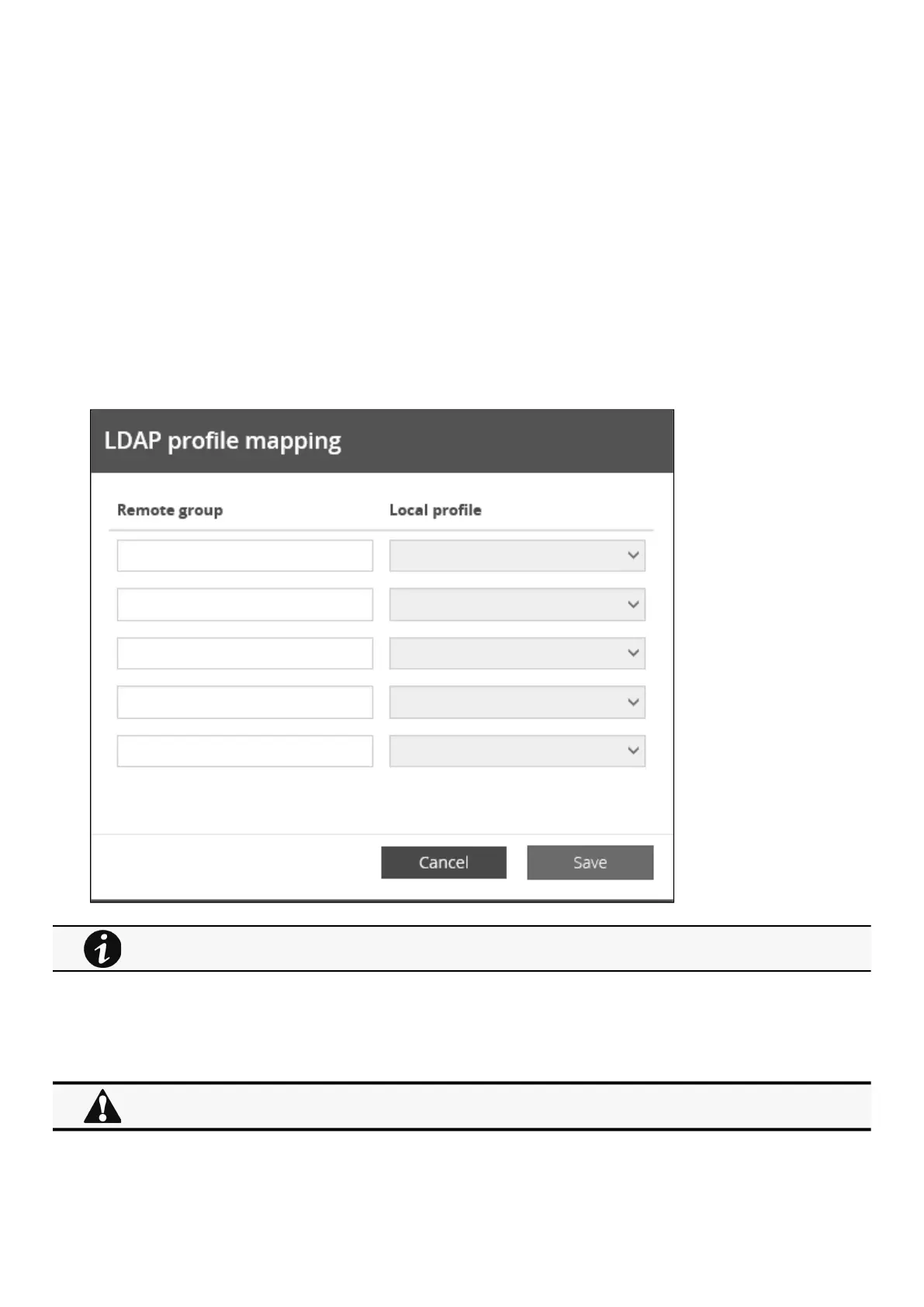
b Profile mapping
1. PressProfile mappingto map remote groups to local profiles.
2. ClickSave.
c Users preferences
For the list of access rights per profile refer to the section Full documentation>>>Information>>>Access rights per
profiles.
All users preferences will apply to all remote users (LDAP, RADIUS).



 To Next Page