Edimax Pro NMS
144
3. Blink LED
The LED of all Managed APs in the group will flash temporarily to help
identify & locate the access points.
4. Buzzer
The buzzer of all Managed APs in the group will sound temporarily to
help identify & locate the access points.
5. Network Connectivity
Go to the “Network Connectivity” panel to perform a ping or traceroute.
6. Restart
Restarts all Managed APs in the group.
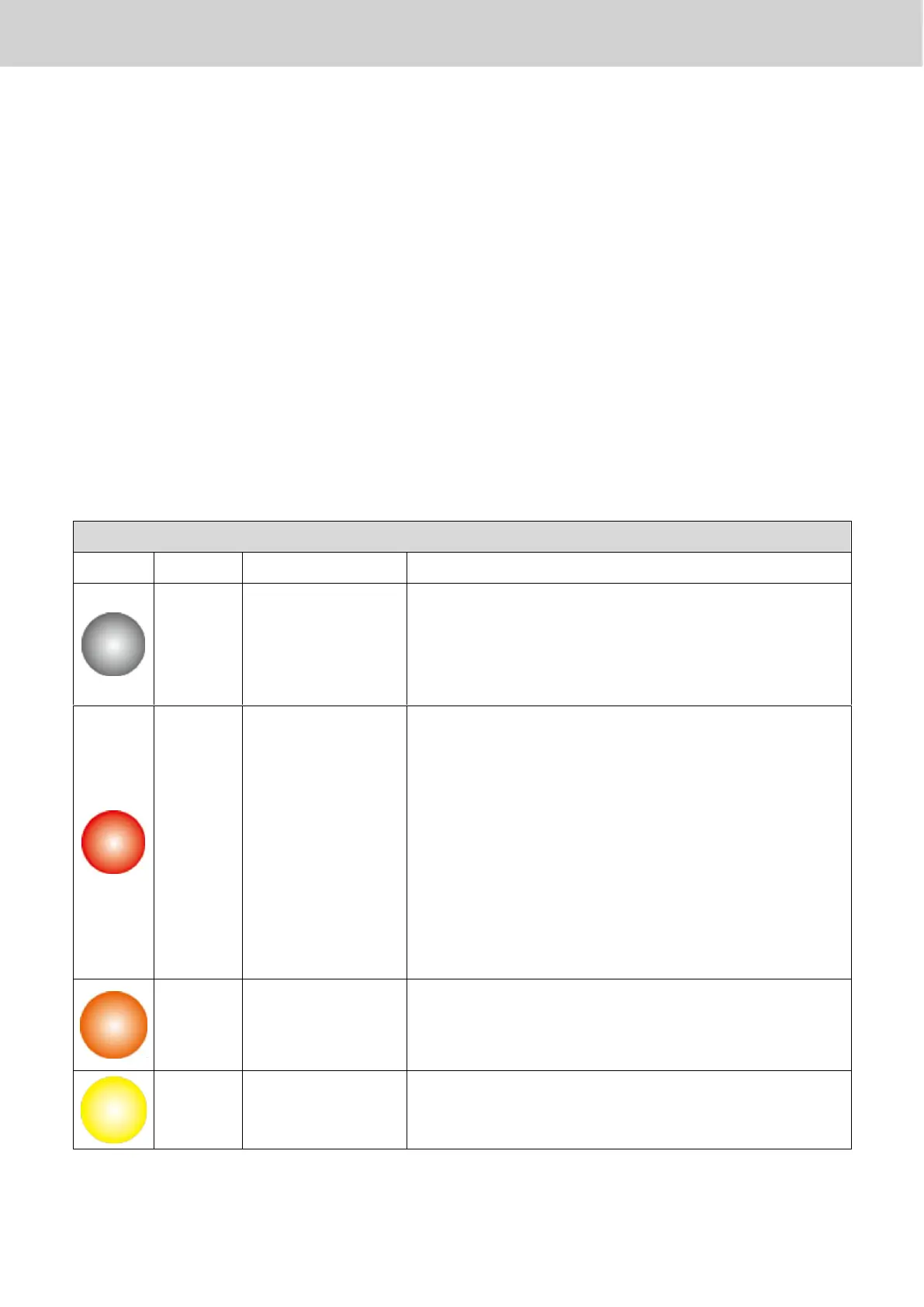
Managed AP is disconnected. Please check
the network connection and ensure the
Managed AP is in the same IP subnet as the
AP Controller.
Authentication
Failed
Or
Incompatible
NMS Version
System security must be the same for all
access points in the AP array. Please check
security settings (refer to X-5-13-1 System
Security).
All access points must have the same
firmware version. Please use the AP
Controller’s firmware upgrade function
(refer to X-5-12 Firmware Upgrade).
Please wait while the Managed AP makes
configurations or while the firmware is
upgrading.
Please wait while Managed AP is
connecting.



 To Next Page