Edimax Pro NMS
261
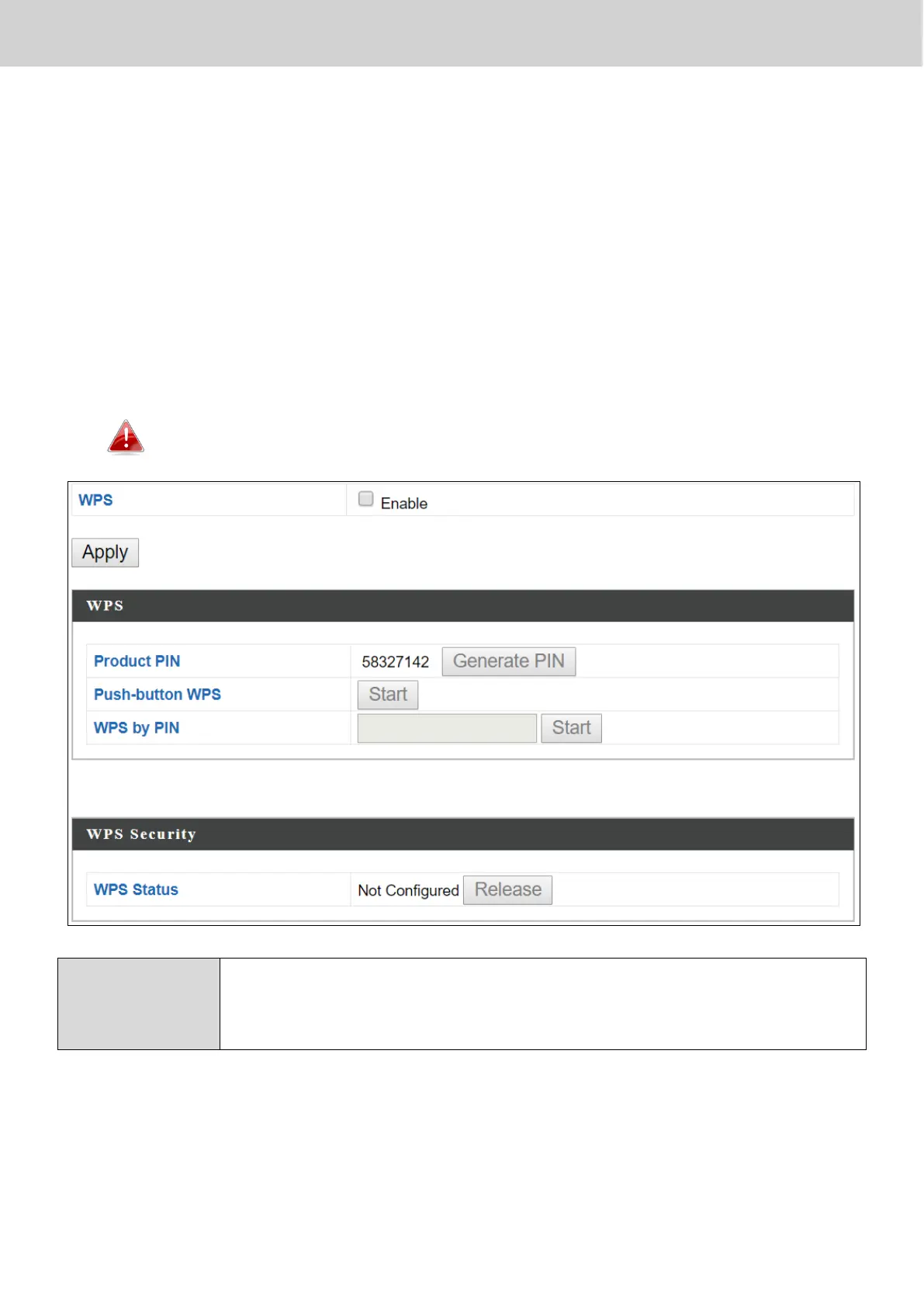
X-6-4 WPS
Wi-Fi Protected Setup is a simple way to establish connections between WPS
compatible devices. WPS can be activated on compatible devices by pushing a
WPS button on the compatible device or from within the compatible device’s
firmware / configuration interface (known as PBC or “Push Button
Configuration”). When WPS is activated in the correct manner and at the
correct time for two compatible devices, they will automatically connect. “PIN
code WPS” is a variation of PBC which includes the additional use of a PIN
code between the two devices for verification.
Please refer to the manufacturer’s instructions of your WPS device.
Check/uncheck this box to enable/disable WPS functionality.
WPS must be disabled when using MAC-RADIUS
authentication (see X-6-2-3-1 & X-6-5).
Press “Apply” to apply the configuration.



 To Next Page