8
OVERVIEW
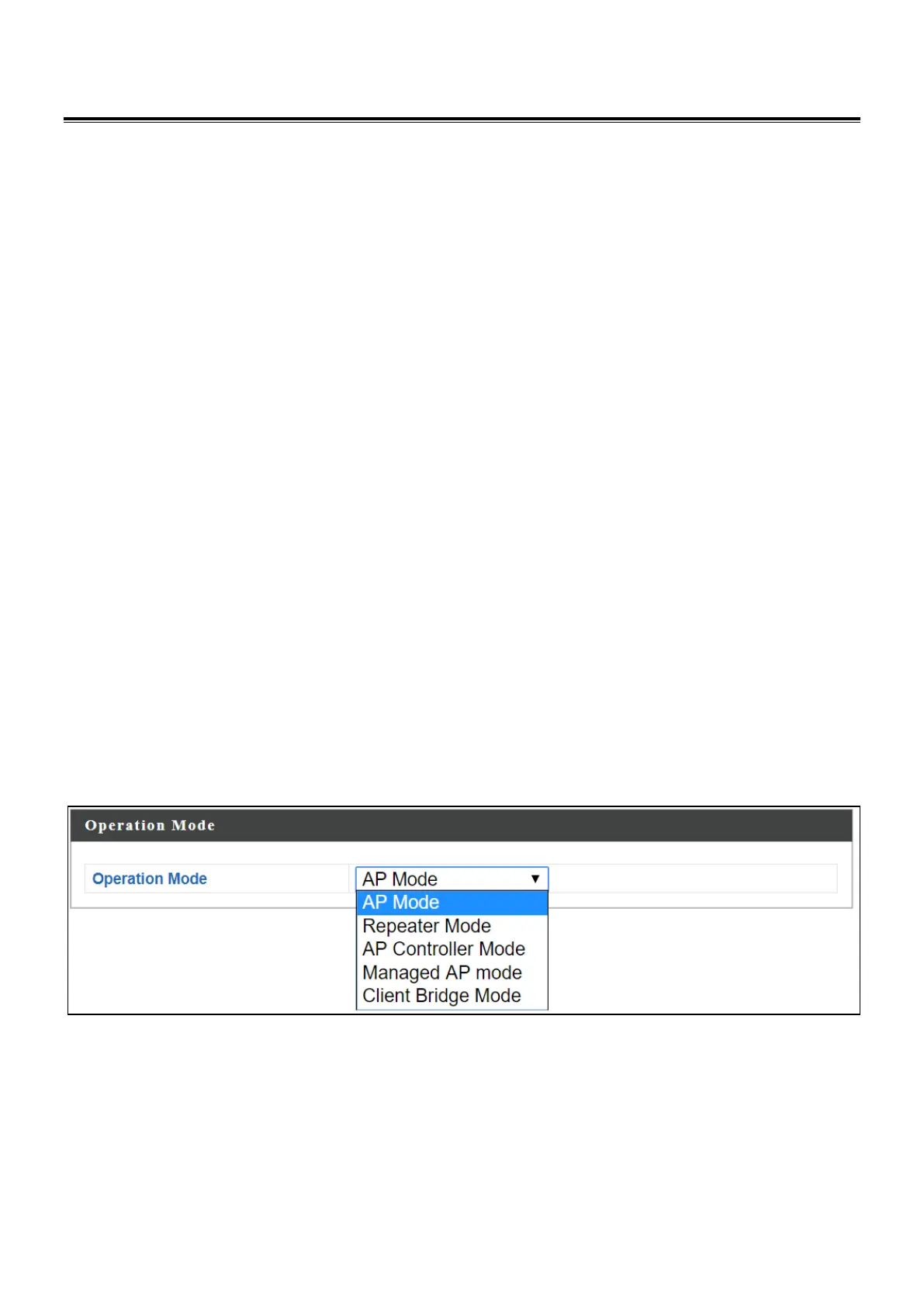
Your device can function in five different modes.
AP Mode is a regular access point for use in your wireless network. This is the
default mode of the access point.
Repeater Mode is a wireless repeater (also called wireless range extender)
that takes an existing signal from a wireless router or wireless access point
and rebroadcasts it to create a second network.
Managed AP Mode acts as a “slave” AP within the AP array (controlled by the
AP Controller “master”).
AP Controller Mode acts as the designated master of an AP array (group of
linked access points).
Client Bridge Mode determines the device to be a client bridge. The client
bridge receives wireless signal and provides it to devices connected to the
bridge via Ethernet cable.
In AP Controller mode the user interface will switch to Edimax Pro NMS.
This user manual is mainly split into two parts:
- AP Mode (blue) – includes AP / Repeater / Managed AP / Client Bridge
Mode settings
- Edimax Pro NMS (grey) – includes AP Controller Mode settings



 To Next Page