Edimax Pro NMS
145
Managed AP is waiting for approval. Note:
Up to sixteen Managed APs are supported.
Additional APs will have this status until an
existing Managed AP is removed.
X-2-5 Active Clients
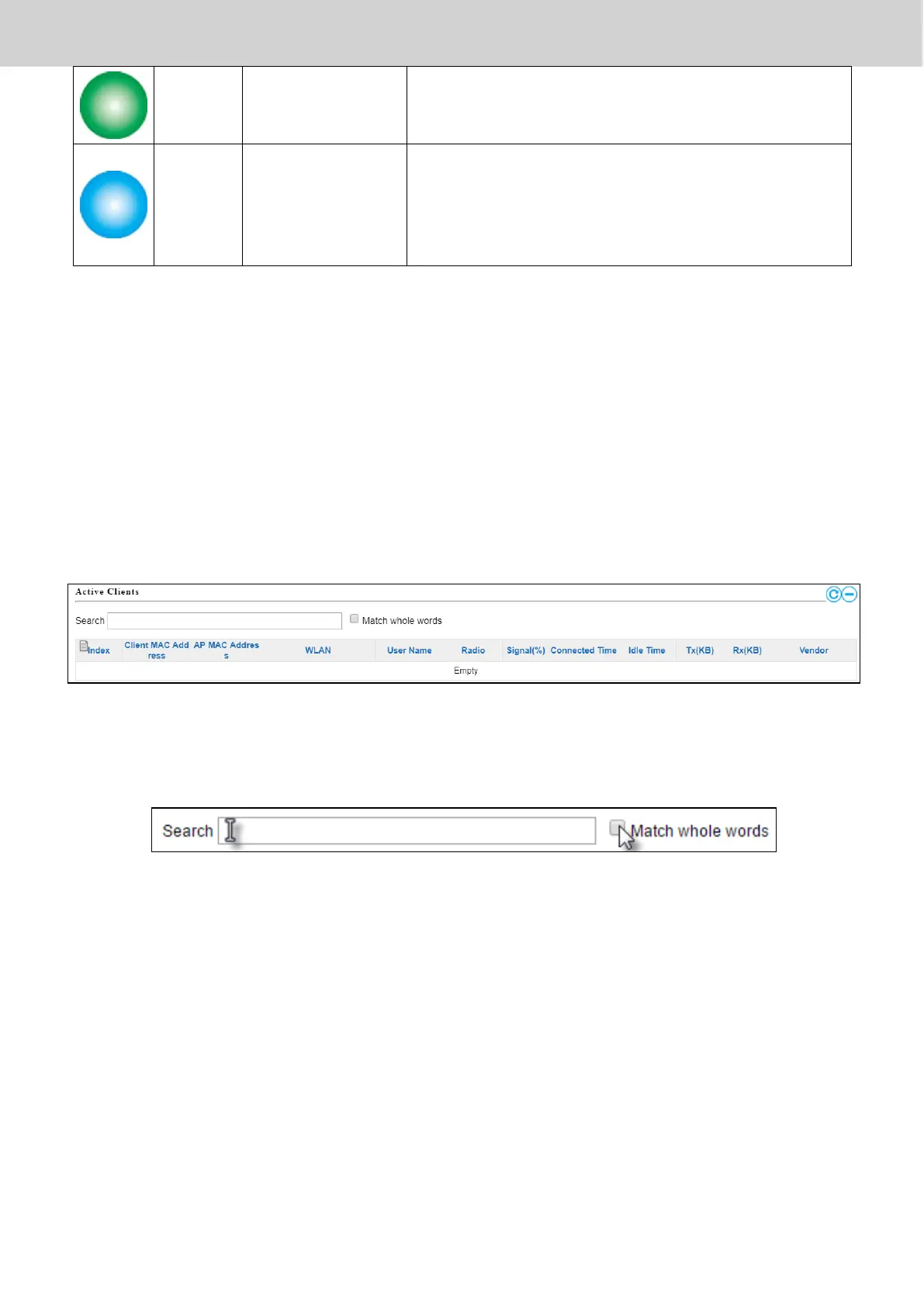
Active Clients displays information about each client in the local network:
Index (reference number), Client MAC Address, Device Name, Model, IP
Address, 2.4GHz & 5GHz Wireless Channel Number, No. of Clients connected
to each access point, and Status (on or off).
The search function can be used to locate a specific client. Type in the search
box and the list will update:
X-2-6 Active Users
Active Users displays information about users currently connected to the AP
Array: User Name, MAC Address, IP Address, SSID, Creator, Create Time ,
Expire Time, Usage Percentage, Vendor , Platform and Action.



 To Next Page