Edimax Pro NMS
220
X-5-9 Schedule
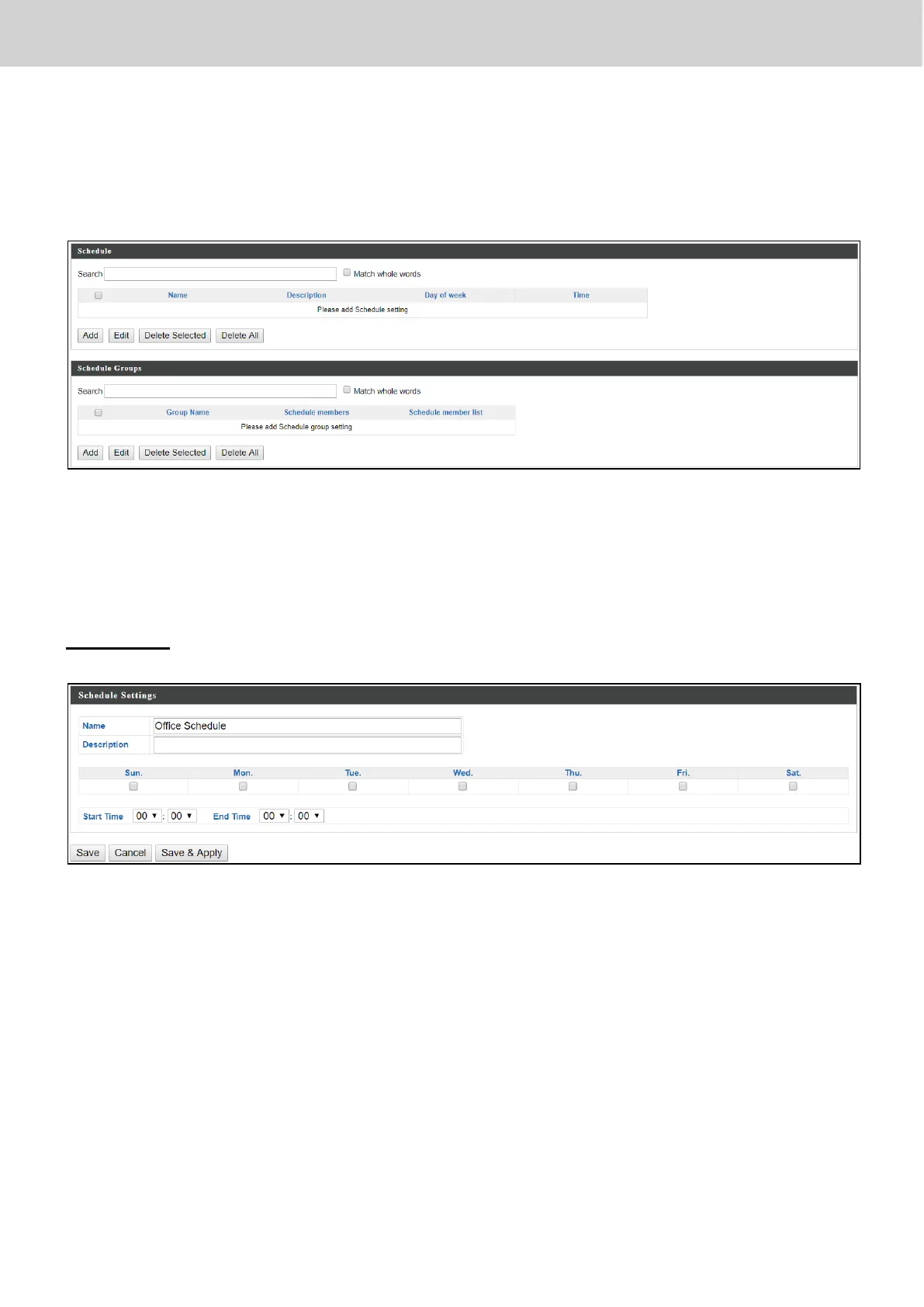
Setup schedule start time/end time in Active WLAN Schedule Settings or
Guest Network Advanced Settings.
Check the checkbox of the schedules(s) you wish to delete and press “Delete
Selected” to delete (multiple selections possible).
Press “Delete All” to delete all schedules.
Add / Edit
Press “Save” to save the above actions, “Cancel” to forfeit the changes, or
“Save & Apply” to save and apply the above actions.



 To Next Page