31
III-4 Managed AP Mode
From the quick setup above,
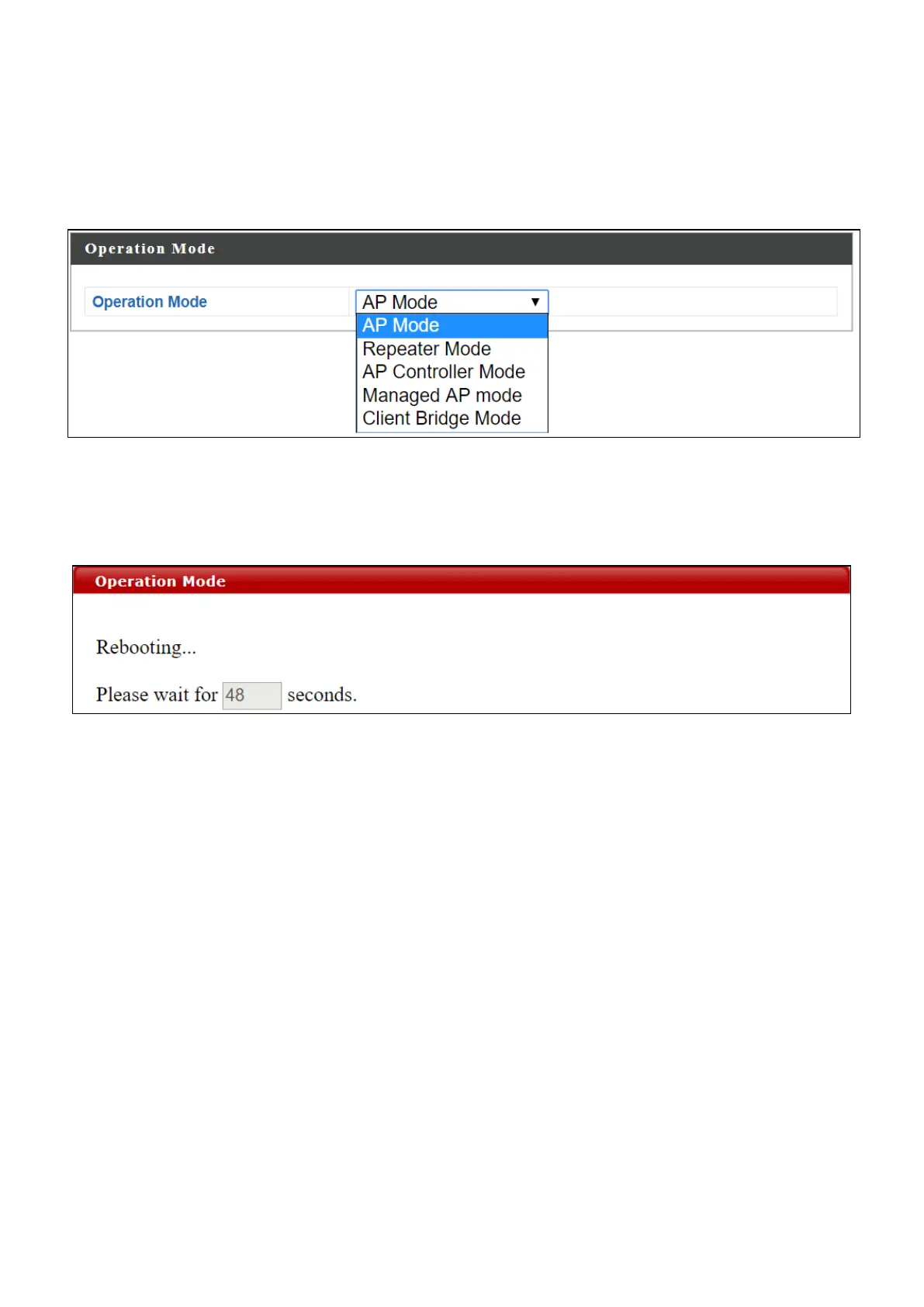
1. Select Managed AP Mode from the operation mode drop down menu:
2. Press “Apply” and wait for the device to reboot into Managed AP
Mode:
For use a Managed AP in an AP array, the access point will automatically
switch mode when an AP Controller is configured in the network.



 To Next Page