Edimax Pro NMS
169
X-5 NMS Settings
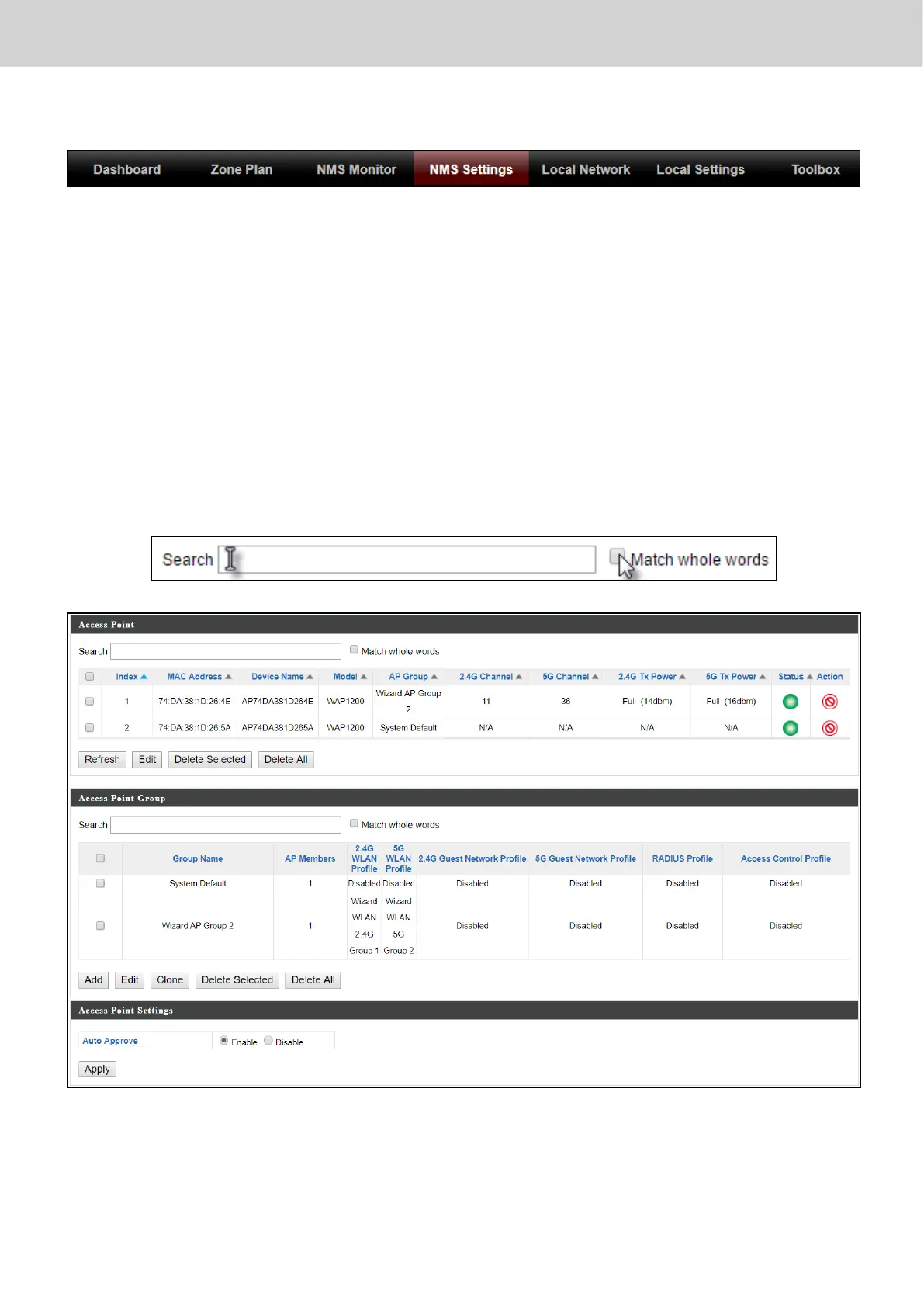
X-5-1 Access Point
Displays information about each access point and access point group in the
local network and allows you to edit access points and edit or add access
point groups.
The search function can be used to locate an access point or access point
group. Type in the search box and the list will update:
The Status icon displays grey (disconnected), red (authentication
failed/incompatible NMS version), orange (upgrading firmware), yellow
(connecting), green (connected) or blue (waiting for approval) for each



 To Next Page