Edimax Pro NMS
206
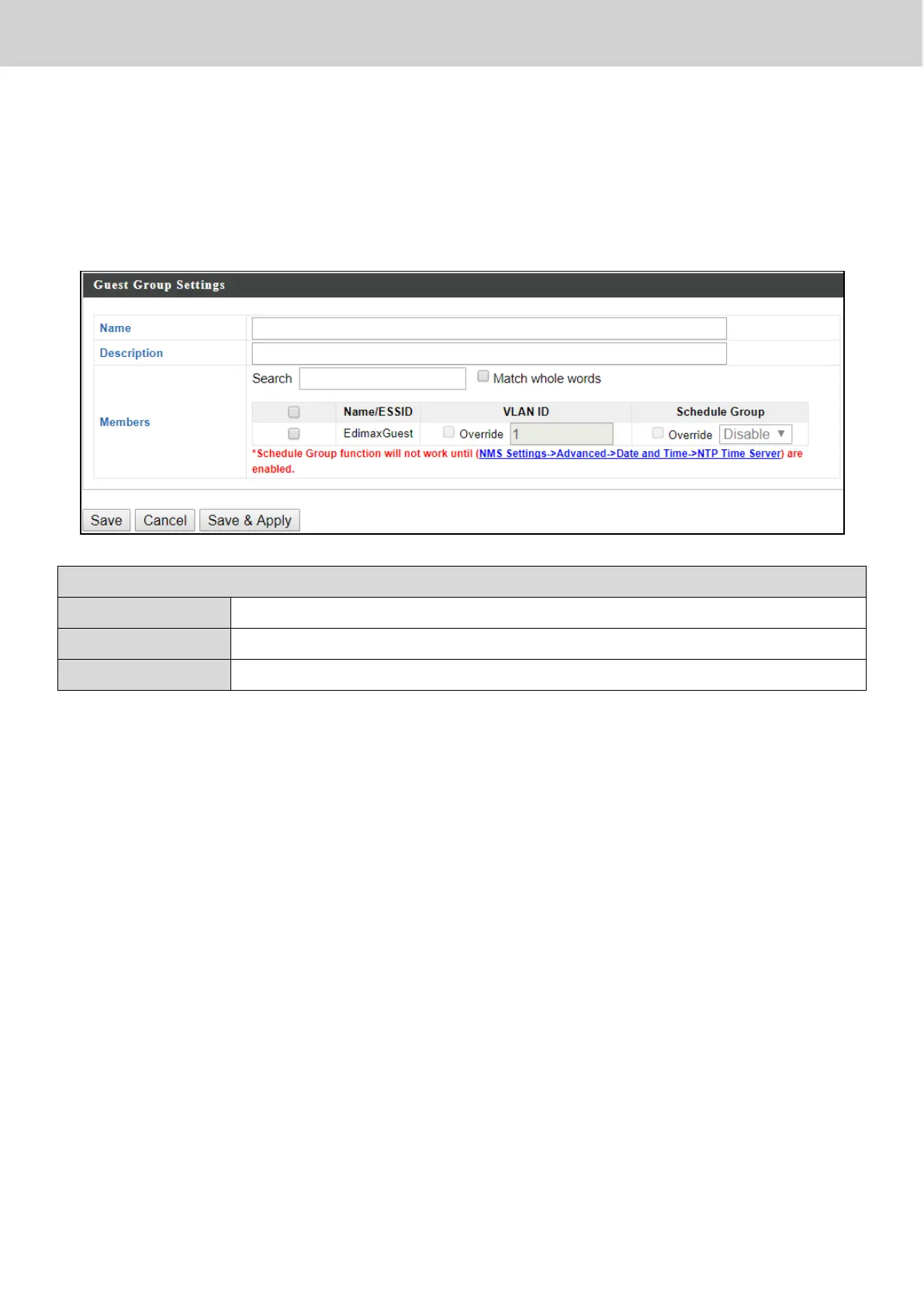
X-5-5-2 Add/Edit Guest Network Group
When you add a Guest Network Group, it will be available for selection in
NMS Settings Access Point access point Profile Settings & access point
group Profile Group Settings (X-5-1).
Guest Network Group Settings
Edit the Guest Network Group name.
Enter a description of the Guest Network for reference.
Add SSIDs to the Guest Network group.
Press “Save” to save the above actions, “Cancel” to forfeit the changes, or
“Save & Apply” to save and apply the above actions.



 To Next Page