Edimax Pro NMS
192
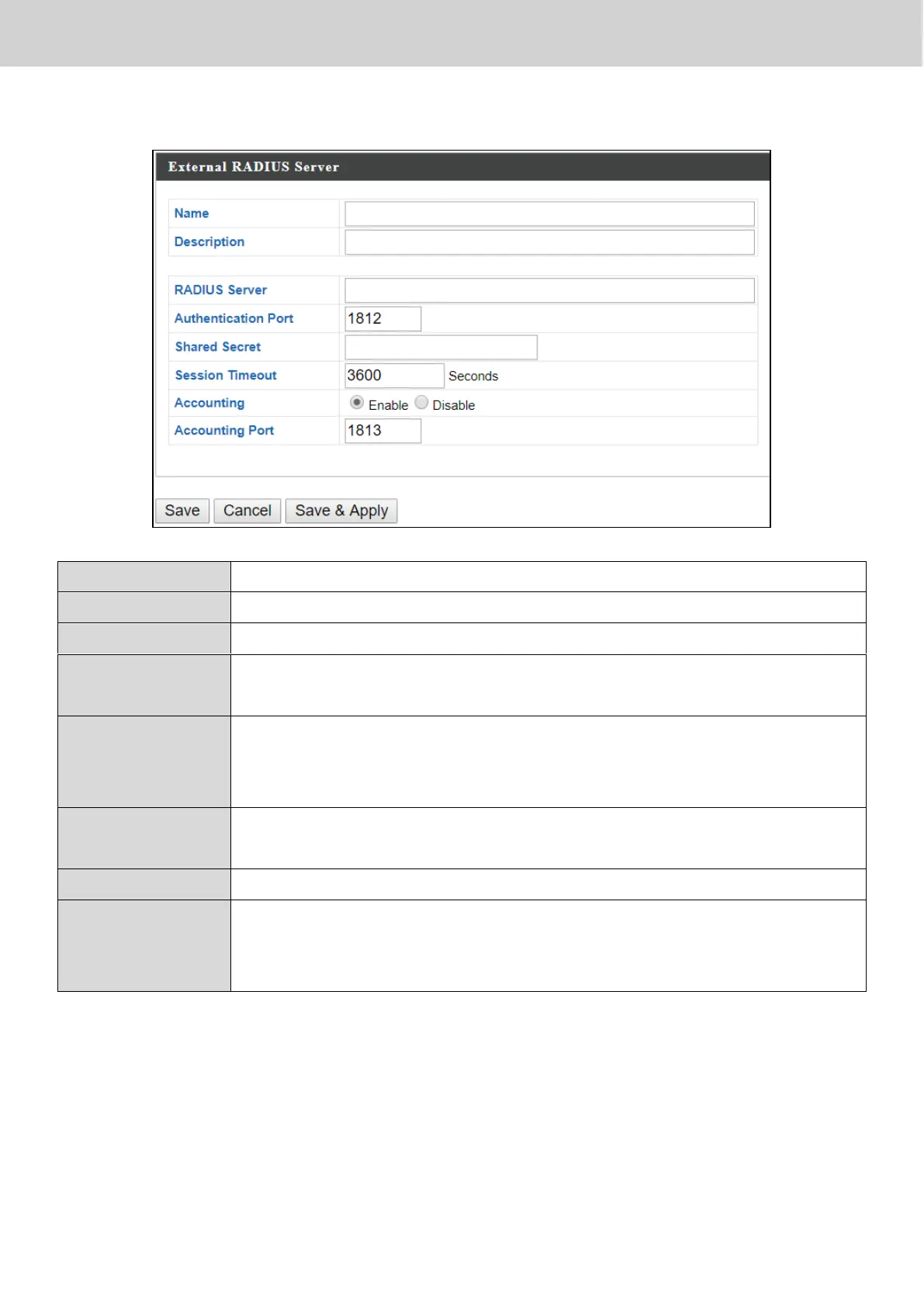
X-5-3-1 Add/Edit External RADIUS Server
Enter a name for the RADIUS Server.
Enter a description of the RADIUS Server for reference.
Enter the RADIUS server host IP address.
Set the UDP port used in the authentication protocol of the
RADIUS server. Value must be between 1 – 65535.
Enter a shared secret/password between 1 – 99 characters in
length. This should match the “MAC-RADIUS” password used
in X-6-2-3 or X-6-3-3.
Set a duration of session timeout in seconds between 0 –
86400.
Enable or disable RADIUS accounting.
When accounting is enabled (above), set the UDP port used
in the accounting protocol of the RADIUS server. Value must
be between 1 – 65535.



 To Next Page