AP, Managed AP, Repeater & Client Bridge Modes
45
VI-1-3 Wireless Monitor
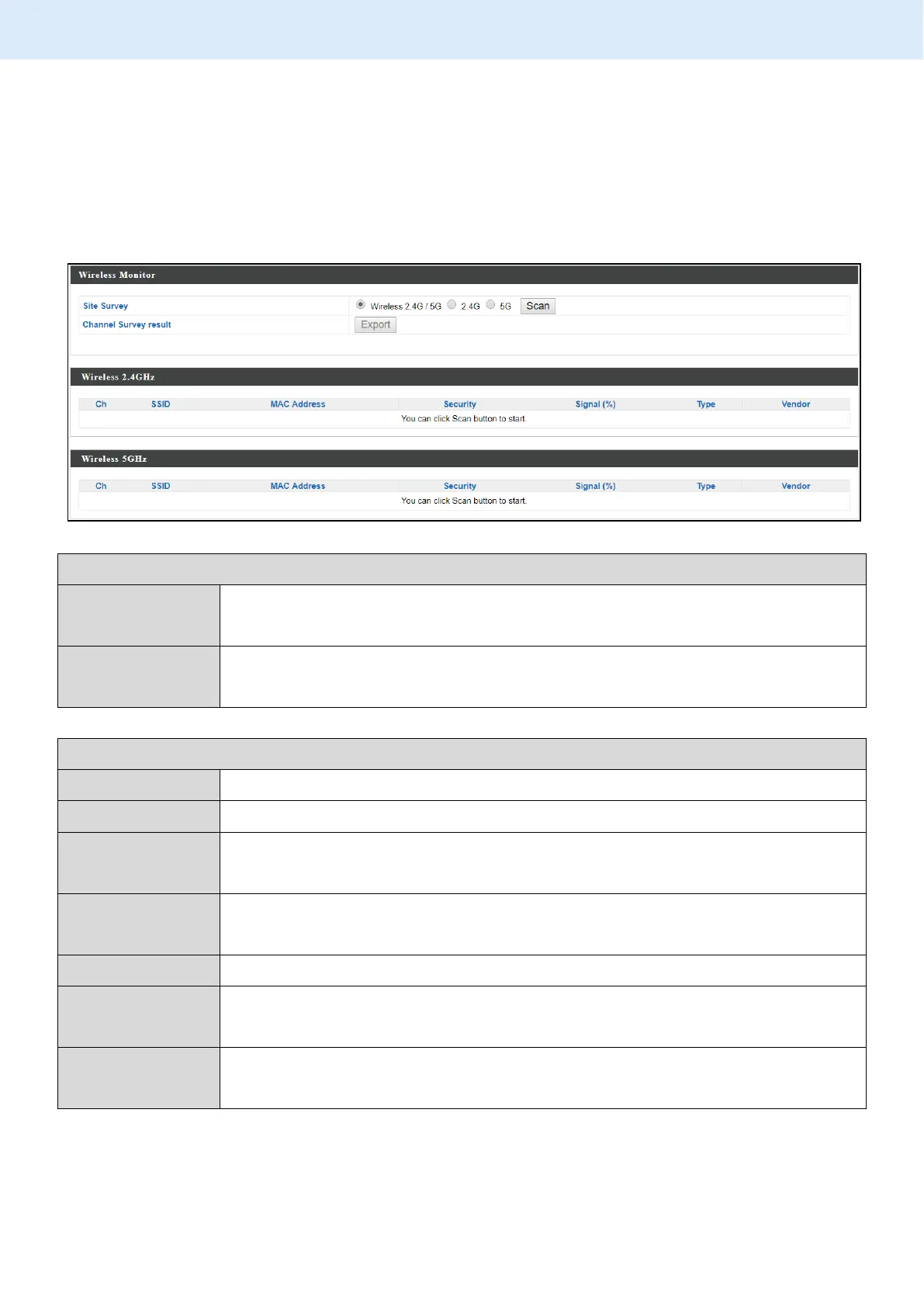
“Wireless Monitor” is a tool built into the device to scan and monitor the
surrounding wireless environment. Select a frequency and click “Scan” to
display a list of all SSIDs within range along with relevant details for each SSID.
Select which frequency (or both) to scan, and click “Scan” to
begin.
After a scan is complete, click “Export” to save the results to
local storage.
Displays the channel number used by the specified SSID.
Displays the SSID identified by the scan.
Displays the MAC address of the wireless router/access point
for the specified SSID.
Displays the authentication/encryption type of the specified
SSID.
Displays the current signal strength of the SSID.
Displays the 802.11 wireless networking standard(s) of the
specified SSID.
Displays the vendor of the wireless router/access point for the
specified SSID.



 To Next Page