Edimax Pro NMS
200
X-5-4-1 Add/Edit MAC Access Control
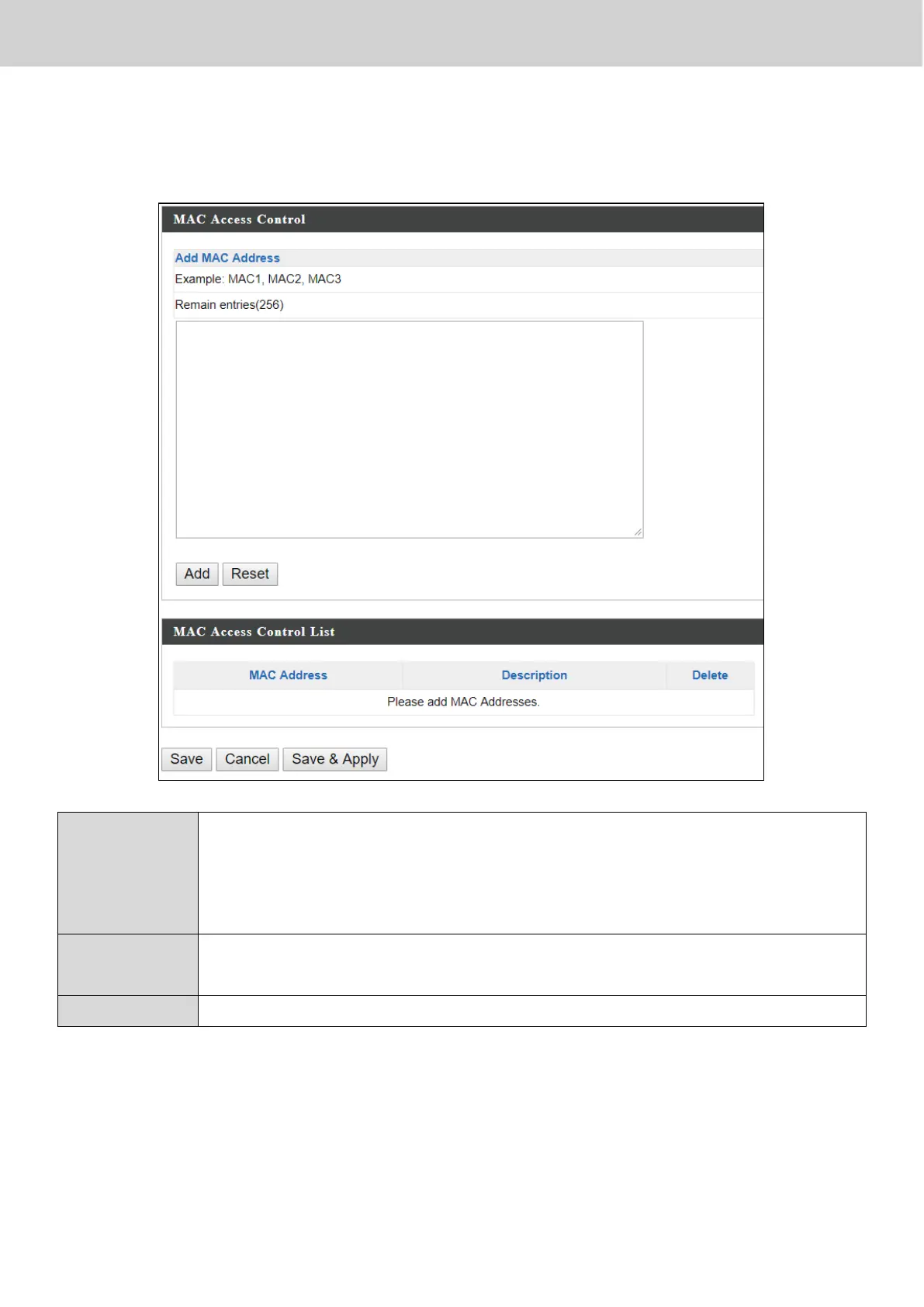
Click “Add” to enter the page shown below:
Enter a MAC address of computer or network device manually
e.g. ‘aa-bb-cc-dd-ee-ff’ or enter multiple MAC addresses
separated with commas, e.g.
‘aa-bb-cc-dd-ee-ff,aa-bb-cc-dd-ee-gg’
Click “Add” to add the MAC address to the MAC address filtering
table.
MAC address entries will be listed in the “MAC Address Filtering Table”. Select
an entry using the “Select” checkbox.
Press “Save” to save the above actions, “Cancel” to forfeit the changes, or
“Save & Apply” to save and apply the above actions.



 To Next Page