Edimax Pro NMS
202
X-5-5 Guest Network
You can setup an additional “Guest” Wi-Fi network so guest users can enjoy
Wi-Fi connectivity without accessing your primary networks. The “Guest”
screen displays settings for your guest Wi-Fi network.
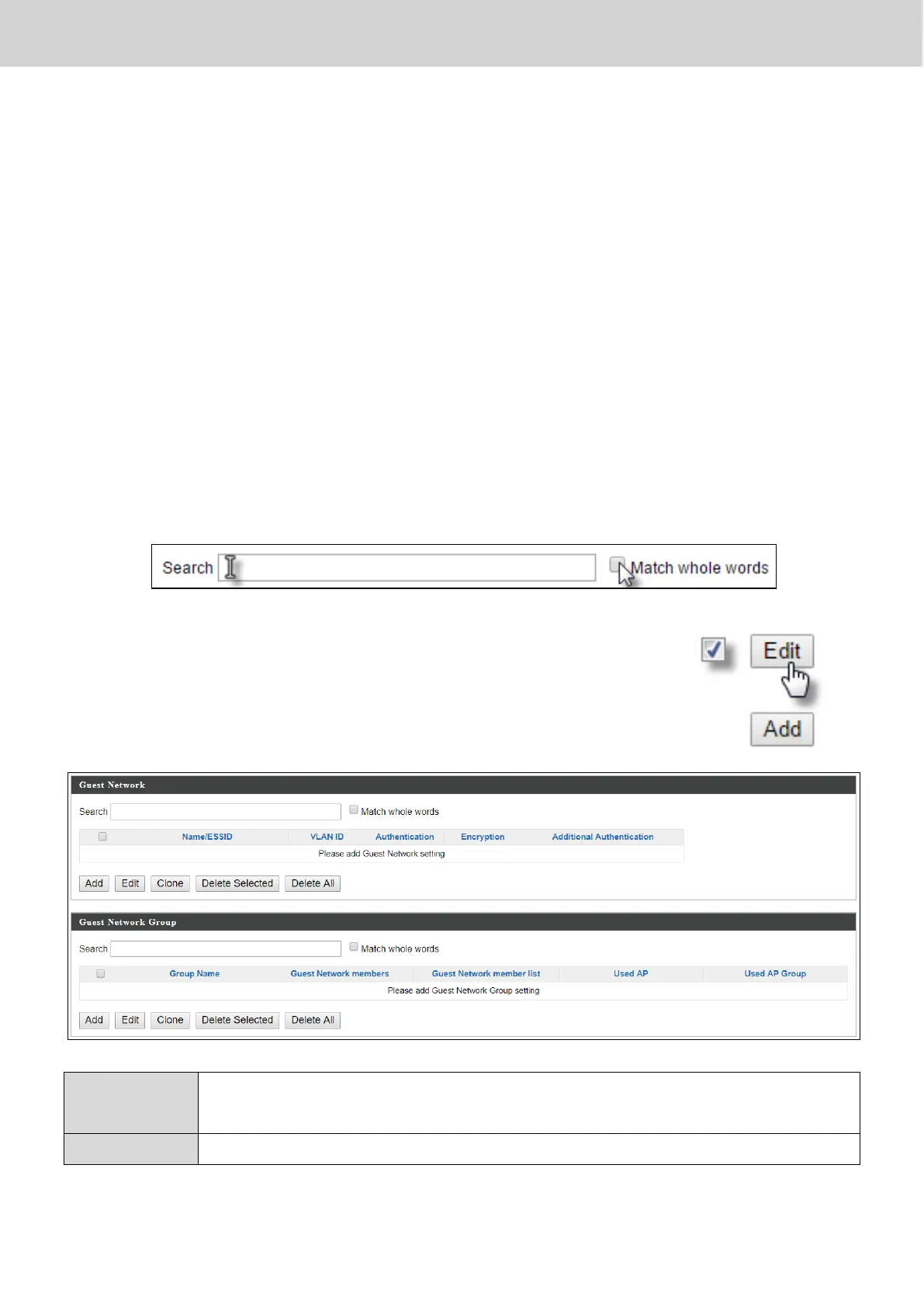
The Guest Network panel displays information about Guest Networks and
Guest Network Groups and allows you to add or edit Guest Network and
Guest Network Group settings. When you add a Guest Network Group, it will
be available for selection in NMS Settings Access Point access point Profile
Settings & access point group Profile Group Settings (X-5-1).
The search function can be used to locate a Guest Network or Guest Network
Group. Type in the search box and the list will update:
Make a selection using the check-boxes and click “Edit” or
click “Add” to add a new Guest Network or Guest Network
Group.
Delete the selected entry(s) from the list.
Delete all entries from the table.



 To Next Page