Edimax Pro NMS
157
Controller’s firmware upgrade function
(refer to X-5-12 Firmware Upgrade).
Please wait while the Managed AP makes
configurations or while the firmware is
upgrading.
Please wait while Managed AP is
connecting.
Managed AP is waiting for approval. Note:
Up to sixteen Managed APs are supported.
Additional APs will have this status until an
existing Managed AP is removed.
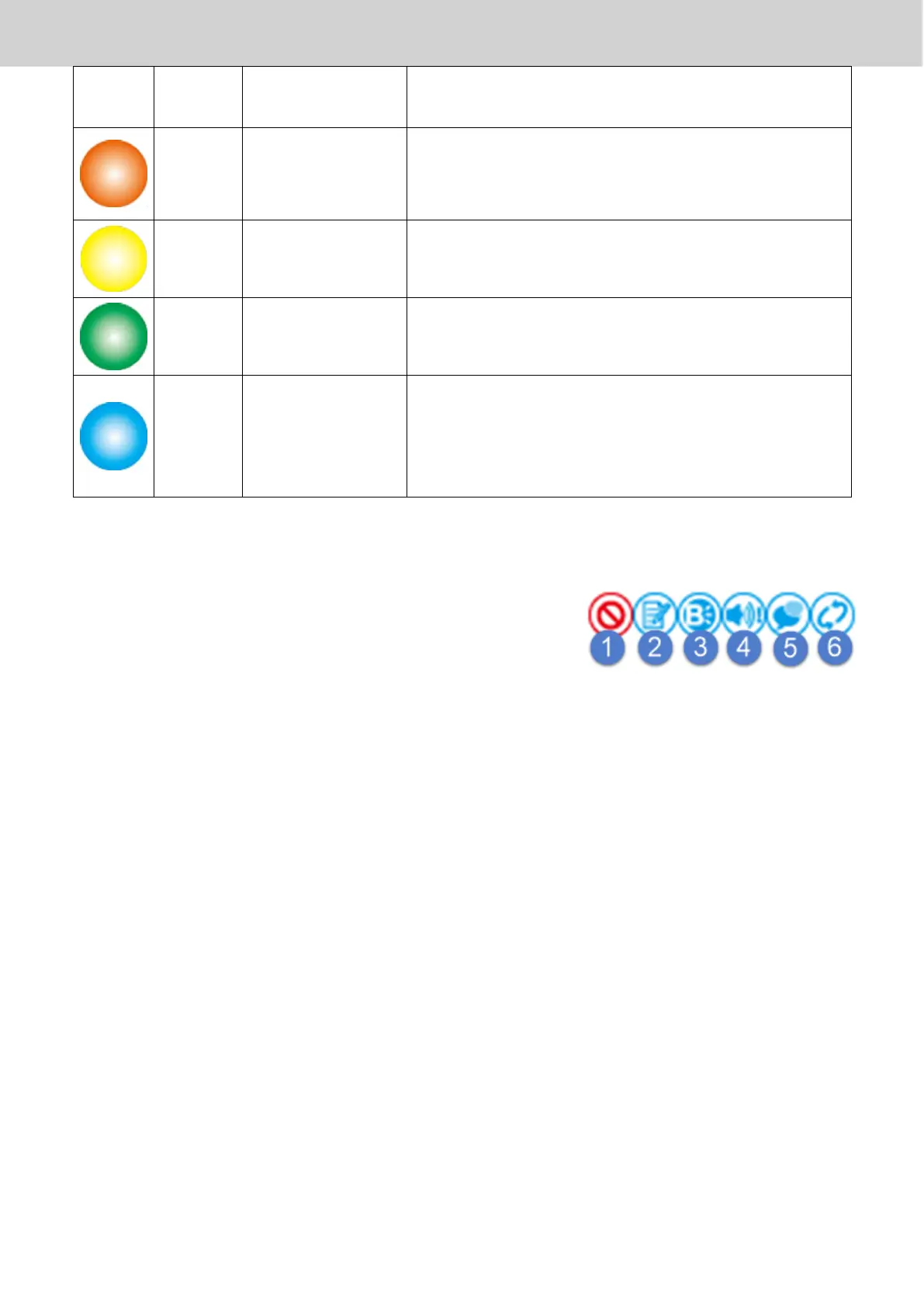
Each Managed AP has “Action” icons with the following functions:
1. Disallow
Remove the Managed AP Group from the AP array and disable
connectivity.
2. Edit
Edit various settings for the Managed AP Group (refer to X-5-1 Access
Point)
3. Blink LED
The LED of all Managed APs in the group will flash temporarily to help
identify & locate the access points.
4. Buzzer
The buzzer of all Managed APs in the group will sound temporarily to
help identify & locate the access points.
5. Network Connectivity
Go to the “Network Connectivity” panel to perform a ping or traceroute.



 To Next Page