Edimax Pro NMS
174
X-5-1-1-4 Edit Radio Settings
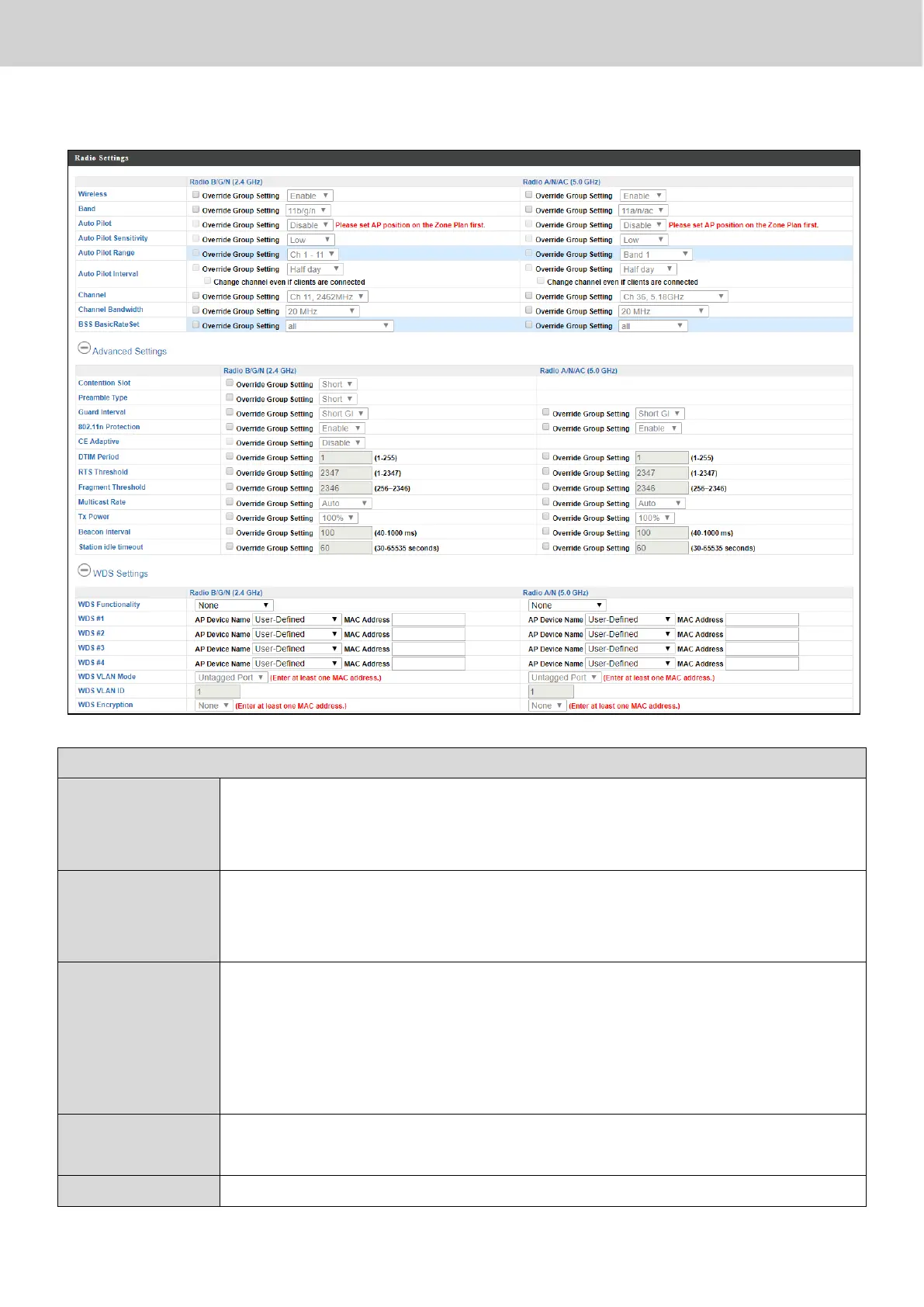
Enable or disable the access point’s 2.4GHz or 5GHz wireless
radio. When disabled, no SSIDs on that frequency will be
active.
Select the wireless standard used for the access point.
Combinations of 802.11b, 802.11g, 802.11n & 802.11ac can
be selected.
Enable/disable auto channel selection. Auto channel selection
will automatically set the wireless channel for the access
point’s 2.4GHz or 5GHz frequency based on availability and
potential interference. When disabled, select a channel
manually.
Select sensitivity of Auto Pilot.
Select a range from which the auto channel setting (above)



 To Next Page