Edimax Pro NMS
271
Enter a MAC address of computer or network device manually
e.g. ‘aa-bb-cc-dd-ee-ff’ or enter multiple MAC addresses
separated with commas, e.g.
‘aa-bb-cc-dd-ee-ff,aa-bb-cc-dd-ee-gg’
Click “Add” to add the MAC address to the MAC address
filtering table.
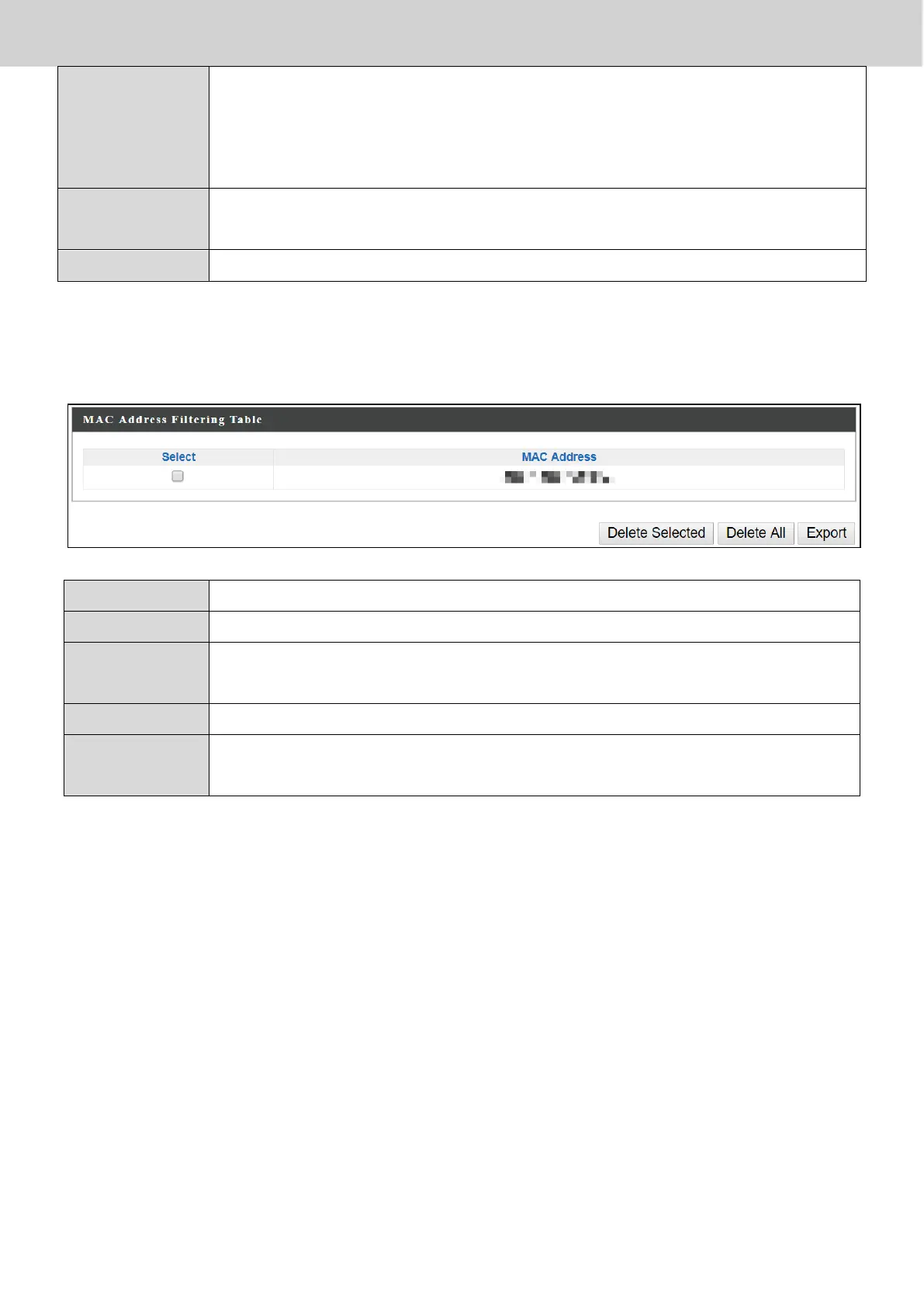
MAC address entries will be listed in the “MAC Address Filtering Table”. Select
an entry using the “Select” checkbox.
Delete selected or all entries from the table.
The MAC address is listed here.
Delete the selected MAC address from the list.
Delete all entries from the MAC address filtering table.
Click “Export” to save a copy of the MAC filtering table. A new
window will pop up for you to select a location to save the file.



 To Next Page