AP, Managed AP, Repeater & Client Bridge Modes
56
Click the circle icon to connect to an available source SSID. SSIDs can be
configured independently for each frequency 2.4GHz & 5GHz.
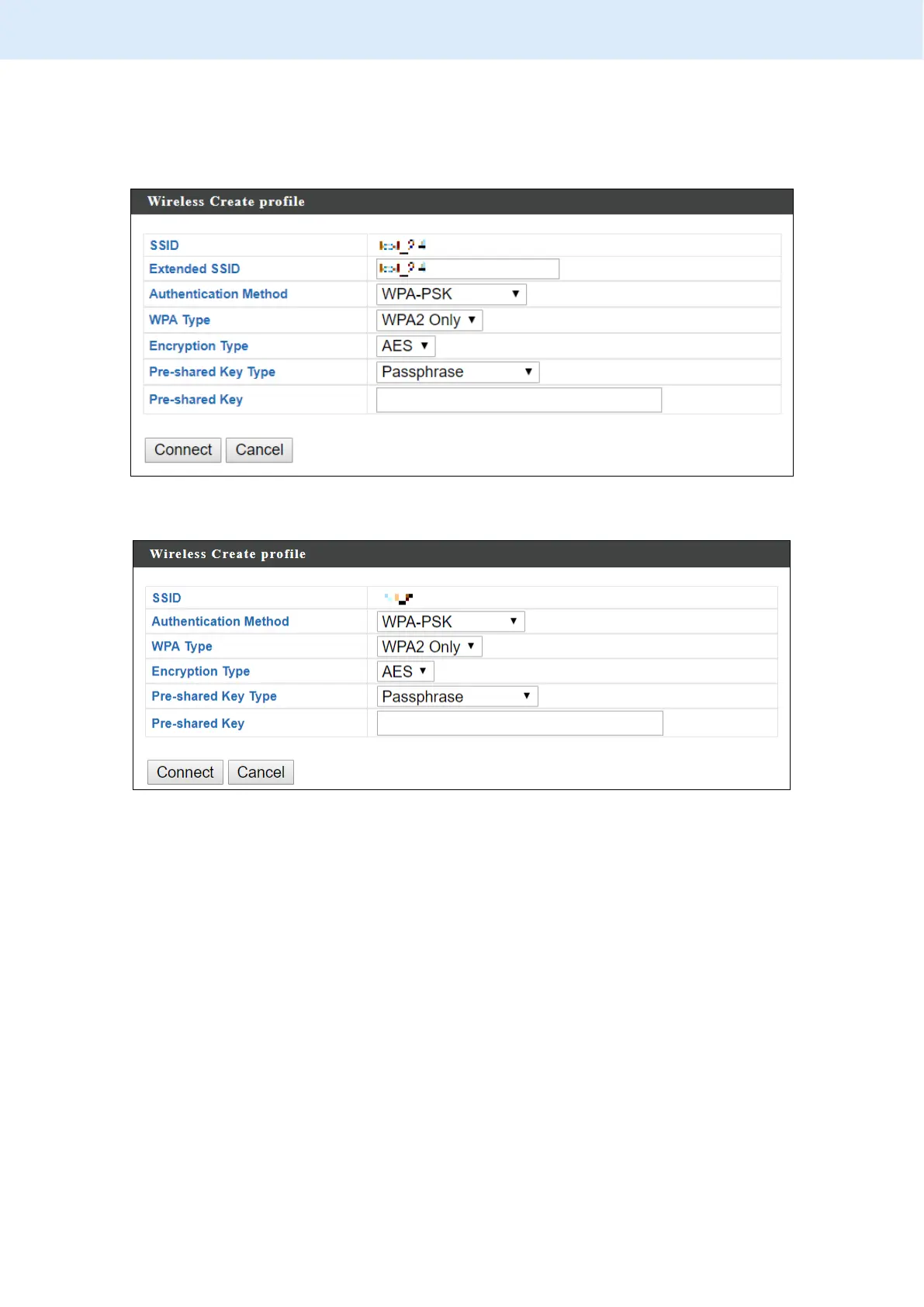
Repeater Mode source SSID connection page:
Client Bridge Mode source SSID connection page:
Edit the connection page according to your preference and enter the security
details for the source SSID (e.g. Pre-shared Key). Click “Connect” to connect to
the SSID.
For more information on setting up Repeater / Client Bridge Modes, please
refer to III Quick Setup & Mode Selection.



 To Next Page