AP, Managed AP, Repeater & Client Bridge Modes
99
1. Select “Add” to add a schedule.
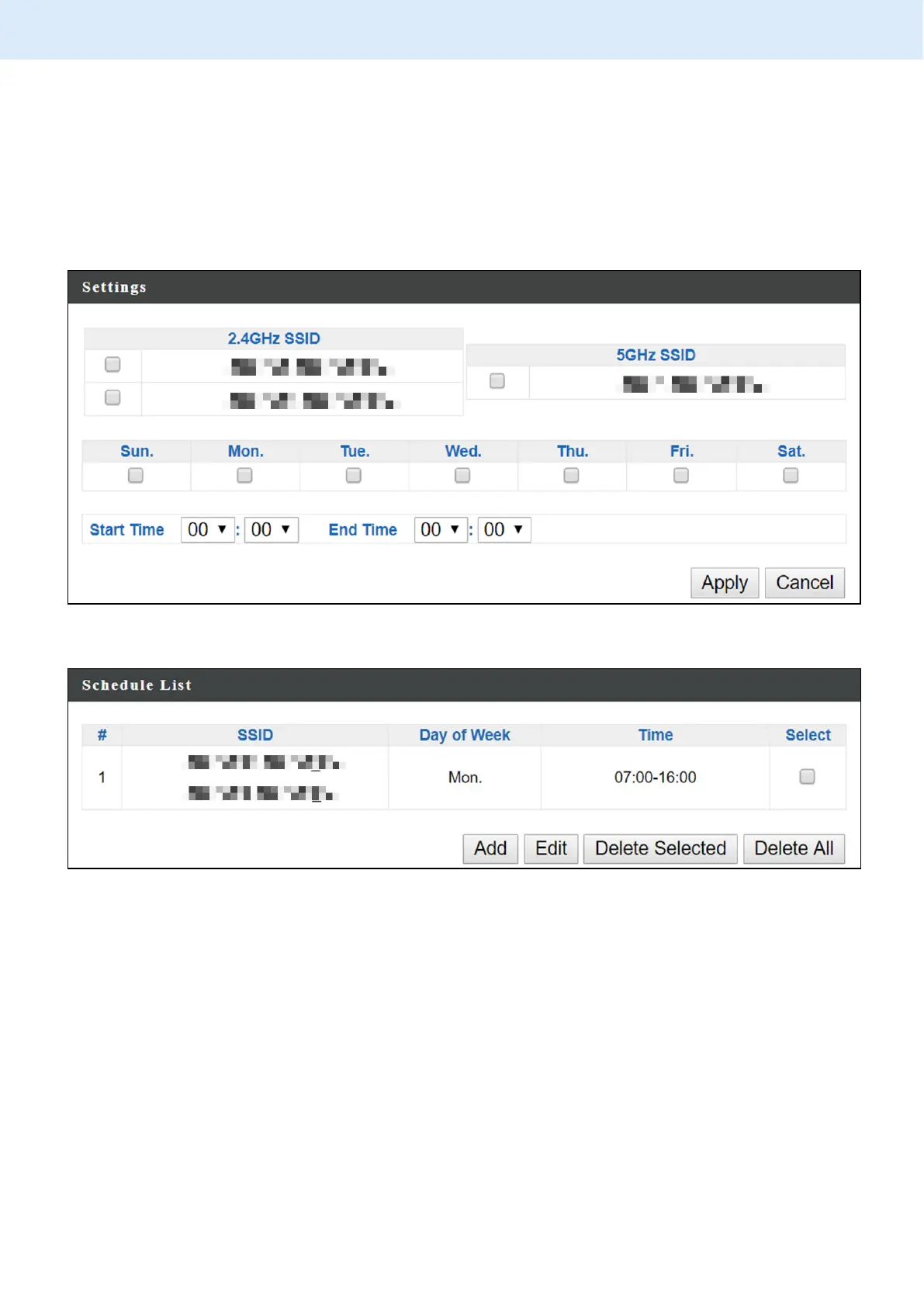
2. Settings page will be shown if “Continue” is selected:
Check/uncheck the box of the desired SSID network, day of schedule
and select the Start Time and End Time (using the dropdown menu).
Select “Apply” to apply the settings, or “Cancel” to forfeit the schedule.
Schedules will be shown in the Schedule List as exemplified below:
3. Select “Add” to add more schedules; or
Check the box of currently available schedule, select “Edit” to edit, or
select “Delete Selected” to delete; or
Select “Delete All” to delete all schedules.



 To Next Page