ELAN HOME SYSTEMS
© ELAN Home Systems 2004 • All rights reserved. Page 27
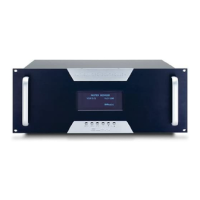
PS12 Front Panel Connections
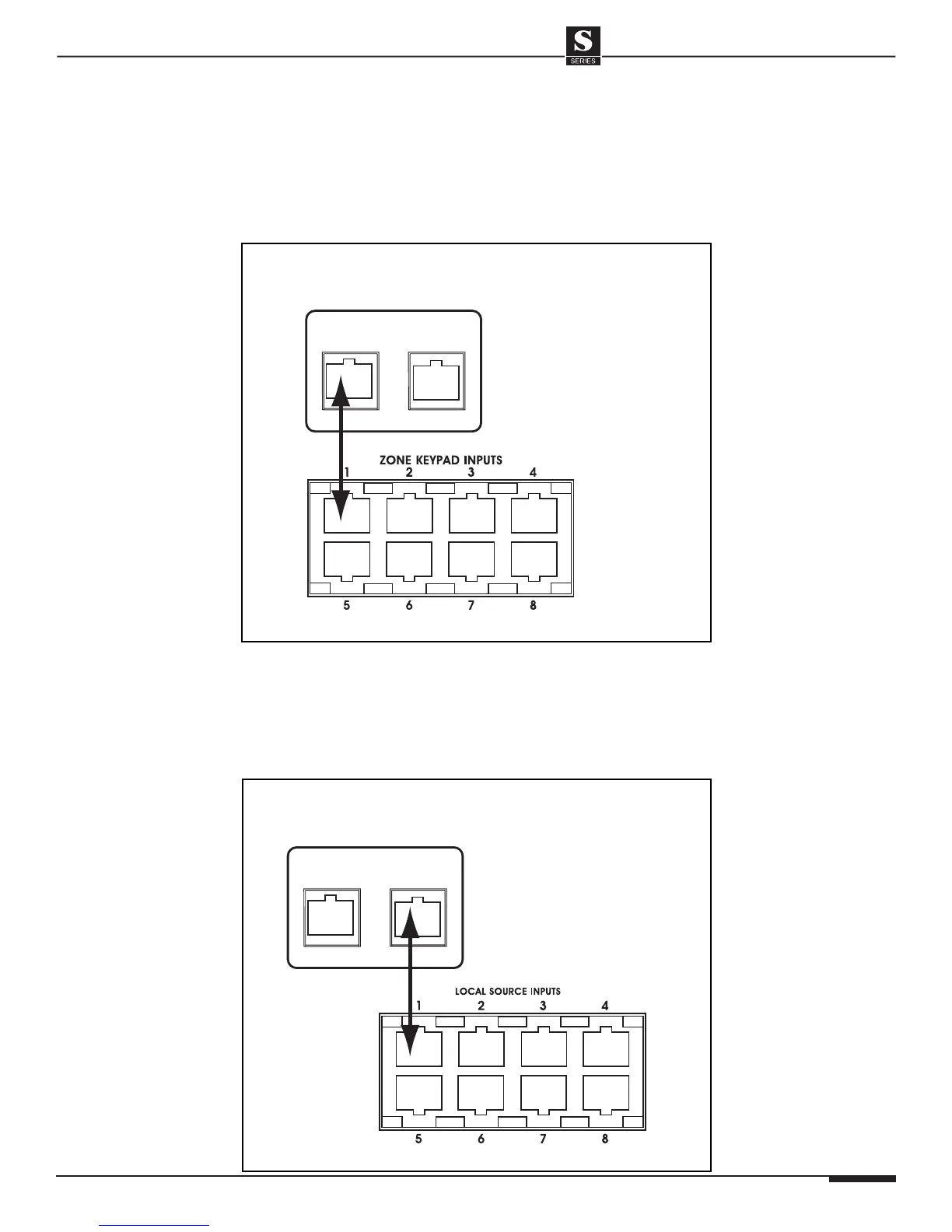
Zone Keypad Input Connections
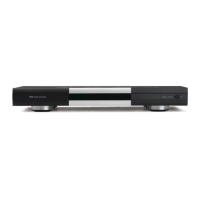
Connect a straight-through RJ-45 interconnect cable (ELAN C4545 1 or 2 meter)
between the S12’s 1-8 Zone Keypad Inputs and the PS12’s Zone 1-8 RJ-45 jacks.
This routes all keypads, touch panels, and IR receivers punched-down on the
back of the PS12 directly to the S12.
S12
1
ZONE
1
LOCAL
PS12
ELAN
C4545
PS12 to S12 Zone Keypad Connections (Zone 1 shown)
Local Source Input Connections
Once the local sources are punched-down on the rear of the PS12, plug an
RJ45 interconnect cable (ELAN C4545) between the Local Source RJ-45 jack
of the PS12 and the corresponding Local Source Input RJ-45 jack of the S12.
These local sources will act as a thirteenth source, but will only be available in
the zone to which they are connected.
S12
1
ZONE
1
LOCAL
PS12
ELAN
C4545
S12
PS12 to S12 Local Source Connections (Zone 1 Shown)
SYSTEM12 INSTALLATION MANUAL


 To Next Page