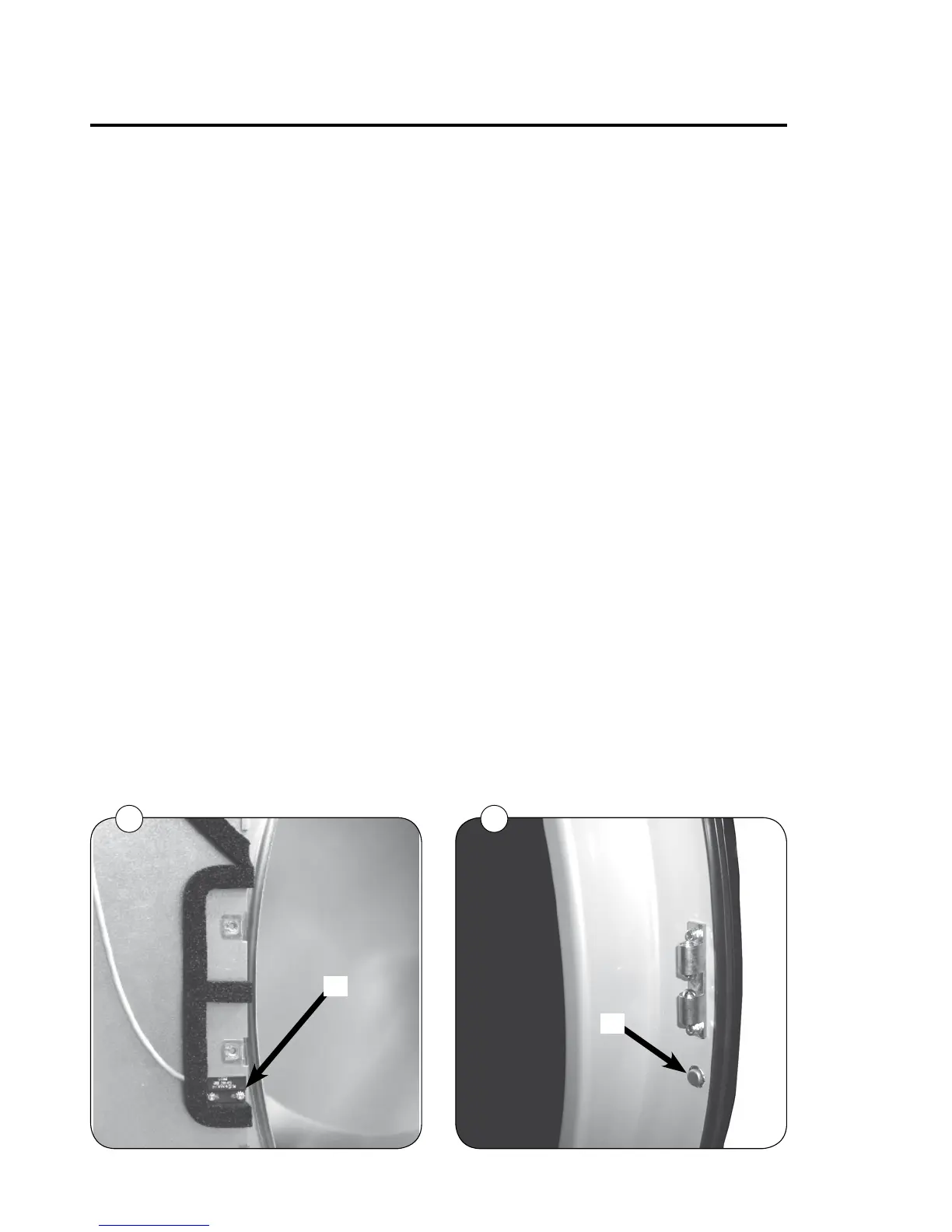
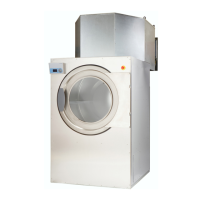
Door switch - Standard door
Aswitchismountedbythelockingunit.
Theswitchensuresthatthedryerstopsautomaticallyiftheloadingdoorisopened
duringoperation.
Ifthedryerdoesnotstopwhentheloadingdoorisopened,theswitchneedsreplacing.
Replacing door switch
1.Disconnectthepowersupplytothedryer.
2.Dismountthedoor
3.Dismountlockingunit
4.Dismountthescrewsthatsecurethecentrefrontpaneltothedryerandremovethe
entirepanel
5.Disconnectthewiresfromthedoorswitch.
6.DismountthedoorswitchA.
7.Mountthenewswitch.
8.Connectthewires.
9.Re-assembleandtestthenewdoorswitch,asfollows:
Testing door switch
1.Connectthepowersupplytothedryer.
2.Startthedryer.
3.Ifthedryerdoesnotstartwhenthedoorisclosedandthestartbuttonispressed,
checkthatthedoormagnetBactivatestheswitchA,fig.1+2.
4.Checkthatthefan,drumrotationandheatallstopwhenthedoorisopened
max.40mm.
Ifthedryerdoesnotstartwhenthedoorisclosedandthestartbuttonispressed,
checkthatthedoormagnetactivatestheswitch.
2
B
1
A
Door switch and lint filter switch
Service
manual
50





 To Next Page