PQZIP Configuration - About PQZIP Recording
The window for PQZIP Configuration & Status is located on the same page namely the PQZIP
Recording Window. In this window you will be able to:
Enable / Disable the PQZIP
Understand how the disc space is managed with the FIFO concept
Configure either Fixed Quality / Fixed Ratio
Configure the Time for Compression with File Capacity
Set FFT Mode Calculation
How to Erase All PQZIP Data
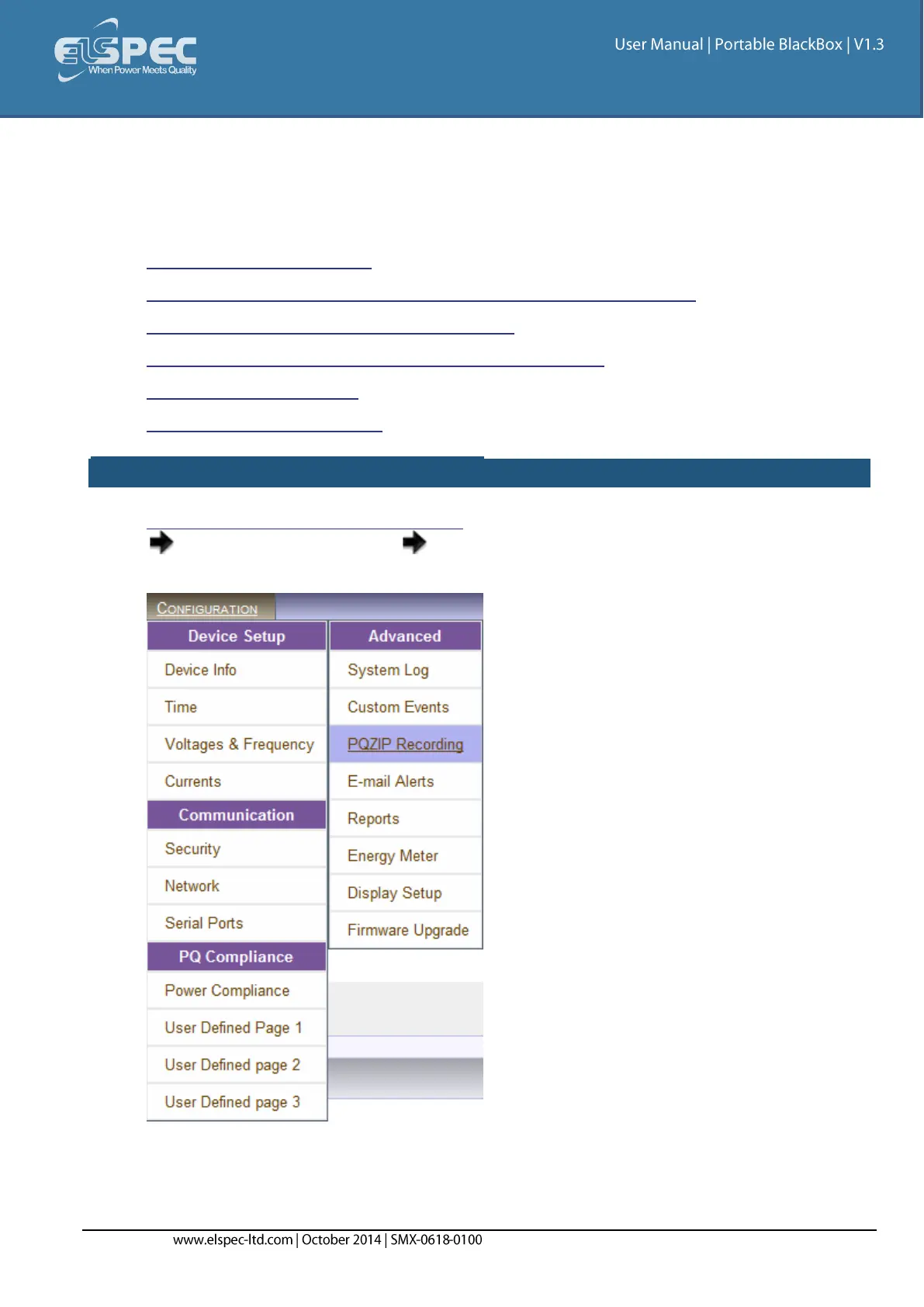
OPEN THE PQZIP RECORDING WINDOW:
Access your Portable BLACKBOX Unit's PQZIP Configuration via Elspec's Web Interface
log on as the Administrator select the Configuration Tab
Under Advanced select the PQZIP Recording Tab:


 To Next Page