Reset Your Portable BLACKBOX
The Reset Button serves mainly two purposes:
To Restore all the Default Factory Settings: Meaning that all the configurations that
have been set for the device will be deleted & returned to the factory defaults. This
includes Disabling the PQZIP Recording.
Verify that LED Signals are operating & functioning properly
RESET THE PORTABLE BLACKBOX
Ensure that the Portable BLACKBOX is switched ON and that Operational Status Indicator
should be either solid blue or red
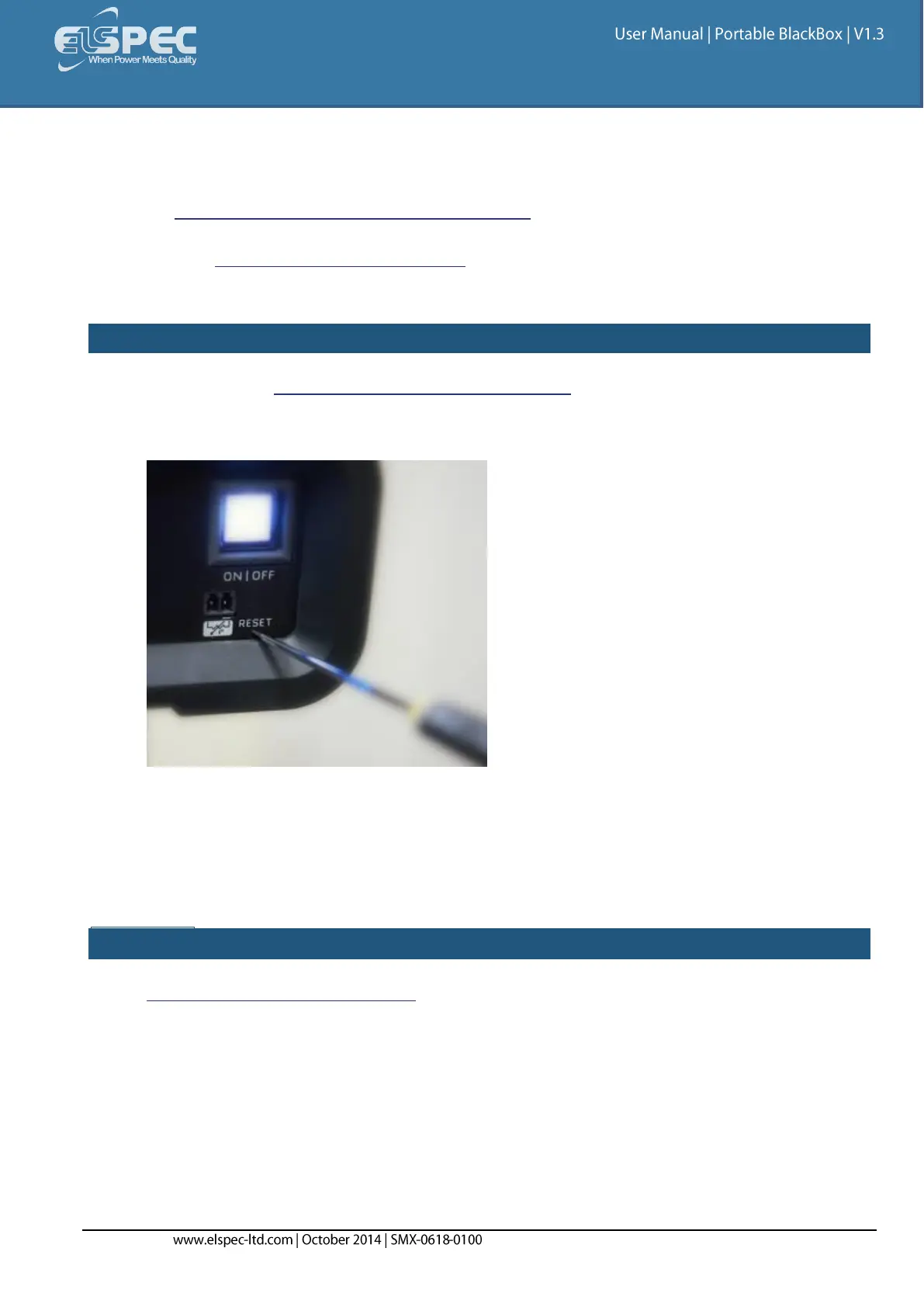
Access the reset button with either a sharp instrument or a small screwdriver:
Press and hold the reset button
After 5 seconds all the LEDs will turn ON. At that stage you may inspect the LED Signals &
check that they are working
After another additional 8 seconds the Portable BLACKBOX will reboot & restore all factory
default settings.
SEE ALSO:
Attach Temperature Connection



 To Next Page