G4500 / G3500 Unit Access
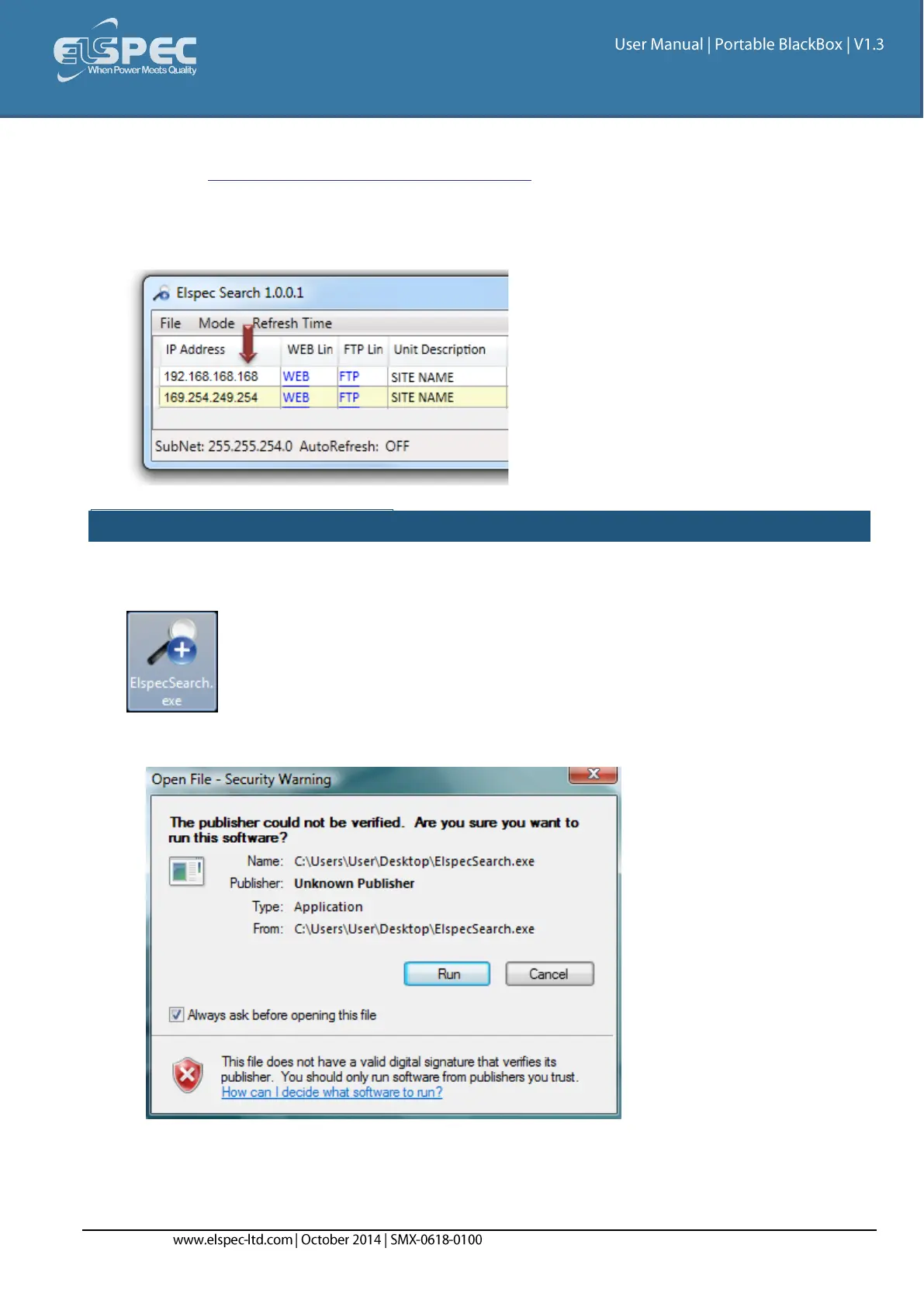
Once you have Connected the Device for the 1st Time, you may access your Portable BLACKBOX
Unit by simply clicking the WEB Hyperlink button in your Elspec's Search Utility. Alternatively you
can simply access the device directly via the Internet Explorer by inserting the Device's IP address
directly (address is also indicated in Elspec's Search Utility).
Access Elspec's search utility:
After you have Copied the Utility on your Desktop, access it by clicking on the Elspec's Search
Icon:
Initially, the program may trigger a verification warning similar to the one below. You may
proceed by clicking Run:



 To Next Page