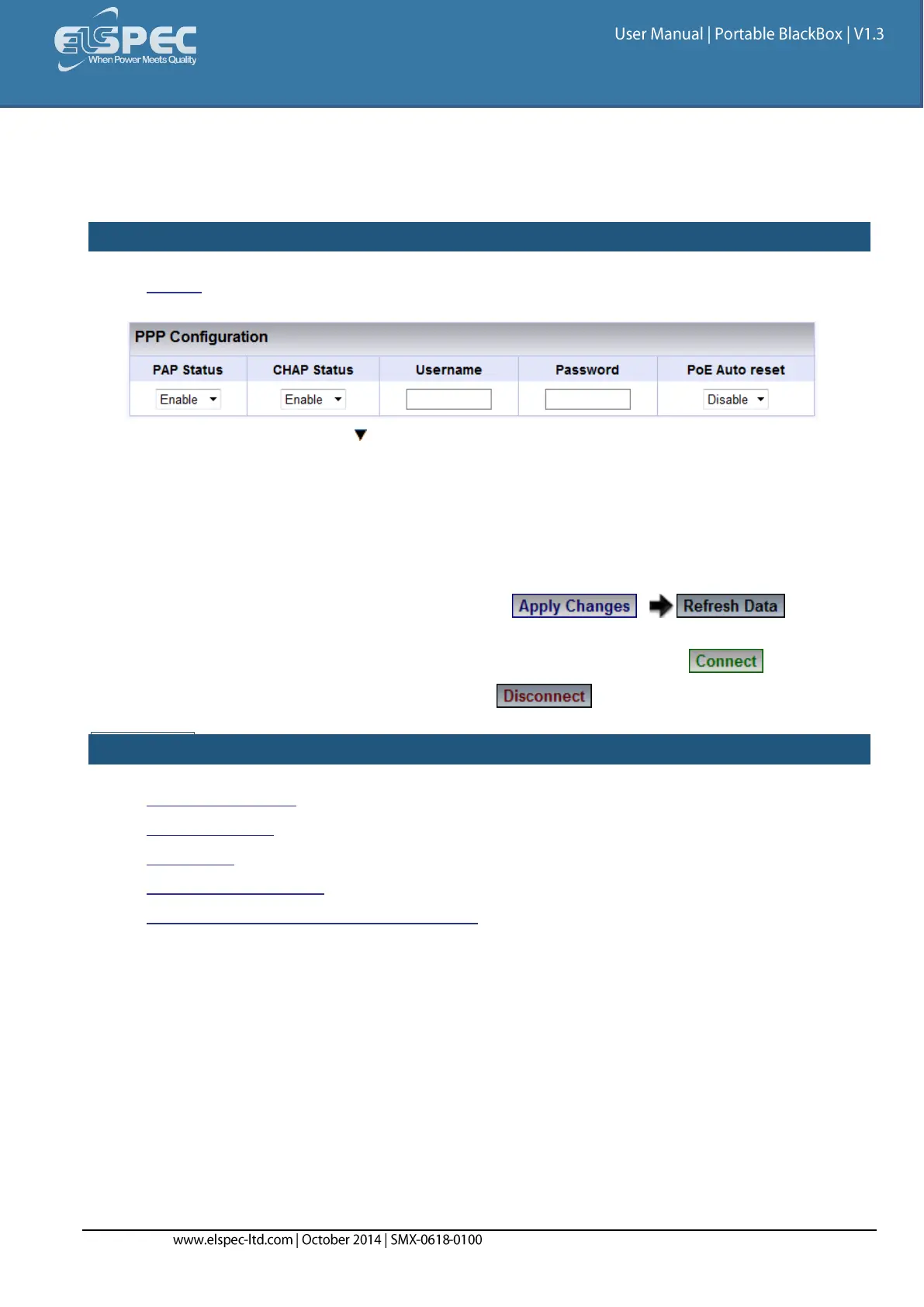
PPP Configuration
In this section you will be able to configure PPP (Point-to-Point Protocol) parameters for serial
communication.
HOW TO CONFIGURE PPP PARAMETERS
Access the Serial Ports Window & in the PPP Configuration Section complete the applicable
Parameters:
PAP Status: With the Enable/Disable the PAP (Password Authentication Protocol)
feature
CHAP Status: Enable/Disable CHAP (Challenge Handshake Authentication Protocol)
feature
Username: This is the Username that you receive from your ISP (Internet Service
Provider)
Password: This is the Password that you receive from your ISP
For your changes to be taken into effect select to review
your changes
In order to establish connection as per the setup configurations select
In order to discontinue the connection select
SEE ALSO:
About Serial Ports
RS-485/ RS-422
PPP Status
Modem Configuration
About Connecting Communication Ports



 To Next Page