Reports - About Reports
The Portable BLACKBOX saves & copies reports over to its internal Compact Flash memory. This
report includes 2 log types namely: Energy & Parameter Logs. As in many cases this may include a
vast amount of information. Therefore it is recommended that you:
1. Configure the unit to send you E-Mail Alerts (mark Report Generation under Compliance
Events) once it has concluded the report.
2. You retrieve the reports from the BLACKBOX's CF Memory via FTP Server. Access the FTP
server via Elspec's Search Utility & the file is located under Reports. (Any user may copy the
log over to this location). Retain the reports on the CF memory only when necessary in order
to not occupy unnecessary disc space.
USING THE METER READING LOG
In this window you will be able to configure the report to include modes for either Energy or
Parameter logs
Access the Portable BLACKBOX via Elspec's Web Interface log on as the Administrator
select the Configuration Tab
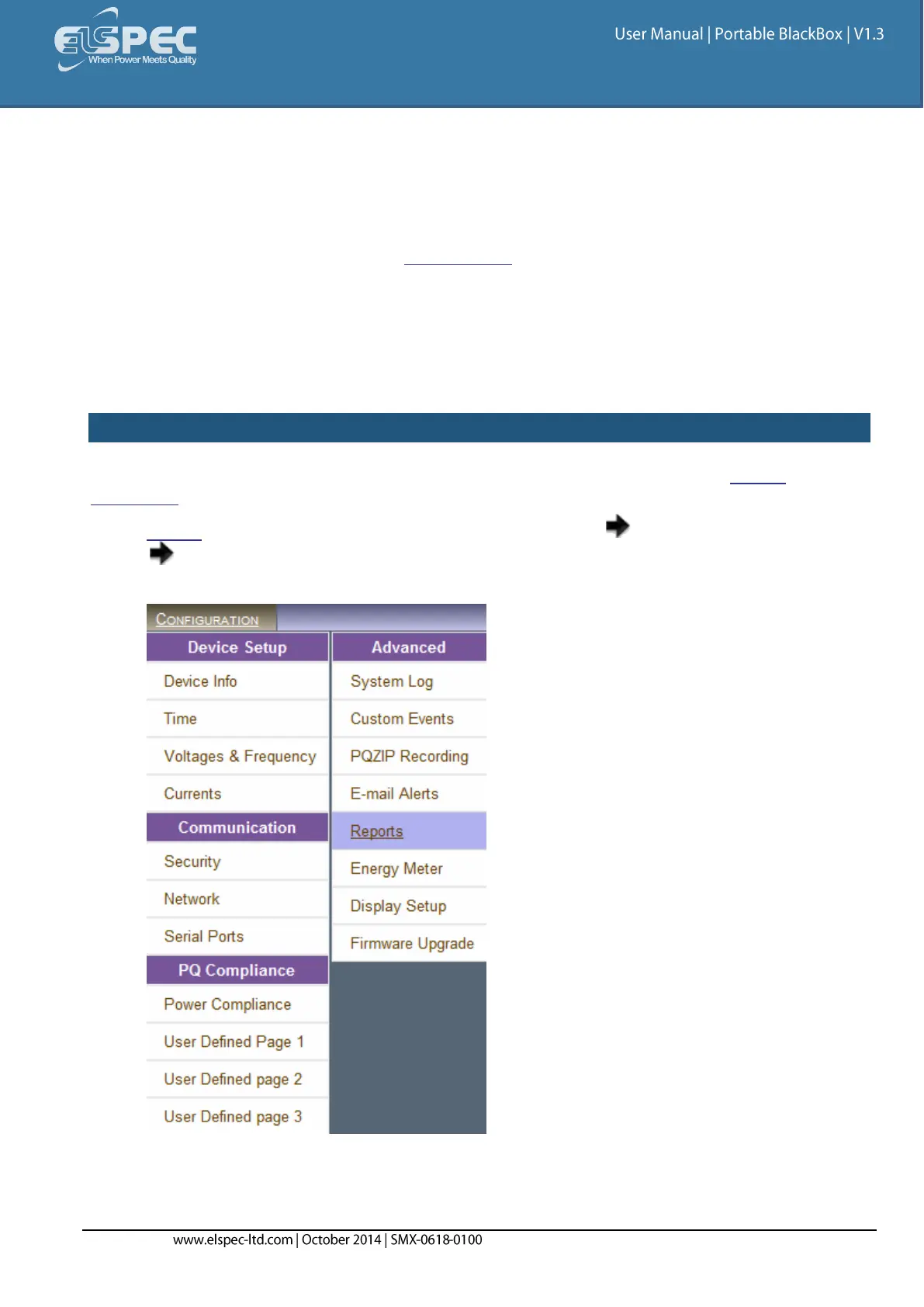
Under the Advanced section select Reports:



 To Next Page