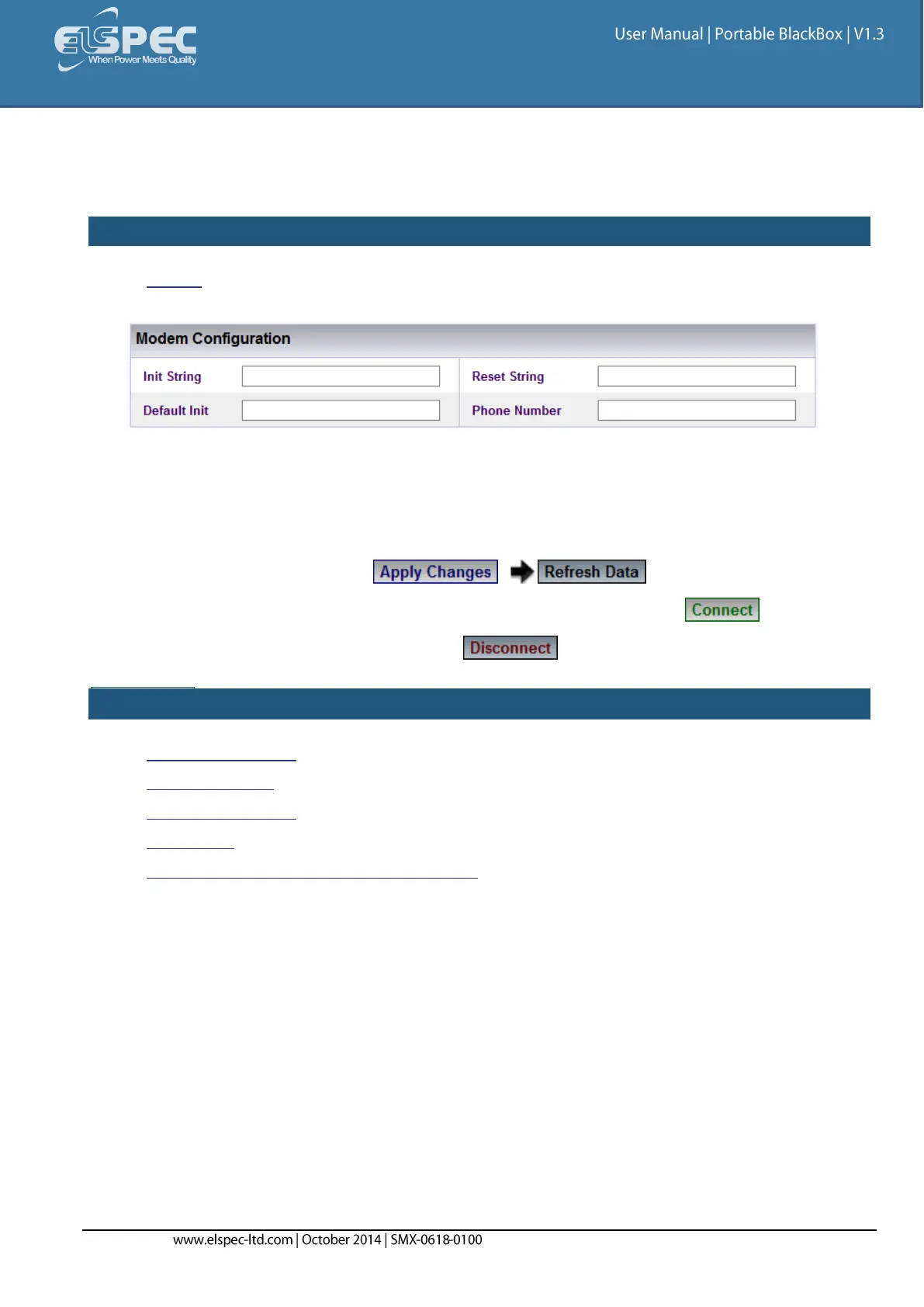
Modem Configuration
The following strings require setup when working with a standard AT commands modem.
HOW TO CONFIGURE THE MODEM SETUP
Access the Serial Ports Window & in the Modem Configuration Section complete the
applicable Parameters:
Init String: AT command string to initialize the modem
Reset String: AT command string to reset the modem
Default Init: AT command string to set the modem to default configuration
Phone Number: Dial up number (without any gaps/hyphenation marks)
To apply your changes select to review your changes
In order to connect the modem as per the setup configurations select
In order to disconnect the modem select
SEE ALSO:
About Serial Ports
RS-485/ RS-422
PPP Configuration
PPP Status
About Connecting Communication Ports



 To Next Page