SEE ALSO:
Principle of Operation
Default Settings
PQZIP Recording
Enabling / Disabling PQZIP
FIFO
Fixed Quality vs Fixed Ratio
File Capacity
FFT Mode
Erasing All PQZIP Data
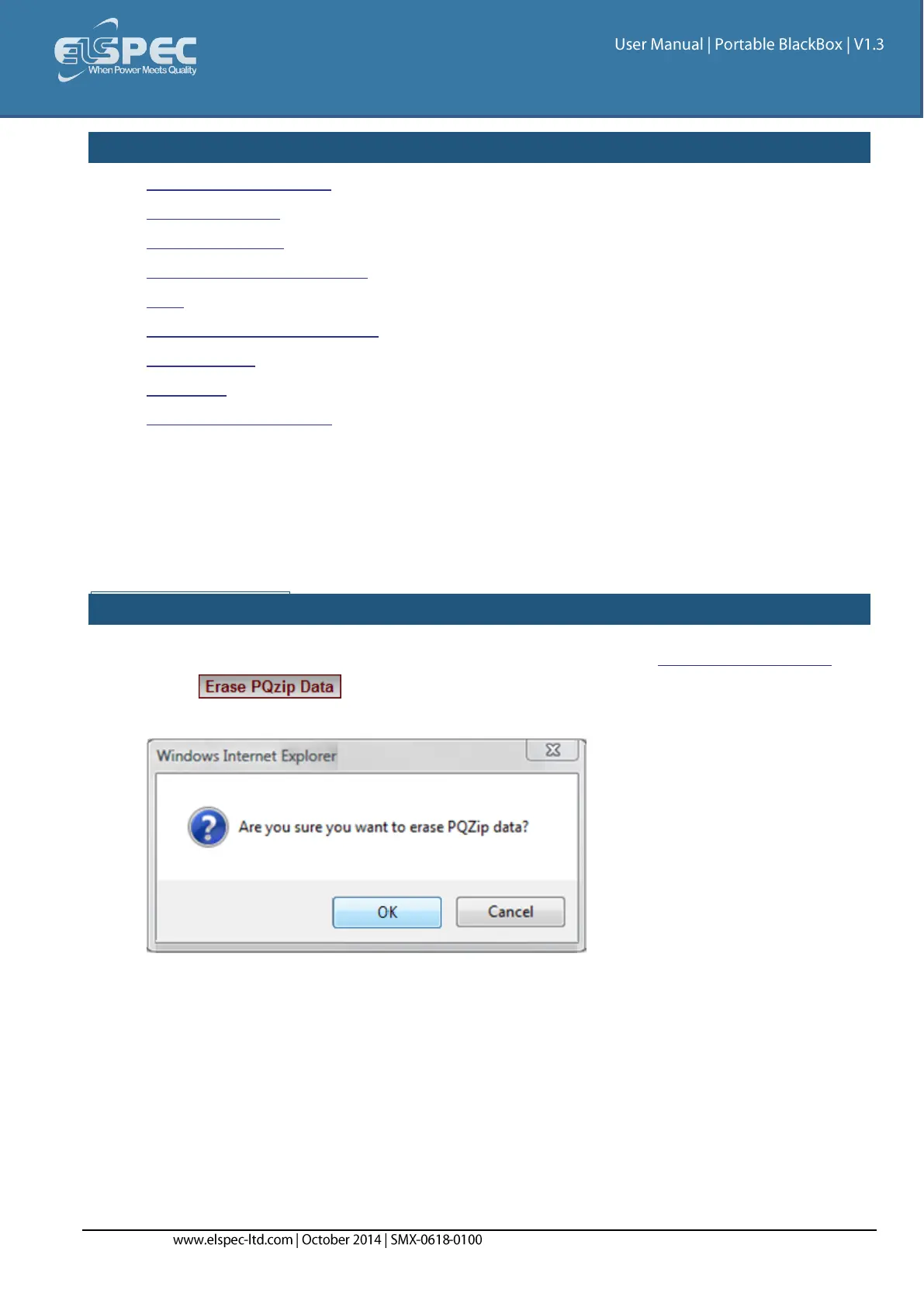
Erase All PQZIP Data
This function will allow you to delete all the PQZIP files from your Portable BLACKBOX's internal
Compact Flash Memory. Prior to proceeding ensure that you've downloaded all the PQZIP files
you needed from your G4500/G3500 unit, as the procedure cannot be reversed.
ERASE PQZIP DATA:
Access your Portable BLACKBOX Unit's PQZIP Configuration via the PQZIP Recording Tab
Select & you will receive the following message:



 To Next Page