G4500/G3500 Unit Access
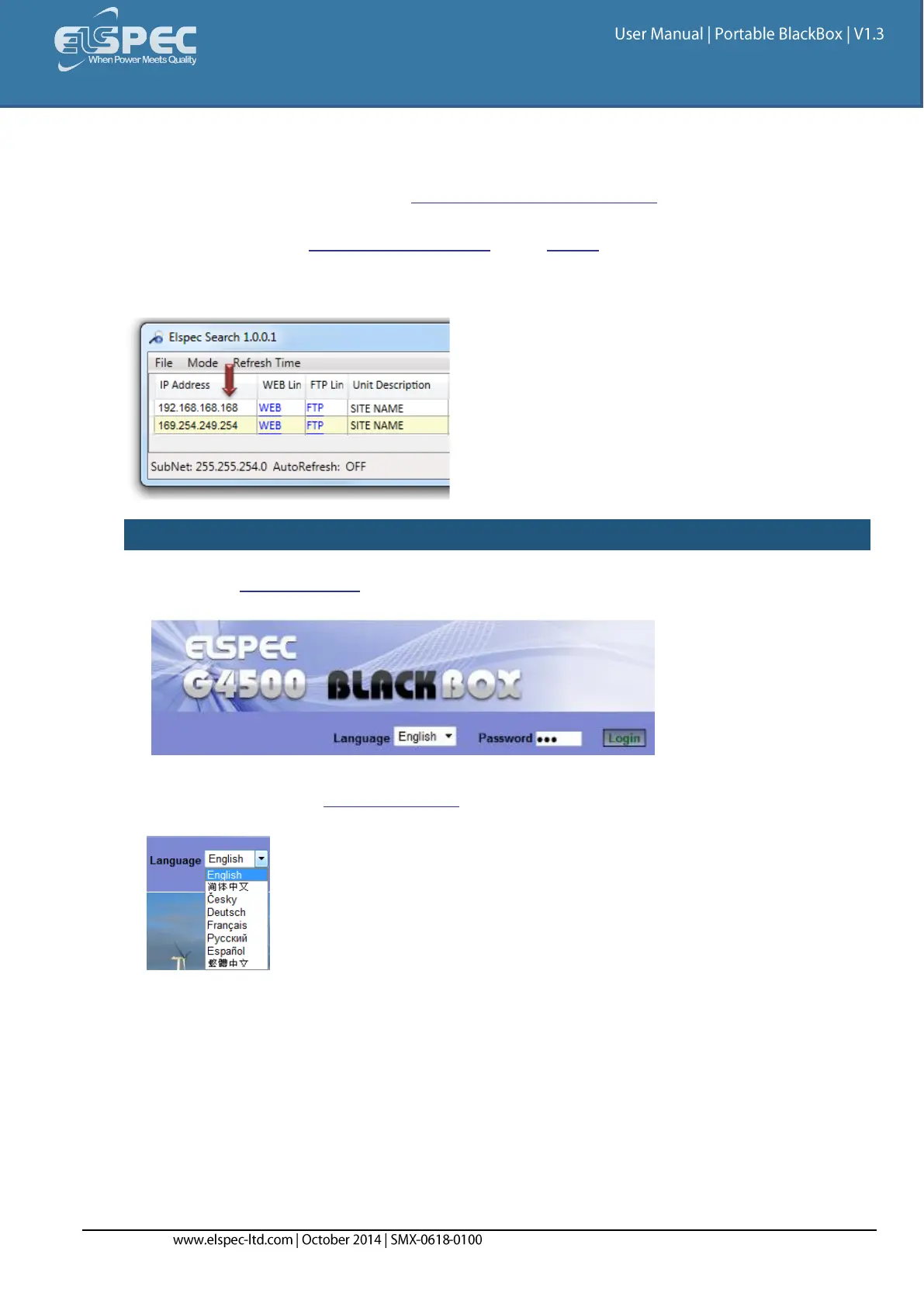
Once you have Connected the Device for the 1st Time, you may access your Portable BLACKBOX by
simply clicking the WEB Hyperlink button in your Elspec's Search Utility. Alternatively you can
simply access the device directly via Internet Explorer by inserting the Device's IP address directly
(address is also indicated in Elspec's Search Utility). The Utility also provides you with access to
your PQZIP Files via the FTP Server. The Default IP Address for a newly supplied Portable BLACKBOX
unit is: 192.168.168.168.
ACCESS INSTRUMENT VIA THE WEB HYPERLINK [RECOMMENDED]:
Further the Use the Utility procedure select the Web link for your device & Elspec's Web
Interface will open:
In order to view the different languages in the Web Interface, you will need to upload the
language feature from Elspec's Website when installing your new Firmware. Once uploaded,
simply select the applicable interface language from the drop-down list:
The supported languages are:
English (Default)
Chinese
Czech
German
French
Russian
Spanish



 To Next Page