Quick Unit Configuration
After you have Plugged in your Device, you will need to configure the unit itself. Access
your Portable Device via Elspec's Web Interface log on as the Administrator under
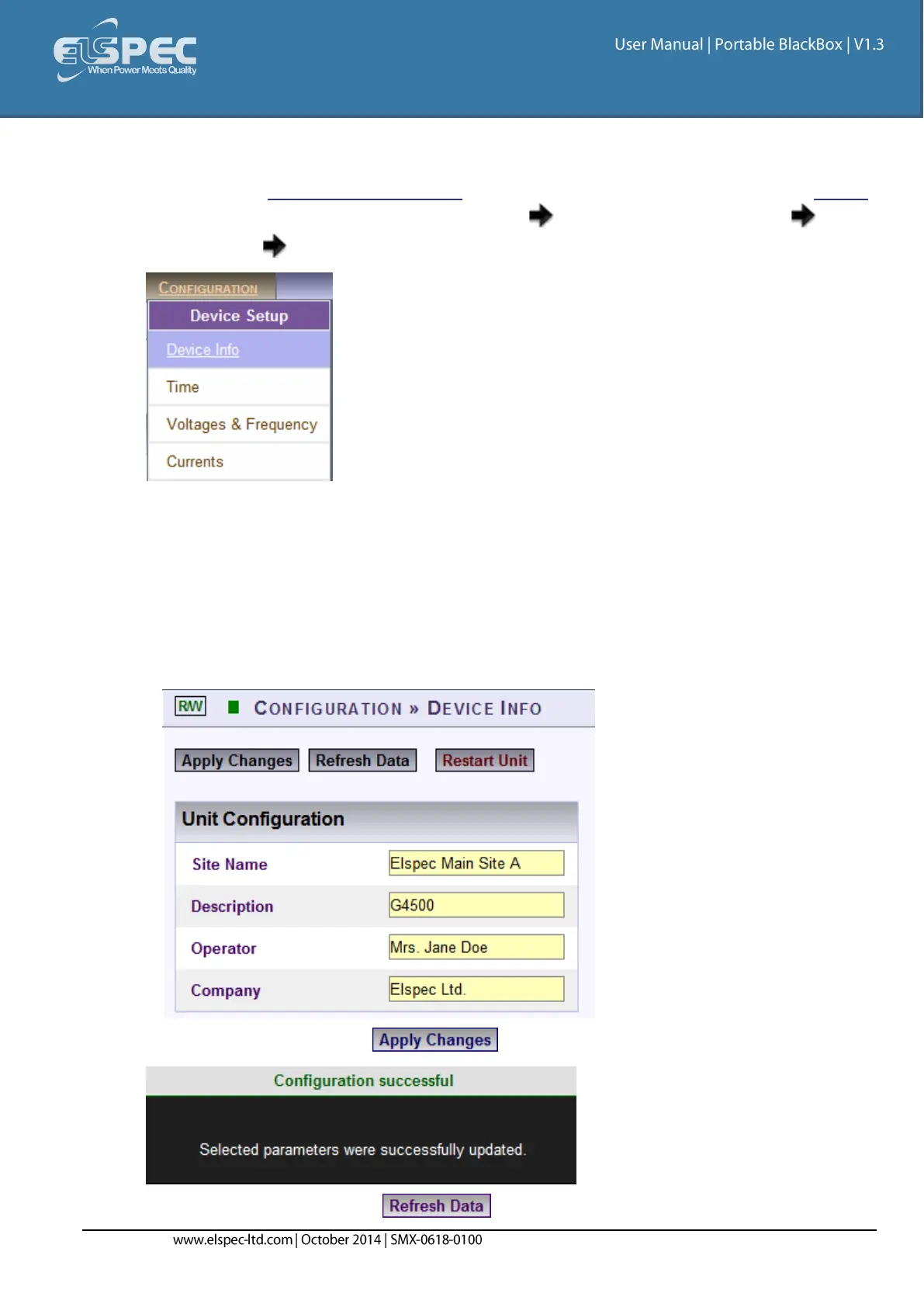
Configuration Device Setup select the Device Info Tab:
In the G4 Unit Configuration Section complete:
Site Name: Enables the user to define a description of the site where the device is
installed. This site description also appears in the Elspec's Search utility under Unit
Description when searching for devices
Description: An additional text field for you to use optionally as you see fit
Operator: A text field typically for inputting operator/technician name
Company: A text field typically for inputting company name
To apply your changes select . A success message will confirm your changes:
To review your changes select



 To Next Page