Go to the next step Configuring Voltage & Frequency
NOTE NOTE NOTE
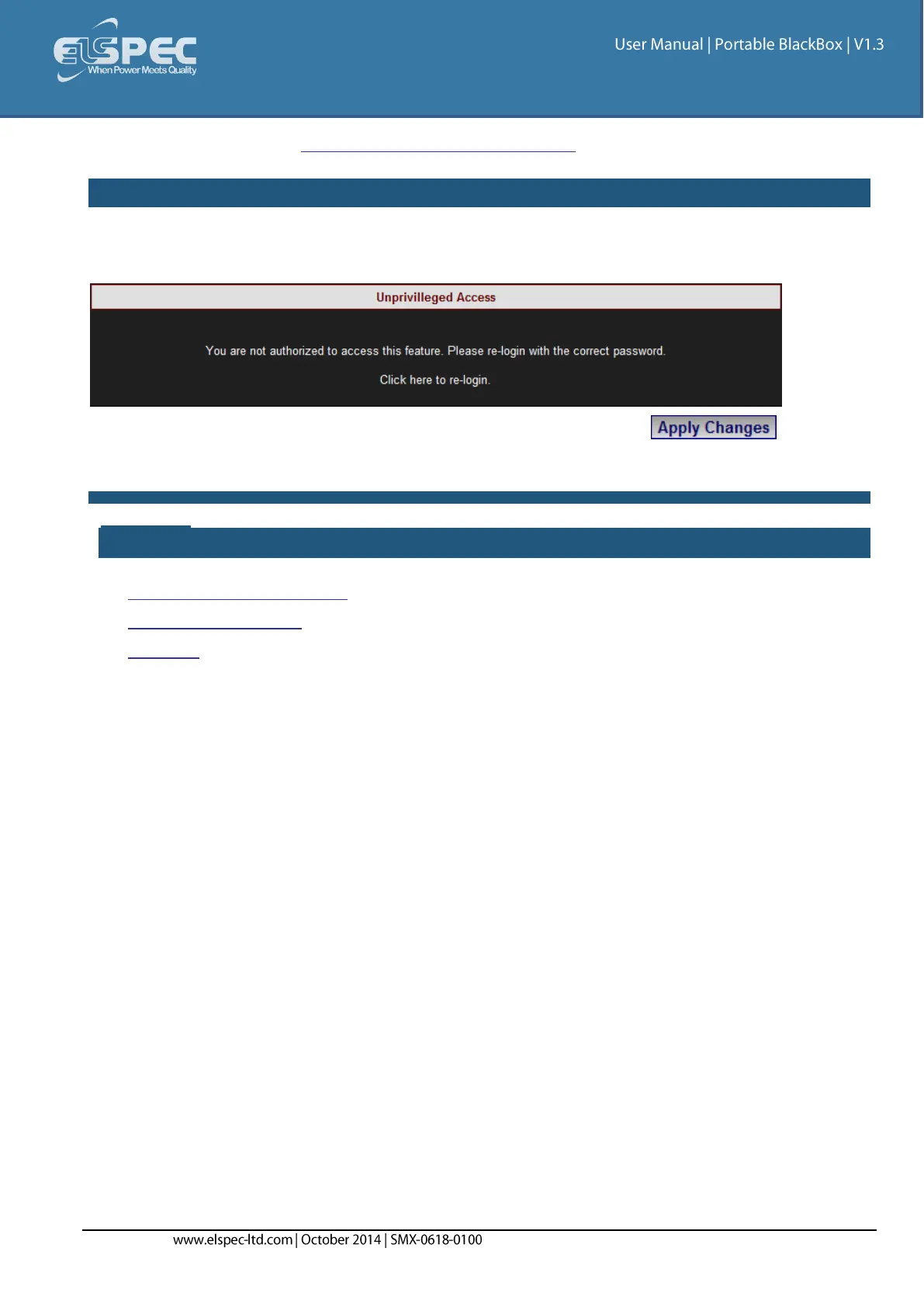
If you are not logged on as the Administrator, you will not be able to change any of these settings &
you will receive the following error message in your attempt to do so:
Once you have signed on at the Administrator ensure that you select to actually
affect your changes.
see also:
About Quick Configuration
Voltage & Frequency
Currents



 To Next Page