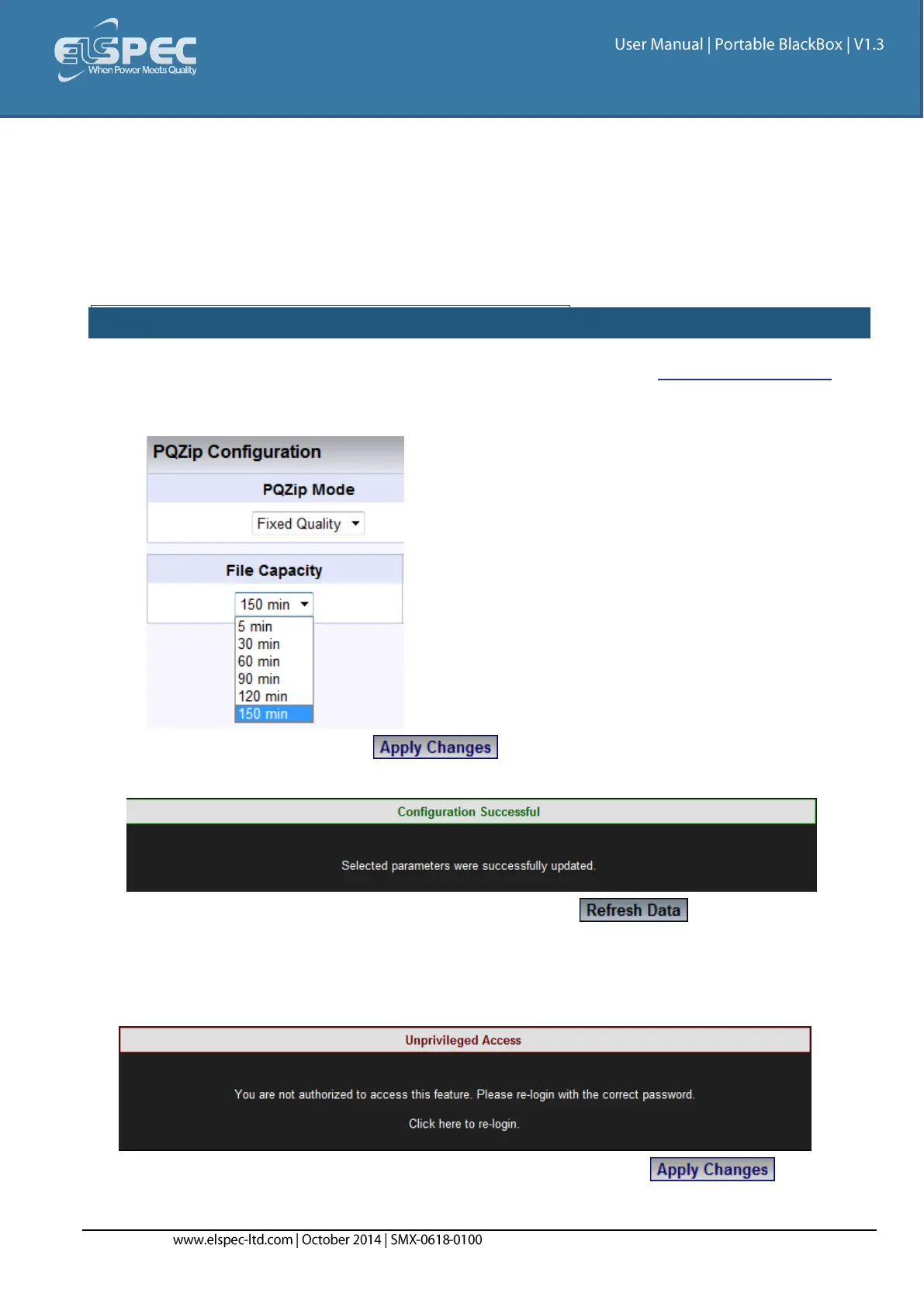
File Capacity
The File Capacity parameter is used to define the maximum time each PQZIP file will take to
compress. The file can be downloaded and data can be analyzed only when the file is closed, so if
you expect to monitor the data in the Investigator application shortly after the data is being
collected, you should choose low time durations. For all other cases, longer durations are
recommended so compression ratios can be slightly improved.
CONFIGURING THE FILE CAPACITY PARAMETER:
Access your Portable BLACKBOX Unit's PQZIP Configuration via the PQZIP Recording Tab
In the PQZIP Configuration section, go to the File Capacity & from the drop-down selection
select the applicable Time Period:
To apply your changes select
You will receive the following success message:
To view your changes (refresh your current view) select
Note Note Note
If you are not logged on as the Administrator, you will not be able to change any of these
settings & you will receive the following error message in your attempt to do so:
Once you have signed on at the Administrator ensure that you select to
actually affect your changes.



 To Next Page